
EPUB vs AZW3 vs Kepub vs Bilingual PDF: E-Reader Format Guide
In brief
Compare EPUB, AZW3, Kepub, and alternating bilingual PDFs for Kindle, Kobo, iPad, and Boox. Pick the right file format for novels, equations, and papers.
Keywords: epub vs azw3 vs kepub; epub vs azw3 kindle; kepub vs epub kobo; send to kindle epub vs pdf; bilingual pdf e-reader format
Drop a novel onto an e-reader in the wrong format and you get wide margins, missing chapter ticks, or footnotes that jump to the end of the book without a return link. Do the same with a two-column research paper or an illustrated textbook—converting a complex PDF into a reflowable ebook—and multi-line equations splinter into stray characters while tables collapse into unreadable single-column lists.
Choosing between EPUB, AZW3 (KF8), Kepub (.kepub.epub), and fixed-layout or alternating-page bilingual PDF files comes down to two questions: how the page is structured (flowing narrative prose vs. fixed multi-column diagrams and math) and how the file reaches your screen (cloud sync vs. USB cable).
Quick Decision Matrix: Device, Content, and File Format
Use this matrix to match your reading hardware and source material to the exact container it handles cleanly:
Reflowable Formats for Prose: EPUB vs. AZW3 vs. Kepub
When you read a novel, biography, or essay collection, the text should adapt dynamically whenever you change the typeface, font size, line spacing, or margins. Three reflowable formats dominate e-ink and tablet workflows, and all three share the same HTML/CSS foundation under the hood.
1. EPUB: The Universal Open Standard (and How Send to Kindle Uses It)
Maintained by the W3C (EPUB 3), EPUB is a ZIP archive packaging XHTML chapters, CSS stylesheets, vector graphics, and metadata. Apple Books, Kobo, PocketBook, Boox NeoReader, and KOReader all render .epub files natively.
A common misconception is that Kindle owners must still convert EPUB files before sending them to Amazon. In late 2022, Amazon retired .mobi uploads across its Send to Kindle pipeline (web uploader, iOS/Android apps, and email) and adopted EPUB as its primary ingestion format. Here is what actually happens when you upload an .epub file through Send to Kindle:
- Kindle does not render the raw
.epubdirectly on the hardware. Instead, Amazon's servers parse yourEPUBand transcode it into Amazon's proprietaryKFXformat before syncing it down to your Kindle and mobile Kindle apps. - Cloud advantages: You get cross-device reading position sync (Whispersync), synced highlights, and cover thumbnails in your library view.
- Formatting caveat: Amazon's cloud transcoder requires clean UTF-8 encoding and valid NCX/EPUB 3 table-of-contents metadata. If an older
.epubfails to deliver via Send to Kindle, running anEPUB -> EPUBpolish or conversion in Calibre fixes malformed manifest tags in seconds.
For a complete walkthrough of moving translated .epub books onto Amazon hardware, see our guide on how to translate an ebook and read it on Kindle and our deep dive into translating EPUB ebooks while keeping formatting intact.
2. AZW3 (KF8) vs. Legacy MOBI: Why USB Sideloaders Still Use AZW3
If you transfer books offline via a USB cable using Calibre—skipping Amazon's cloud servers entirely—a Kindle will not recognize a bare .epub dropped into its documents/ folder (unless you have jailbroken the device to run KOReader).
For USB sideloading onto Kindle, always pick AZW3 (also called Kindle Format 8 / KF8) over legacy .mobi:
- Why
.mobiis obsolete: Created in the early 2000s, the legacy Mobipocket format strips modern CSS layouts, cannot embed custom fonts, struggles with complex nested tables, and disables Kindle's font boldness slider. - What
AZW3delivers: Released alongside HTML5/CSS3 updates,AZW3preserves drop caps, custom embedded typefaces (crucial for CJK and mathematical Unicode), nested blockquotes, and SVG graphics when sideloaded directly over USB.
3. Kepub (.kepub.epub): What Kobo Changes Inside the File
Kobo e-readers open standard .epub files out of the box, which leads many readers to wonder why the .kepub.epub extension exists. A Kobo contains two separate rendering engines:
- Adobe RMSDK: Triggered whenever you open a standard
.epubfile. - ACCESS NetFront (WebKit-based): Triggered whenever a file ends in
.kepub.epuband contains Kobo's internal<span>sentence and word wrappers.
Converting a standard EPUB to Kepub (either automatically on the fly via the KoboTouchExtended plugin in Calibre or the standalone kepubify CLI tool) unlocks four hardware features on Kobo devices:
- Pop-up footnotes: Tapping a superscript citation opens a preview card at the bottom of the screen instead of jumping your reading position to the back of the book.
- Per-chapter reading time bar charts: The top header displays how many minutes remain in the current chapter and shows a visual histogram of upcoming chapter lengths.
- Double-tap image zoom: Diagrams and maps can be opened in an interactive pan-and-zoom overlay.
- Faster page turns: Kobo's WebKit renderer paginates per chapter rather than computing a single synthetic page count across the entire book.
Standard Ebooks publishes public-domain English fiction in EPUB, AZW3, and Kepub side by side so readers can grab the container tailored to their device.
Why Reflowable Formats Break STEM Papers and Textbooks
While reflowable formats excel at linear prose, they fail whenever spatial coordinate layout carries meaning. In a two-column arXiv preprint, an IEEE conference paper, or an engineering manual, converting the PDF to EPUB or AZW3 destroys three critical elements:
- Display and inline equations: PDF files store mathematical notation as positioned glyph coordinates rather than semantic MathML. Reflow converters frequently separate subscripts, superscripts, integration limits, and matrix brackets onto separate lines.
- Multi-column tables and spanning headers: Merged cells, multi-row headers, and wide comparison tables that span across two columns wrap erratically on a reflowable canvas.
- Vector figures and callout labels: TikZ plots, circuit schematics, and architectural diagrams lose their relative alignment with figure captions, and tiny text annotations inside diagrams either vanish or split into orphaned text blocks.
If you are reading scientific literature, financial reports, or technical specifications, keep the file in PDF format. You can inspect how structural translation handles multi-column layouts, cross-references, and math in our guide to translating and reading PDF documents.
Alternating Page-by-Page Bilingual PDFs: The Two-Page Spread Trick
When reading a technical paper or book in a second language, squeezing both the original text and the translated text onto the same PDF page forces a layout compromise: either the font shrinks to half size, or the original two-column structure has to be torn apart.
An alternating page-by-page bilingual PDF solves this cleanly by keeping every page at 100% of its native scale:
- Odd pages (1, 3, 5...) display the original PDF page with its intact columns, figures, and equations.
- Even pages (2, 4, 6...) display the corresponding translated PDF page, preserving the same column geometry, bold emphasis, table structure, and clickable table-of-contents or cross-reference links.
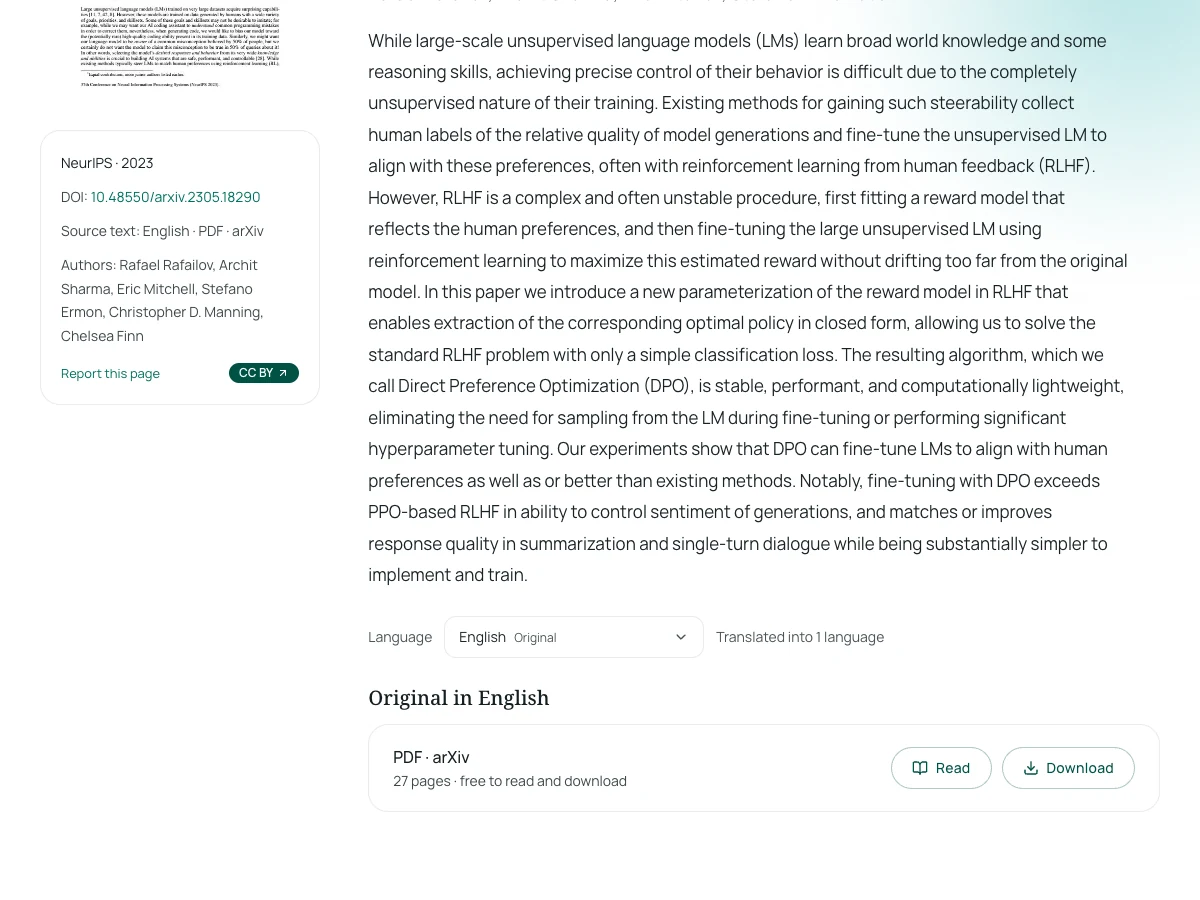
On a 10-to-13-inch tablet or large e-ink screen (iPad Air/Pro, Boox Note/Tab series, Kobo Elipsa, Kindle Scribe, or any desktop monitor), open an alternating bilingual PDF and enable Two-Page View (with cover page display turned off so Page 1 and Page 2 pair together). Every page turn automatically places the original page on the left and the translated page on the right at full size.
You can test how both formats behave on Equalang Plaza, which indexes public-domain books (from sources such as Aozora Bunko, Wikisource, and Standard Ebooks) alongside open-access papers (CC BY, CC BY-SA, and CC0 works from OpenAlex, PubMed Central, and arXiv). Once signed in, you can read and download any original file for 0 credits and preview the first 20% of any translation side by side with synchronized scrolling. Downloading a full translated edition costs 1/10 of the standard translation credits (rounded up) and preserves the source format—EPUB books download as EPUB, while every PDF translation purchase includes both the standalone layout-preserved translated PDF and the page-by-page alternating bilingual PDF.
Pre-Flight Checklist Before Loading Files onto Your E-Reader
Before moving a batch of books or papers onto your device, run through this five-point verification checklist:
- Check whether the PDF is text-backed or scanned: Try highlighting a sentence in your PDF reader. If you can select individual characters, it has a real text layer; if the cursor draws a box over the whole page, it requires OCR or structural PDF processing before text extraction.
- Never run
PDF -> EPUBin Calibre on two-column papers: If a 6-inch e-ink screen is your only device for reading a two-column PDF, use KOReader's real-time two-column page-split view rather than converting the file toEPUB. - Use
EPUBfor Send to Kindle,AZW3for USB: Do not convert to.mobifor either workflow. Amazon's cloud rejects.mobi, and USB transfers lose CSS3 styling and font controls when saved as.mobi. - Turn off "Show Cover Page Alone" in Two-Page PDF Viewers: When opening an alternating-page bilingual PDF in Apple Preview, Adobe Acrobat, PDF Expert, or Boox NeoReader, ensure two-page spread mode pairs Page 1 (Odd) with Page 2 (Even). If the viewer treats Page 1 as a standalone cover, your original and translated pages will be offset by one turn.
- Keep narrative translations in
EPUBfirst: If you read prose on a Kobo or a USB-connected Kindle, download or generate your translation as a cleanEPUBfirst, then run a lossless 2-second container conversion to.kepub.epubor.azw3in Calibre.
Frequently Asked Questions
Does Kindle natively read EPUB files now?
Kindle hardware still does not render raw .epub files copied directly over a USB cable (unless you install third-party software like KOReader). However, Amazon's Send to Kindle service (web, mobile apps, and email) accepts .epub files directly and automatically converts them into Amazon's modern KFX format in the cloud before delivering them to your device.
Is Kepub better than standard EPUB on a Kobo e-reader?
For almost all narrative books, yes. While Kobo devices read standard .epub files without issue, converting the file to .kepub.epub switches Kobo from the older Adobe RMSDK engine to its WebKit-based ACCESS engine, unlocking pop-up footnotes, chapter-by-chapter reading time histograms, faster page turns, and double-tap image zoom.
Which format works for reading bilingual research papers with equations?
Keep scientific papers in PDF rather than converting them to EPUB or AZW3. Specifically, an alternating page-by-page bilingual PDF preserves the two-column layout, vector diagrams, tables, and inline/display equations on both the odd (original) and even (translated) pages, allowing side-by-side comparison in any two-page spread PDF viewer.
Sources
- W3C EPUB 3.3 Official Specification
- Amazon Send to Kindle Supported File Types Documentation
- Calibre E-Book Management & Format Conversion Manual
- Kepubify: Kobo EPUB to Kepub Conversion Specification
- Standard Ebooks: Which Ebook Format Should I Download?
- Equalang Plaza Public-Domain Books & Open-Access Papers Library