
Face-to-Face
Two-way conversation across languages on one screen
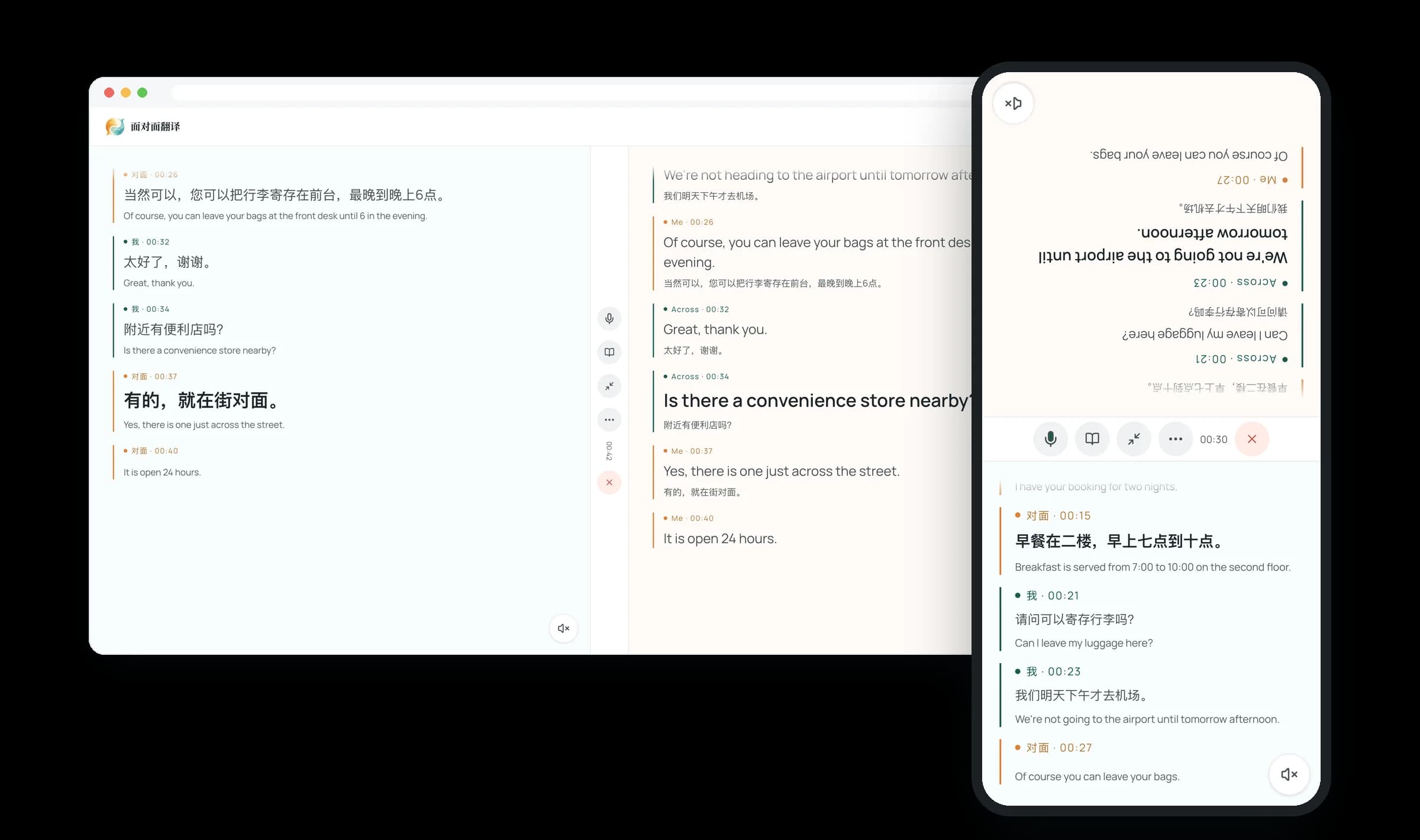
Two-way translation on one screen
Share one phone, tablet, or laptop between two people to speak in your own languages and read live bilingual captions across the table or side by side.
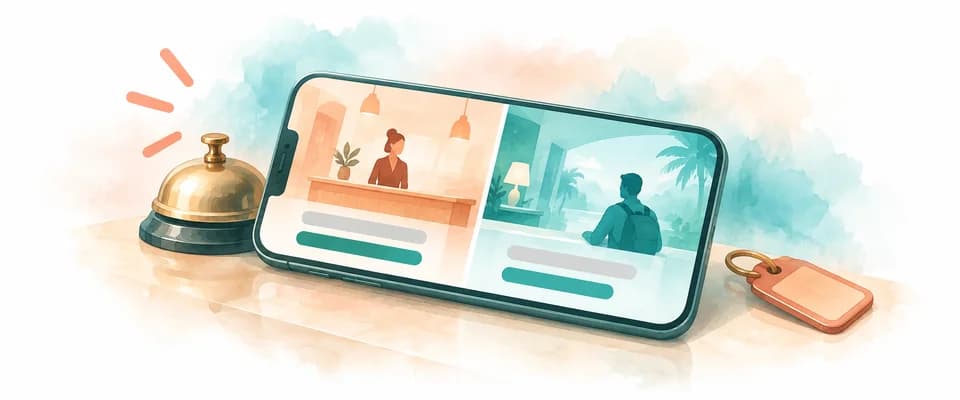
Travel and dining
Check in at hotels, leave luggage, order food, or ask for directions abroad with clear translations on one shared screen.
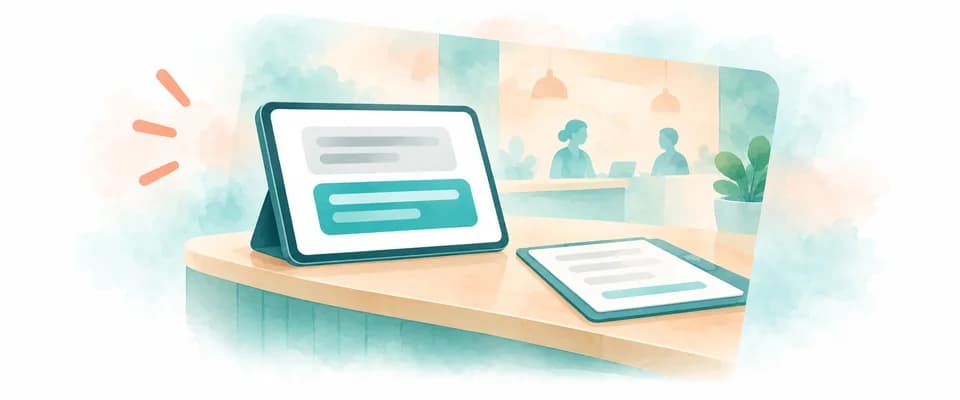
Front desks and errands
Handle banking, clinic visits, campus registration, or municipal paperwork in person while confirming details on the bilingual screen.

Sharing one device
Talk with a colleague or visitor using the across-the-table flipped layout or side-by-side view without passing a phone back and forth.
Three steps to talk on one device
Choose both languages
Open Face-to-Face in your phone, tablet, or laptop browser and select the languages for both speakers.
Pick a screen layout
Use the across-the-table flipped view when sitting opposite each other, or the side-by-side view when sitting together.
Converse and export notes
Speak clearly in turn to view live bilingual captions and optional translated audio, then export the bilingual transcript when finished.
Which languages work in face-to-face mode?
Supported languages are listed in the pickers at the top of this page. Because face-to-face mode requires two-way speech recognition, its language pairs are more selective than one-way listening.
Does the other person need their own device or account?
No, face-to-face mode is designed for two people sharing one phone, tablet, or laptop in either an across-the-table flipped view or a side-by-side view. If you each want to use your own device, use Translated Call instead.
How reliable is it in real conversations?
It handles everyday travel, front-desk, and business conversations well when speakers talk clearly one at a time, and both sides can check the bilingual text on screen. AI summaries generated afterward may contain mistakes, so please verify key details against the transcript.
How much does a conversation cost?
New accounts get 200 free credits to try it first, and purchased credits never expire and are shared across the website and browser extension. Standard mode is billed by the length of audio recognized and the amount of text translated; with read-aloud on, the spoken text is billed as well. Low-latency mode is billed by the minute and costs more. The pricing page lists each rate.
Do I need to install an app, and how do transcripts and summaries work?
It runs directly in the browser on a phone, tablet, or laptop with no app to install, offering both Standard and Low-latency modes. Conversation text is kept for 14 days and then removed; after a session, you can export the bilingual transcript or pay credits for an AI summary linked to the transcript (which may contain mistakes, so check the original text).
Share one screen to talk face to face
New accounts receive 200 free credits to try it first.