
Translated Call
Share a link to talk in your own languages
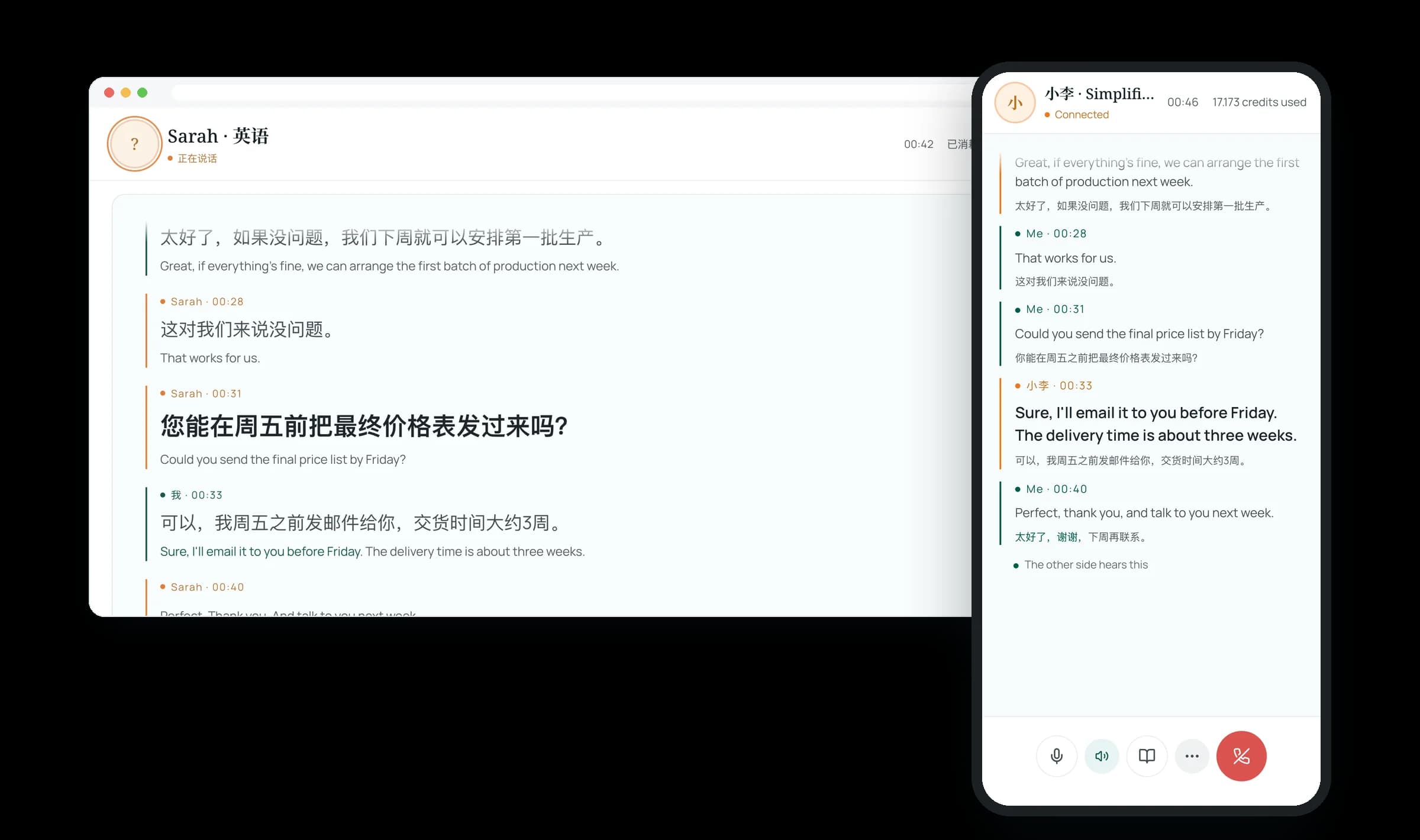
Two-way translated browser calls
Share a browser link for two-way translated calls where both sides speak and hear their own language while reading live bilingual captions.
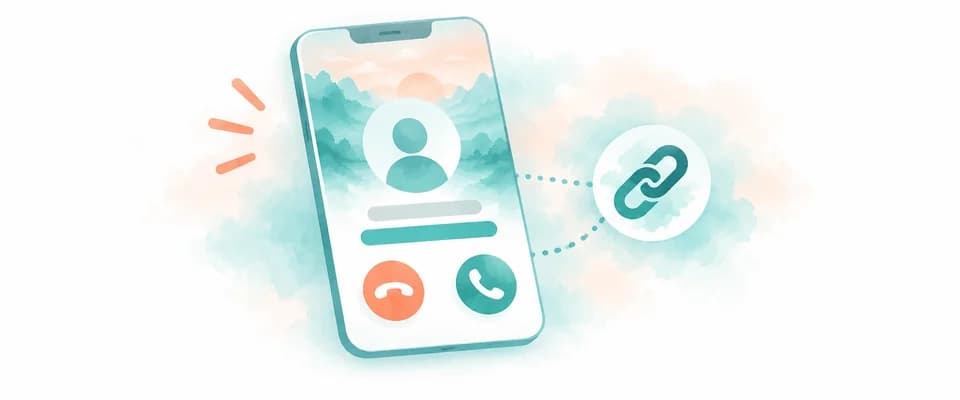
Clients and partners abroad
Talk with overseas clients, partners, or suppliers in your own language simply by sharing a call link before the meeting.
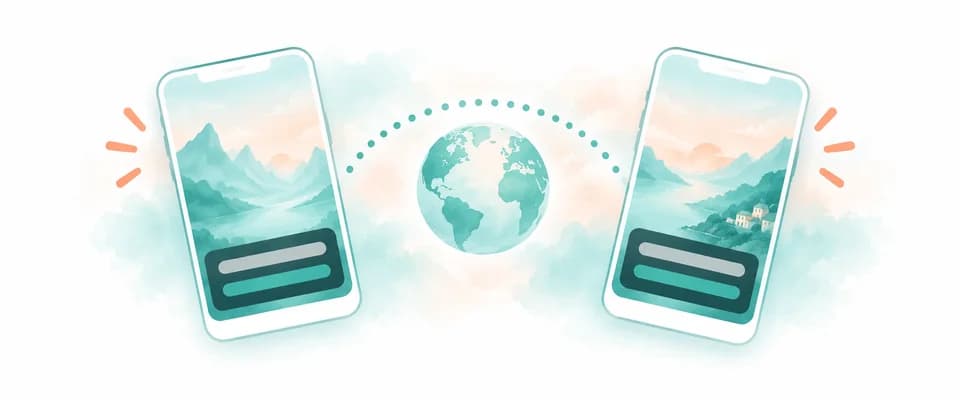
Family and friends overseas
Catch up with relatives or friends who speak another language as they open your link in their phone or computer browser.

Hosts, guides, and drivers
Send a link before your trip to a homestay host, tour guide, or driver abroad so they can open it in their browser and talk in their own language.
Three steps to start a translated call
Create a call link
Sign in, select both participants' languages, enter your display name, and create a call link or invitation card.
Share and approve
Send the link to the other person; they open it in their browser, enter a name, and join once you approve.
Talk and export notes
Both sides speak and hear their own language while reading live bilingual captions, and can export the transcript after hanging up.
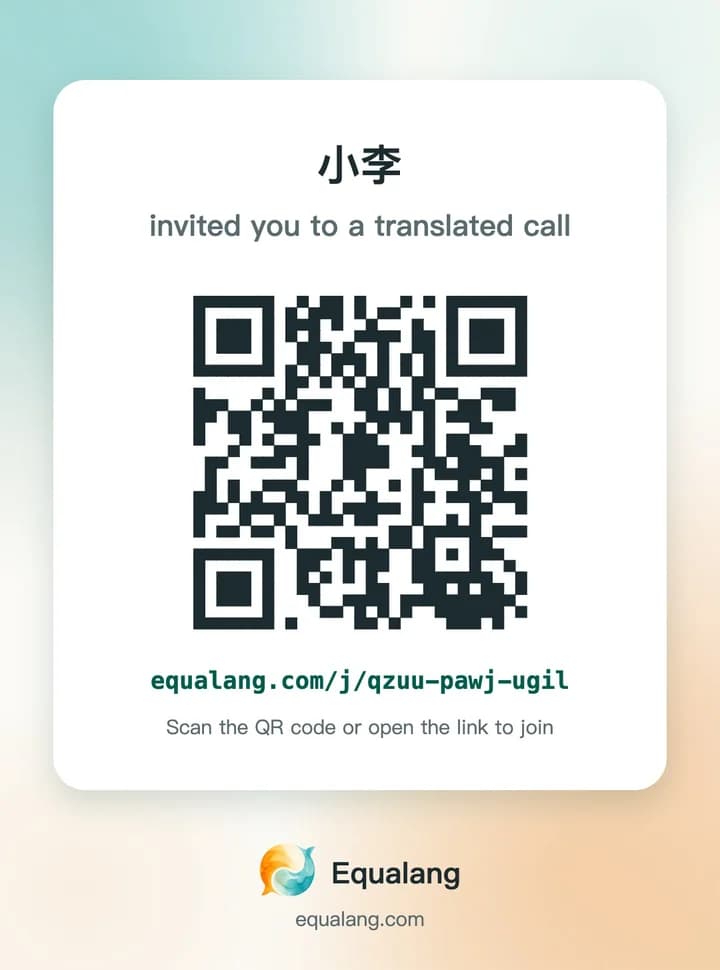
Does the other person need to sign up or pay?
No. Your guest opens the link in their browser, enters a display name, and joins once you approve, without an account or app. All call costs are covered by the host and the guest joins for free; credits are shared across the website and browser extension, and the pricing page explains how calls are billed.
Which languages are supported for calls?
Supported language pairs are listed in the pickers at the top of this page. Because two-way calls require both speech recognition and voice output in each language, the available pairs are more selective than one-way listening.
Can I dial a regular phone number?
No, calls work over the internet through a shareable browser link rather than the telephone network. You can send the link or invitation card by message or email.
How reliable is the translation during a call?
Clear speech in a quiet setting works well for everyday and business conversations, and both sides can read the live bilingual transcript alongside the translated voice to verify details. If you generate an AI summary afterward, please check important points against the original transcript.
What devices work, and how are transcripts and summaries handled?
Both participants can join in a browser on a laptop, tablet, or phone with nothing to install, and read-aloud translation can be muted anytime. Call text is kept for 14 days and then deleted; after hanging up, you can export the bilingual transcript or pay credits to generate an AI summary linked to the transcript (it may contain mistakes, so please verify against the original text).
Talk across languages with a browser link
New accounts receive 200 free credits to try it first.