The Chrome
extension
Read both. Miss nothing.
 Add to Chrome
语言的墙,正在倒下
The Language Barrier Is Falling
十年前,读一篇外文文献要等别人来译;今天读者自己就能当场译完,读到的也不再是摘要,而是论证本身。
A decade ago, reading a foreign paper meant waiting for someone to translate it. Today the reader translates it themselves, in place, in seconds — and reads the argument, not a summary of it.
Web pages, video and comics, all in your language
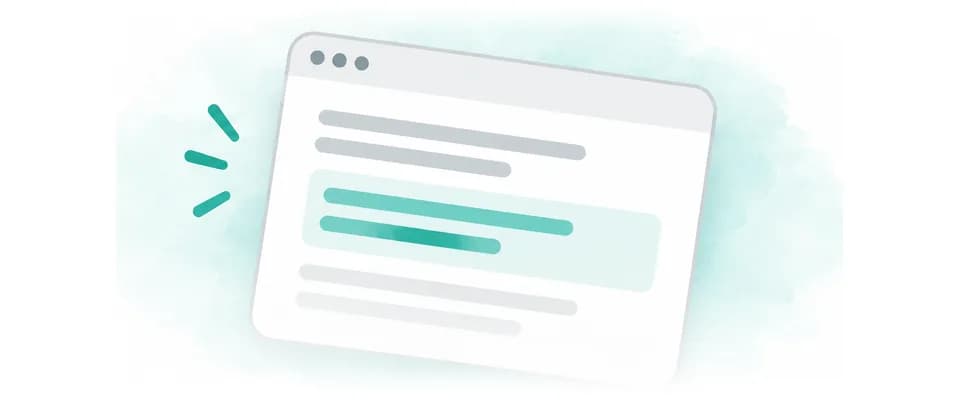
Web pages
Press the button at the edge and each translation appears under the text it belongs to, keeping pace as you read and keeping the page’s layout. It works on any site.
For example
- Wikipedia
- X (Twitter)
- GitHub
- arXiv
- Hacker News

Video and live streams
Translates the subtitles of videos and live streams. Where there are none, turn on Live Listening.
- YouTube
- Netflix
- TikTok
- Bilibili
- Twitch
- Douyin
- Crunchyroll
- Xiaohongshu
- Viki
- iQIYI
- SOOP
- TwitCasting
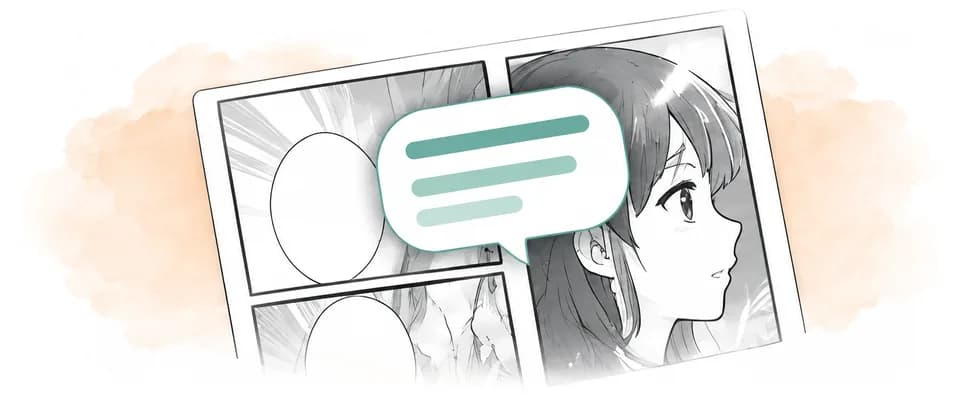
Comics
Translations are lettered right into the speech bubbles, keeping the original artwork. Vertical webtoons are translated as you scroll.
- MANGA Plus
- WEBTOON
- Shonen Jump+
- Naver Webtoon
- Bilibili Comics
- Comic DAYS
- Lezhin Comics
- Tapas
- Kuaikan Manhua
- KadoComi
- Manga One
- pixiv Comic
Nothing to set up. Translates out of the box.
Install it, then pin it
EqualangOnce it is added from the store, click the puzzle piece in the toolbar and light up the pin beside Equalang.
Open the Chrome Web StoreSign in
EqualangOpen the panel and sign in. It draws on the same balance as the website, so there is nothing separate to top up.
Open any page
Press the button at the edge and it begins; each translation appears under the text it belongs to. Press it again to bring the original back.
Store out of reach? Install it by hand.
Identical to the store build in every way but one: you update it yourself.
Download the zip and unpack it
Unpack it somewhere it will stay — Chrome reads the extension from that path every time it starts.
Download the zipTurn on developer mode
Paste the address into the address bar, then turn on “Developer mode” at the top right.
Load the unpacked extension
Click the first button at the top left, and choose the folder you unpacked.
Pin it to the toolbar
EqualangAs with the store build: click the puzzle piece and light up the pin beside Equalang.
To update: download the new zip and replace all files in the original folder, keeping its path. In , reload the extension, then refresh your open pages. There is no need to uninstall it.
Permissions for local PDFs
Only for PDFs on your computer: open , find Equalang → Details and enable Allow access to file URLs. If the PDF selection shortcut requests clipboard access, grant it when prompted. Ordinary webpage translation needs neither permission.
Are the extension's credits separate from the website's?
They are not. The extension and the website draw on one balance.
Why does it ask to read every site?
Page translation needs to read the page you are viewing to show the translation alongside it. Confirm website access when installing; you can later manage which sites are allowed in the browser’s extension details.
Is what I read stored anywhere?
The page itself is never uploaded or kept. Translations are cached on your own machine for 24 hours so that rereading costs nothing; private mode caches none of it.
Which video and live-streaming sites does it work on?
Videos: YouTube, Netflix, TikTok, Bilibili, Douyin, Crunchyroll, Xiaohongshu, Viki, iQIYI, SOOP, ReelShort, DramaBox, GoodShort, Youku, and WeTV. Live streams: YouTube, TikTok, Bilibili, Twitch, Douyin, Xiaohongshu, SOOP, TwitCasting, Kick, Douyu, CHZZK, Vidio, TrueID, FPT Play, ON Live, TRT Haber, and RUTUBE. Where a video has subtitles, they are translated; where it has none, turn on Live Listening. What works on each platform is listed under Sites the extension supports.