Can You Translate an Entire E-Book and Read It on Kindle?
 Equalang
In brief
A practical guide to translating DRM-free EPUB e-books while keeping chapters and images, then delivering them to Kindle via Amazon’s Send to Kindle.
Keywords: translate ebook; kindle ebook translation; epub translator; send to kindle; document translation
Reading a book that has never been translated into your native language usually means choosing between two frustrating compromises. On a Kindle, the built-in dictionary and translation features only let you select individual words or short passages, interrupting your reading flow on every page. On the other hand, running an entire e-book file through generic web translators often strips away the formatting: chapter headings lose their hierarchy, table-of-contents links stop working, and inline illustrations vanish or end up displaced.
For readers who have an e-book in EPUB format, there is a practical two-step path: translate the EPUB with a document translation service designed to preserve layout and navigation, and then deliver the translated file to your Kindle library using Amazon's official Send to Kindle service.
What You Can Translate: The DRM Boundary
Before translating any e-book, it is essential to understand the technical and legal boundaries around digital files:
- Files you can use: This approach applies strictly to DRM-free (Digital Rights Management-free) EPUB files that you own or have the right to access for personal reading. Common examples include public domain works (such as those from Project Gutenberg or Standard Ebooks), open-access academic publications, and books bought from DRM-free independent sellers.
- Kindle Store purchases cannot be exported: E-books bought directly from Amazon's Kindle Store are protected by proprietary DRM and cannot be downloaded as unencrypted, standalone EPUB files. We do not support, explain, or encourage circumventing or removing DRM protection.
This workflow is intended exclusively for personal reading using files you are authorized to handle.
Translating the EPUB Without Breaking the Structure
An EPUB is not a single block of plain text. Internally, it is an archive containing structured XHTML documents, CSS stylesheets, navigation files, and media assets. When generic translation tools ignore that internal architecture, the result is an unformatted wall of text that is frustrating to read.
Below, we demonstrate the translation step using Equalang document translation, built specifically to handle document and e-book structures.
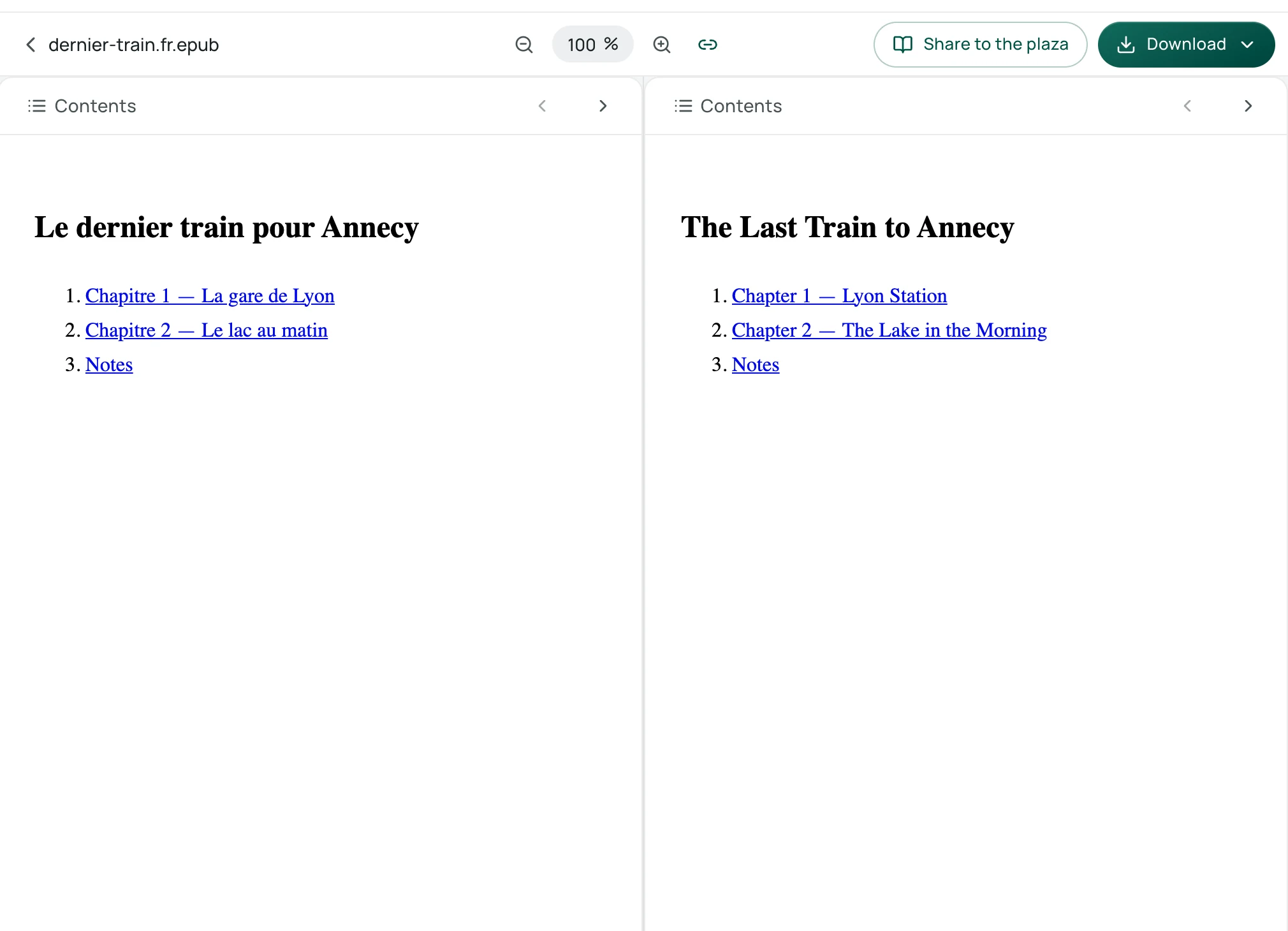
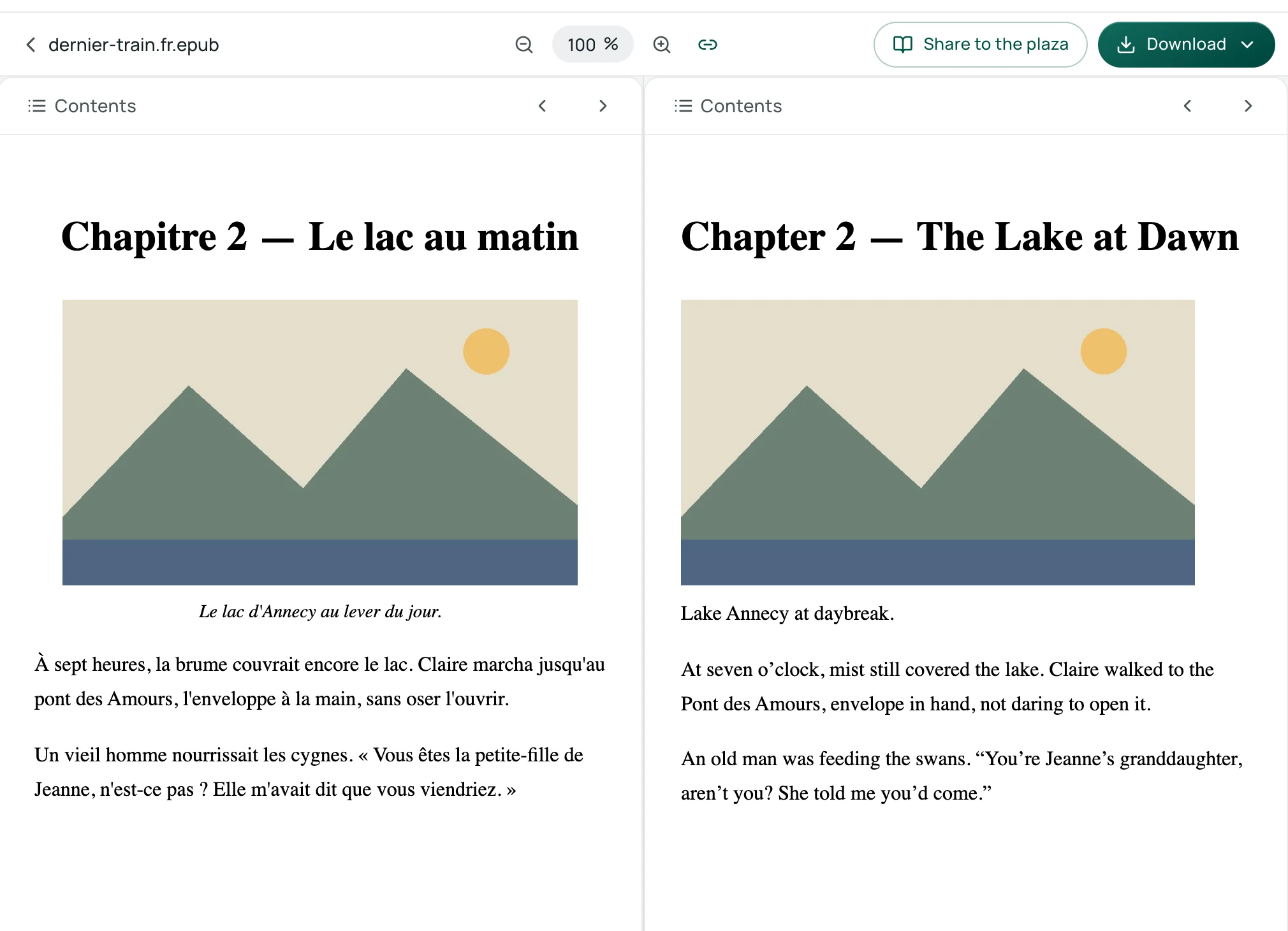
When translating an EPUB, Equalang's document translation preview displays a side-by-side bilingual view:
- Navigation and chapters: The table of contents displays chapter titles and notes as clickable links alongside the original text.
- Images and figures: Embedded illustrations remain in place with translated captions, followed by the corresponding translated paragraphs.
For a deeper look into how layout preservation works under the hood, see our guide on how to translate EPUB e-books while keeping formatting.
Keep in mind the natural constraints: translated text rarely matches the exact length of the original, which means line breaks and page turns will shift. Furthermore, the final visual rendering always depends on the typography and settings of the reading app or device you use.
Delivering the Translated EPUB via Send to Kindle
Once you have downloaded your translated EPUB, you can deliver it to your Kindle device using Amazon's official Send to Kindle service.
Amazon's customer service documentation outlines the following details:
- Supported file types: Amazon officially lists EPUB (
.epub) among its accepted file formats for Send to Kindle (along with PDF, DOCX, TXT, and others up to 200 MB via the web interface). - Format conversion: When an EPUB is submitted through Send to Kindle, Amazon automatically converts the document into a Kindle-compatible format and syncs it to the registered devices and free Kindle apps linked to your Amazon account.
- Submission options: You can upload files directly through the web page at
amazon.com/sendtokindle, through the Send to Kindle desktop app, or via your designated Send-to-Kindle email address.
Boundary we have not tested: We have not tested sending a translated EPUB to a physical Kindle device, so we do not describe or guarantee how specific custom fonts, fine line spacing, or complex page layouts appear on an e-ink display. The conversion and delivery are handled entirely by Amazon according to its standard service rules.
Data Retention and Practical Limits
Translating a full book involves significant amounts of text, so data handling should be transparent:
- 14-day retention: Files uploaded to Equalang and their translated outputs are kept for 14 days from creation so you can retrieve them. After 14 days, they can no longer be accessed. You may also request deletion of your account data and submitted content at any time.
- No model training: Equalang does not sell personal data, nor does it use your submitted content or translation outputs to train AI models.
- Testing first: New accounts receive 200 credits upon registration, which is enough to run a sample chapter or excerpt to inspect the translation quality and structure before committing to a full book. If you prefer studying texts alongside their original language, our overview of bilingual immersion reading explores alternative reading setups.
Sources
- Amazon Customer Service: Learn About Sending Documents to Your Kindle Library
- Amazon: Send to Kindle Web Portal