
Live Listening
Turn live speech into captions as you listen
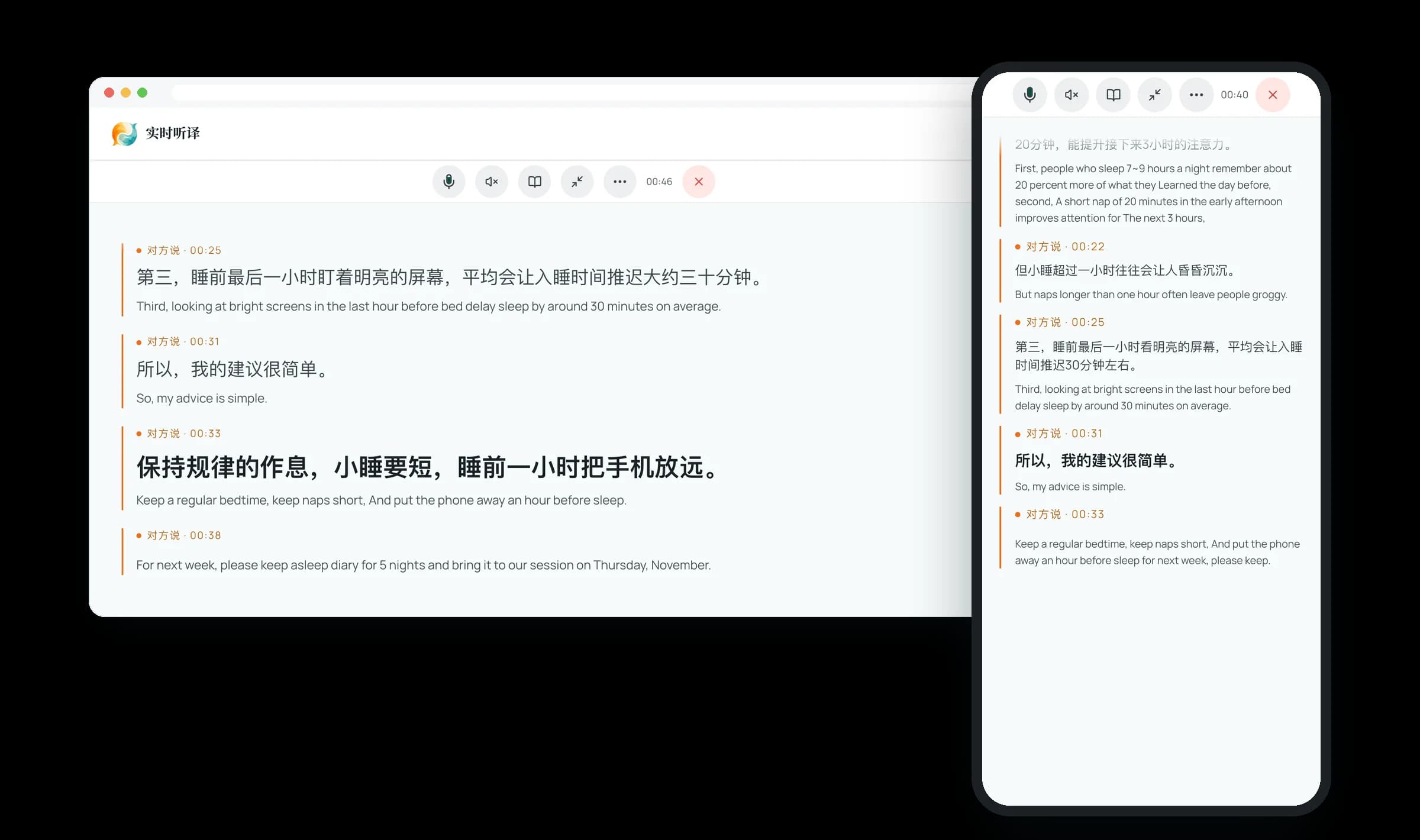
Live bilingual captions and audio
Follow foreign-language lectures, meetings, and talks in your browser with real-time bilingual captions and optional read-aloud translation.
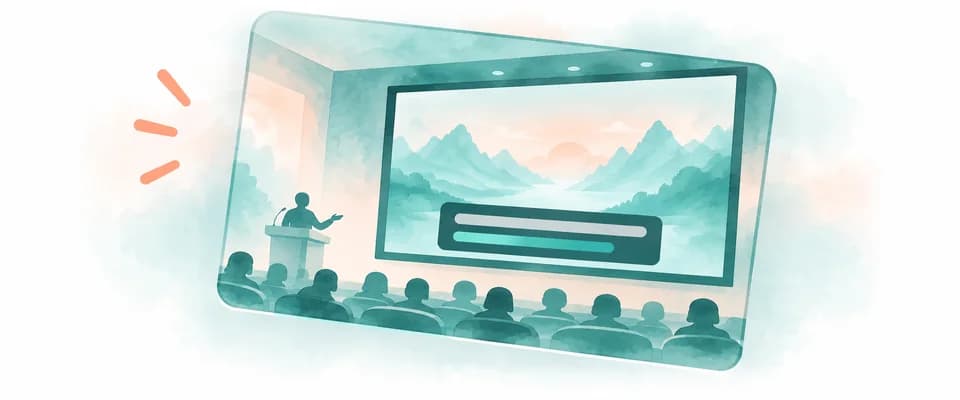
Lectures and classes
Follow university classes, academic talks, and seminars in real time with Glance or Study caption layouts.

Meetings and talks
Read side-by-side bilingual captions during international meetings and talks, or turn on translated audio to listen hands-free.

Foreign-language news and programmes
Follow foreign-language news and programmes playing aloud nearby, or use the Equalang browser extension for browser videos and streams.
Three steps to start live listening
Set source and target languages
Select the speaker's language under what they speak and your preferred target language under what you read and hear.
Read live bilingual captions
Start listening in your browser, switch between Glance and Study layouts, and turn on read-aloud audio if needed.
Export transcript or summary
Pause or resume anytime during the session, and export the bilingual transcript or generate an AI summary afterward.
Which languages are supported?
The full list of supported source and target languages is in the pickers at the top of this page. Live Listening covers more target languages than the two-way modes.
Does the speaker need to install anything or join a link?
No, Live Listening runs in your browser and captures audio from your surroundings, so only you need an Equalang account.
How accurate are the live captions and AI summaries?
It works well for clear speech in lectures, meetings, and talks, showing both the original transcript and translation so you can check context anytime. AI summaries may contain errors, so please verify key details against the original text.
How much does it cost, and can I try it first?
New accounts get 200 free credits to try it first, and purchased credits never expire and are shared across the website and browser extension. Standard mode is billed by the length of audio recognized and the amount of text translated; with read-aloud on, the spoken text is billed as well. Low-latency mode is billed by the minute and costs more. The pricing page lists each rate.
What devices are supported, and how do transcripts and AI summaries work?
It works directly in the browser on your laptop, tablet, or phone with no software to install, in either Standard or Low-latency mode. Transcripts are kept for 14 days and then deleted; after a session, you can export the bilingual text or spend credits on an AI summary linked to the transcript (it may contain mistakes, so please check the original).
Follow your next talk or class in two languages
New accounts receive 200 free credits to try it first.