Translation Tools in 2026: A Practical Guide by Task
 Equalang
In brief
A practical overview of translation tools in 2026, comparing capabilities across travel, reading, complex documents, academic writing, and agent workflows.
Keywords: translation tools, document translation, web translation, interpretation, AI translation 2026
Every day, people encounter translation tasks across distinct settings: deciphering a street sign or restaurant menu on a mobile phone, reading an article formatted on the web, reviewing a business contract with complex tables and clauses, or following along with an uncaptioned video stream.
A single, generic translation text box is rarely sufficient for all these jobs. Copying text into a box provides quick phrasing assistance, but it cannot preserve the visual structure of a formatted slide deck or generate synchronized dual-language subtitles during video playback. By 2026, translation tools have developed specialized interfaces tailored to specific workflows.
We are the Equalang team. In this guide, we review the public features, accessible portals, and practical conditions of 20 prominent translation tools to help you identify the right solution for your specific task.
1. On-the-Go Travel & Spoken Exchange: Multi-Modal and Spoken Inputs
Travel and fieldwork demand quick activation, reliable multi-modal recognition, and offline readiness when network connectivity is limited.
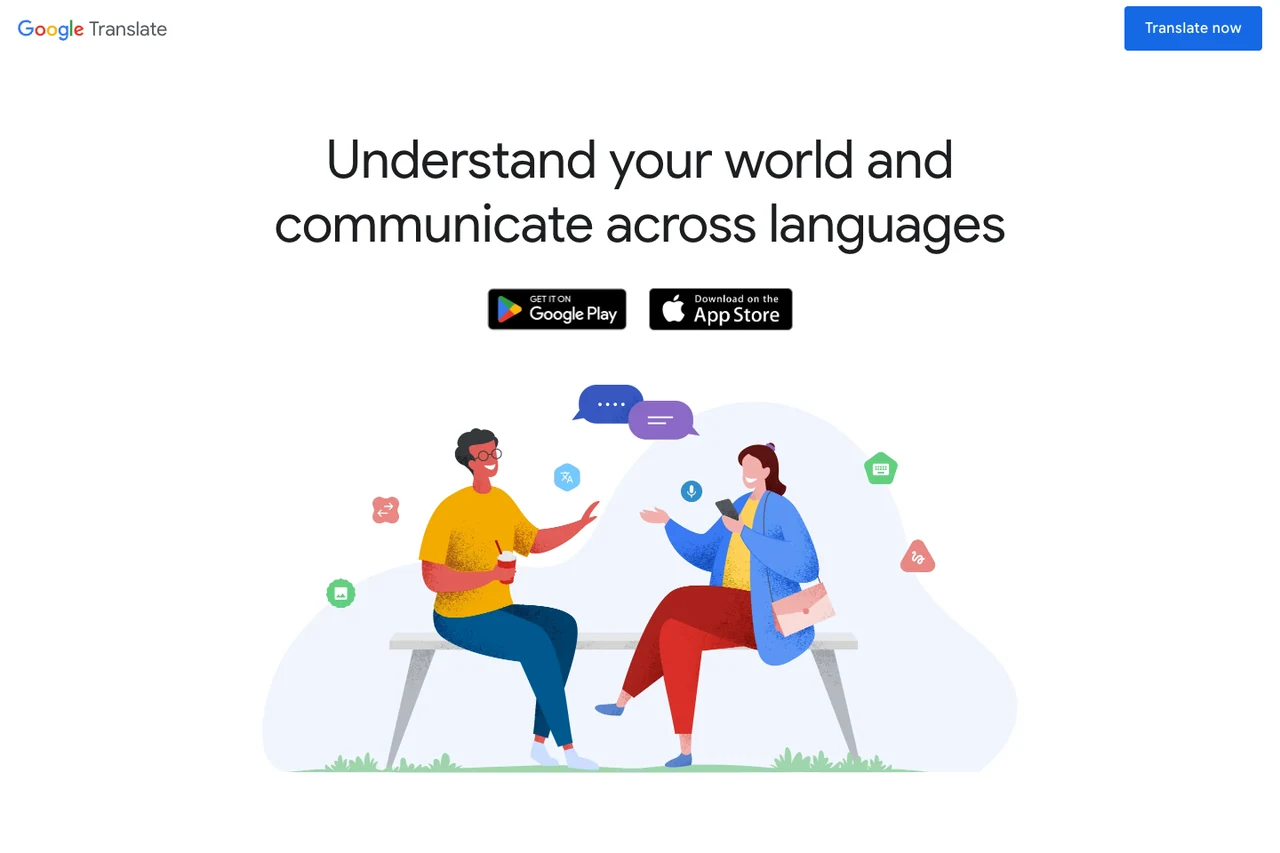
Google Translate
Google Translate on mobile integrates instant camera OCR, photo imports, handwriting input, and split-screen face-to-face conversation. Travelers can download language packs in advance for offline text and offline camera translation. Spoken conversational translation includes multiple display layouts, though offline live speech interpretation is limited to specific Pixel devices and selected language pairs.
On desktop browsers, Google Translate provides a dedicated document translation portal that accepts DOCX, PDF, PPTX, and XLSX files. This desktop tool is designed for digital files; scanned PDF pages containing pure images are preserved in the downloaded file without OCR translation.
Apple Translate
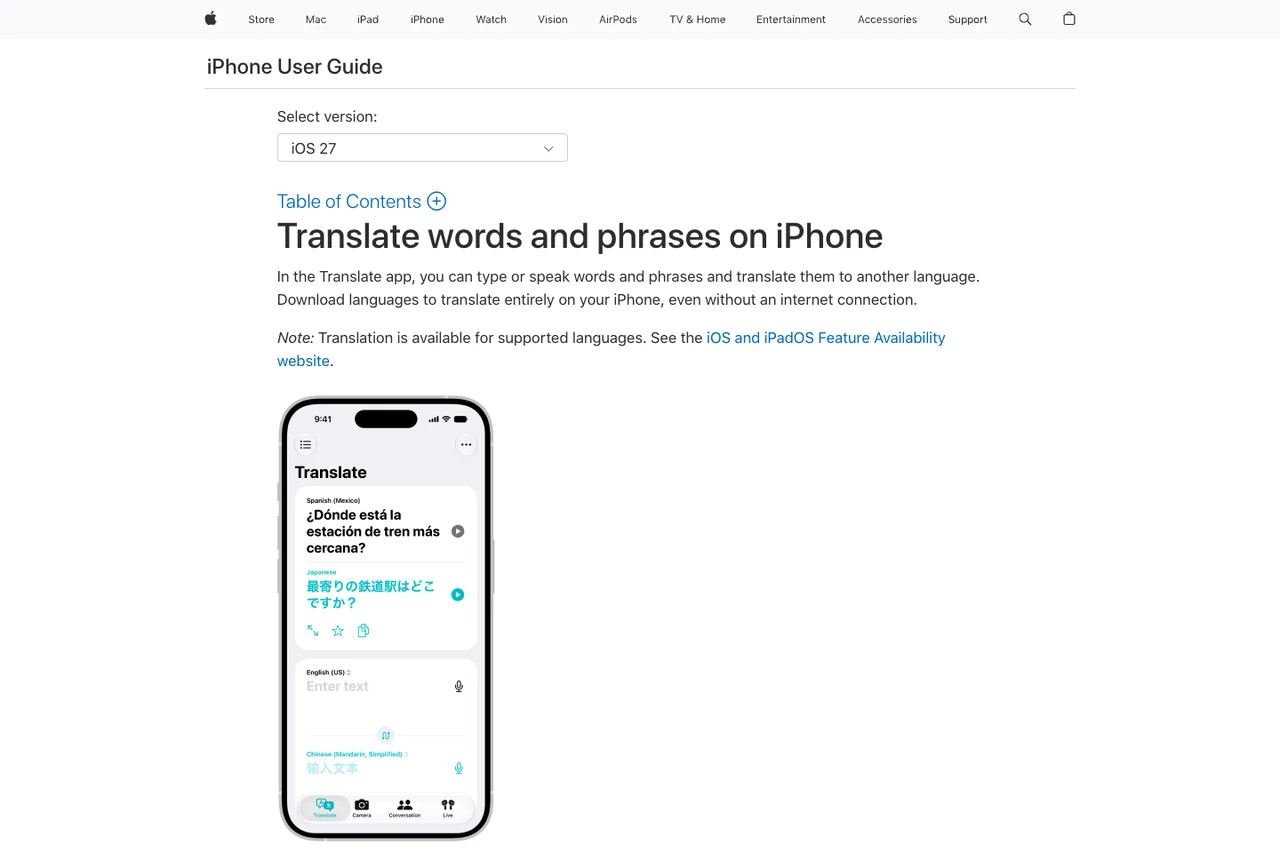
For iPhone and iPad users, the system-level Apple Translate app requires no separate installation. It handles typed text, voice input, camera text detection, and split-screen face-to-face conversation. Its conversational mode can automatically detect which language is being spoken, eliminating the need to manually toggle the microphone between speakers. Downloaded language packs enable on-device text lookups without a cellular connection.
Within the Apple operating system, live translation features also extend to Messages, Phone, and FaceTime. Live phone call translation is part of Apple Intelligence, requiring compatible hardware and system versions, and is subject to regional eligibility rules (for example, devices purchased in mainland China currently do not support these advanced Apple Intelligence call features).
Microsoft Translator
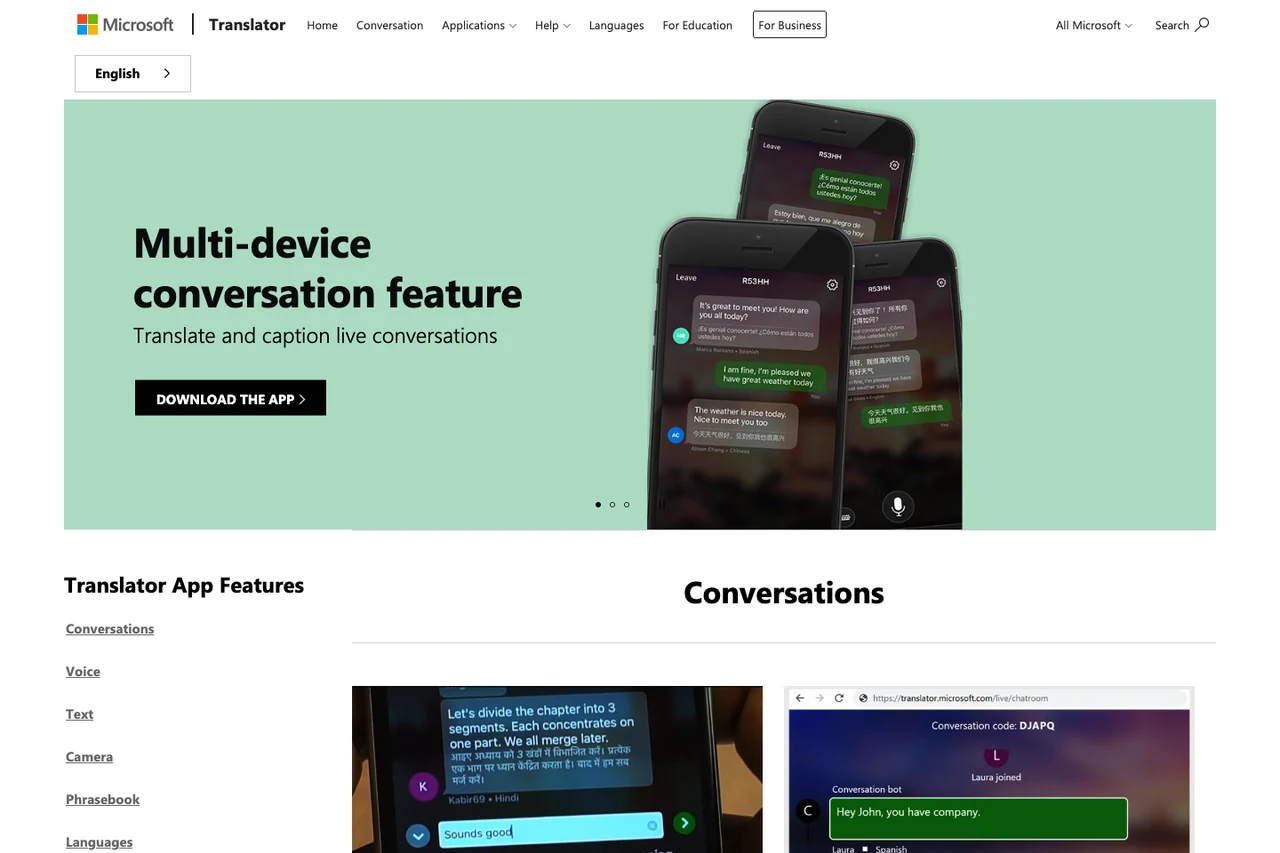
The Microsoft Translator mobile app is distinguished by its multi-device conversation feature. A host initiates a session on mobile, and participants join using the mobile app or any desktop web browser by scanning a QR code or entering a code. Each participant receives live transcription and translation in their chosen language. Its Presenter mode keeps the host's microphone open while muting listeners, useful for guided tours and lectures.
The app also includes downloadable phrasebooks and offline photo translation for high-frequency travel queries. The consumer app does not support translating external movies, video files, or media recordings directly, and multi-device voice sessions require an active internet connection.
Papago
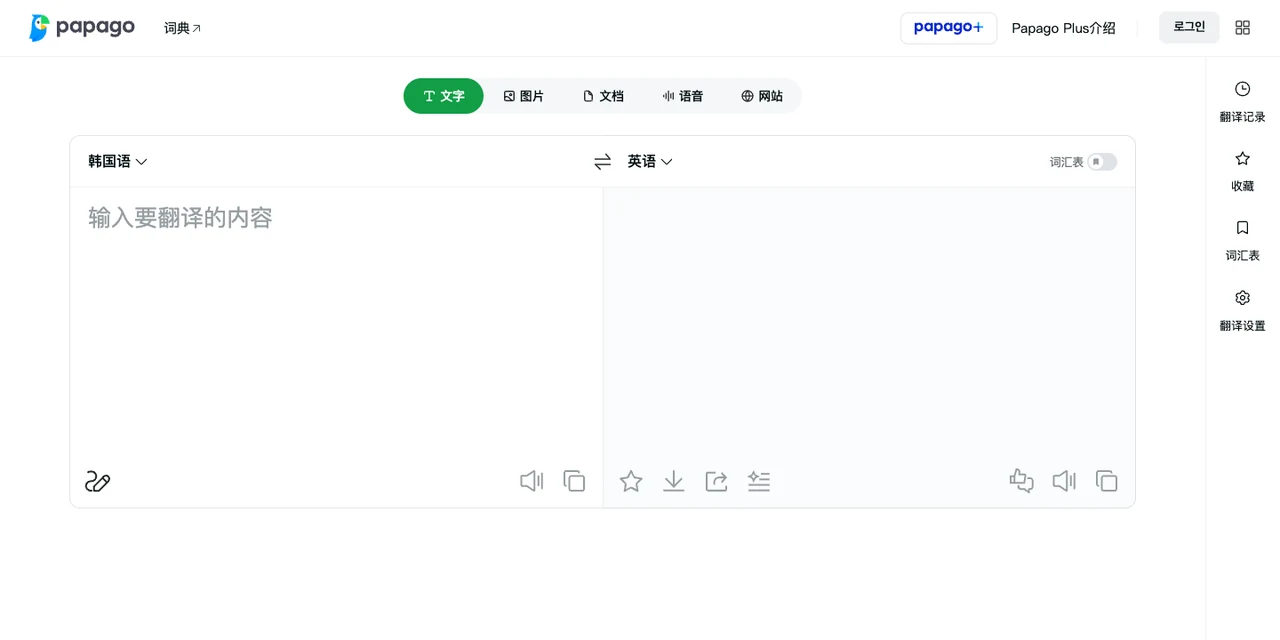
Developed by NAVER in South Korea, Papago provides practical features for East Asian languages including Korean, English, Japanese, and Chinese. On mobile devices, its application offers face-to-face dialogue, an Edu mode for creating study notes from printed text, and the Papago Mini floating window, making it handy for dining, transit queries, and study in Korea.
For web page translation, available entry points differ between platforms: NAVER has discontinued the standalone website translation tool on the desktop web portal, directing PC users to its Papago-powered Whale browser, while the Papago mobile app still retains a website translation option within its side menu. For offline use, downloading language packs on supported devices enables offline text and voice translation across Korean, English, Japanese, and Simplified Chinese (with offline voice subject to device memory and system requirements per NAVER's offline guide); offline mode does not cover photo OCR, conversation mode, web pages, or document files.
iTranslate
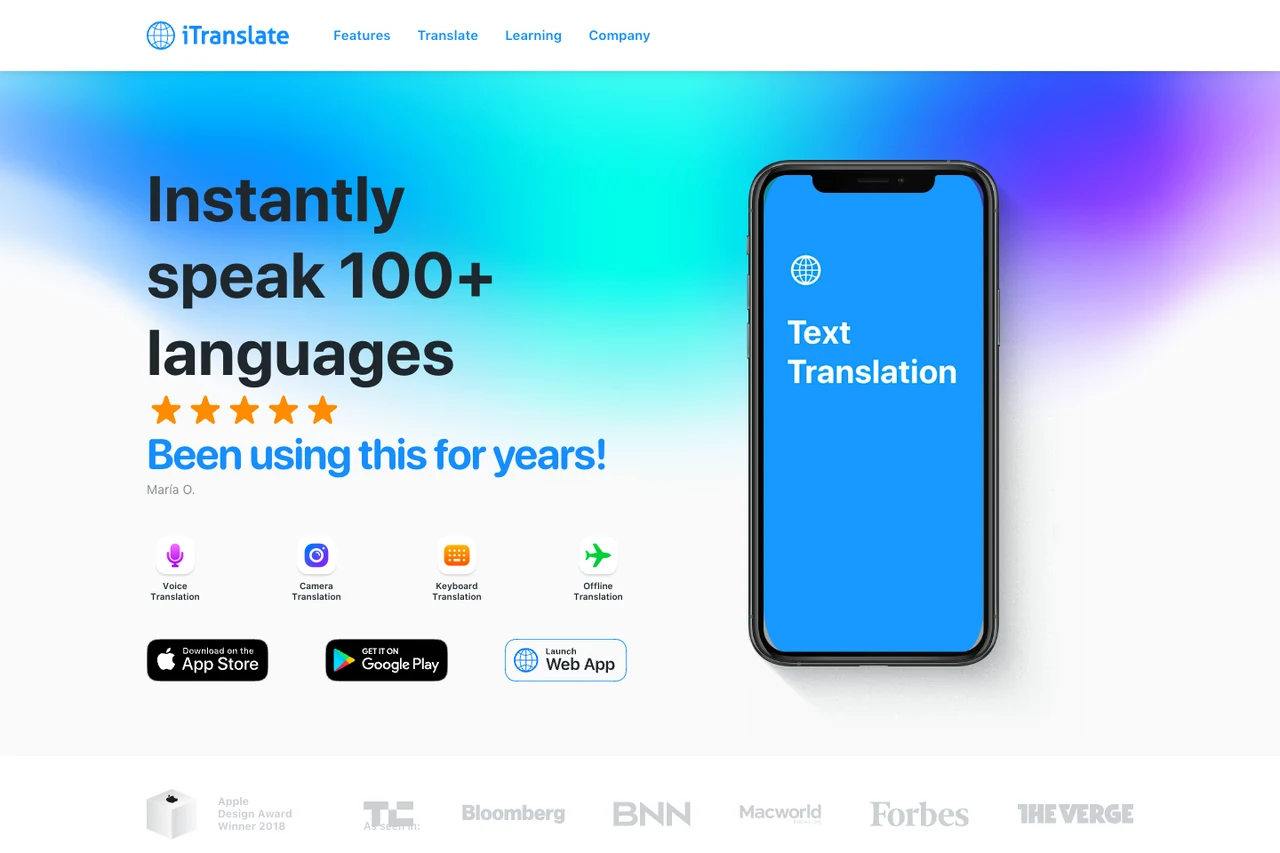
iTranslate is recognized for its integrated Keyboard Extension. When drafting messages in WhatsApp, iMessage, or email, users can translate text directly within the keyboard interface, avoiding constant switching between separate apps.
It also provides downloadable packs for common travel expressions and basic phrasebooks through its offline tools, making it practical to review essential phrases before traveling. Feature availability varies across operating systems, and offline voice capabilities are restricted to a select list of major languages.
2. In-Context Web Reading & Language Learning: Reading Without Leaving the Page
When reviewing foreign articles or documentation, jumping back and forth to an external translation tab interrupts focus. In-context tools embed translation directly into the active reading environment.
Immersive Translate
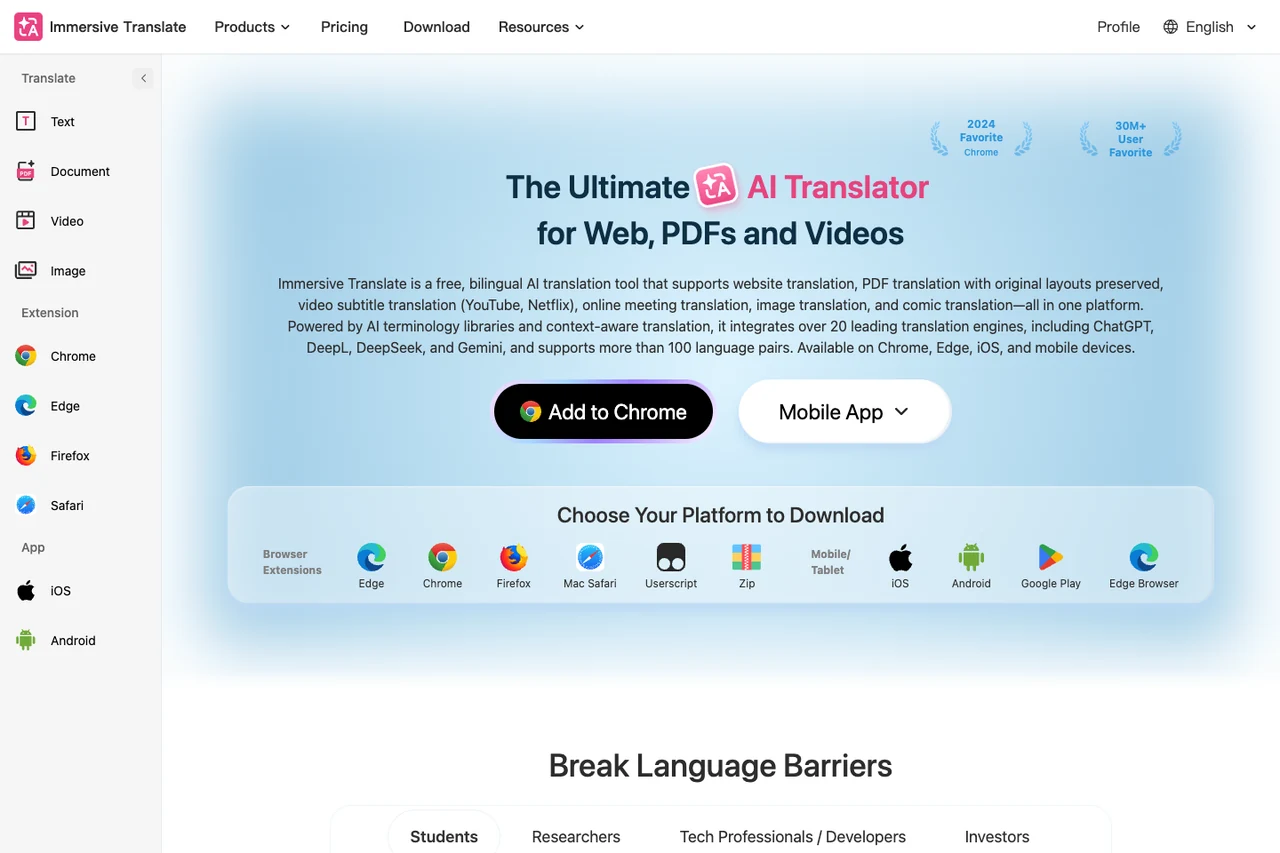
Immersive Translate is a browser extension that inserts translated paragraphs directly beneath the original web text, presenting a clean bilingual layout. It also supports creating bilingual EPUB e-books, viewing PDFs, and translating text inside browser input fields.
For multimedia, Immersive Translate translates existing subtitle tracks on platforms like YouTube and Netflix, while its AI video translation can recognize speech to generate bilingual subtitles for uncaptioned videos on sites like YouTube, alongside a dedicated YouTube live translation portal. Subtitle generation from uncaptioned audio depends on browser compatibility, platform support, and audio clarity.
Mate Translate
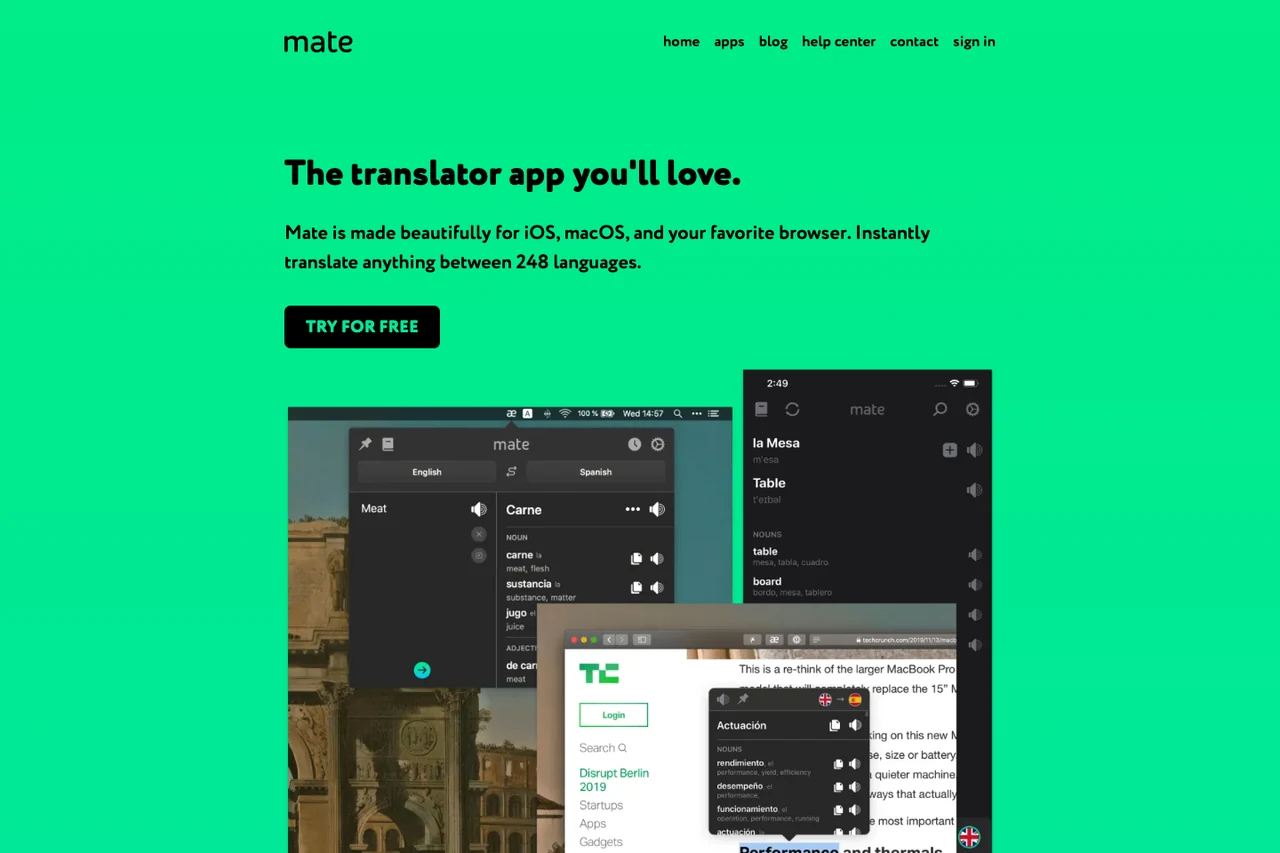
Mate Translate is tailored for macOS, iOS, and mainstream desktop browsers. While browsing, double-clicking any word displays an immediate pop-up definition, selecting text brings up quick contextual translations, and full-page dual-language switching is supported alongside a persistent Mac menu-bar utility.
For language learners, Mate allows users to click words on web pages or within Netflix subtitles to save them to a custom Phrasebook, which supports custom categorization and CSV export for external review. In desktop browsers like Chrome, its extension also allows users to select text within the built-in PDF viewer to trigger translations directly.
Reverso
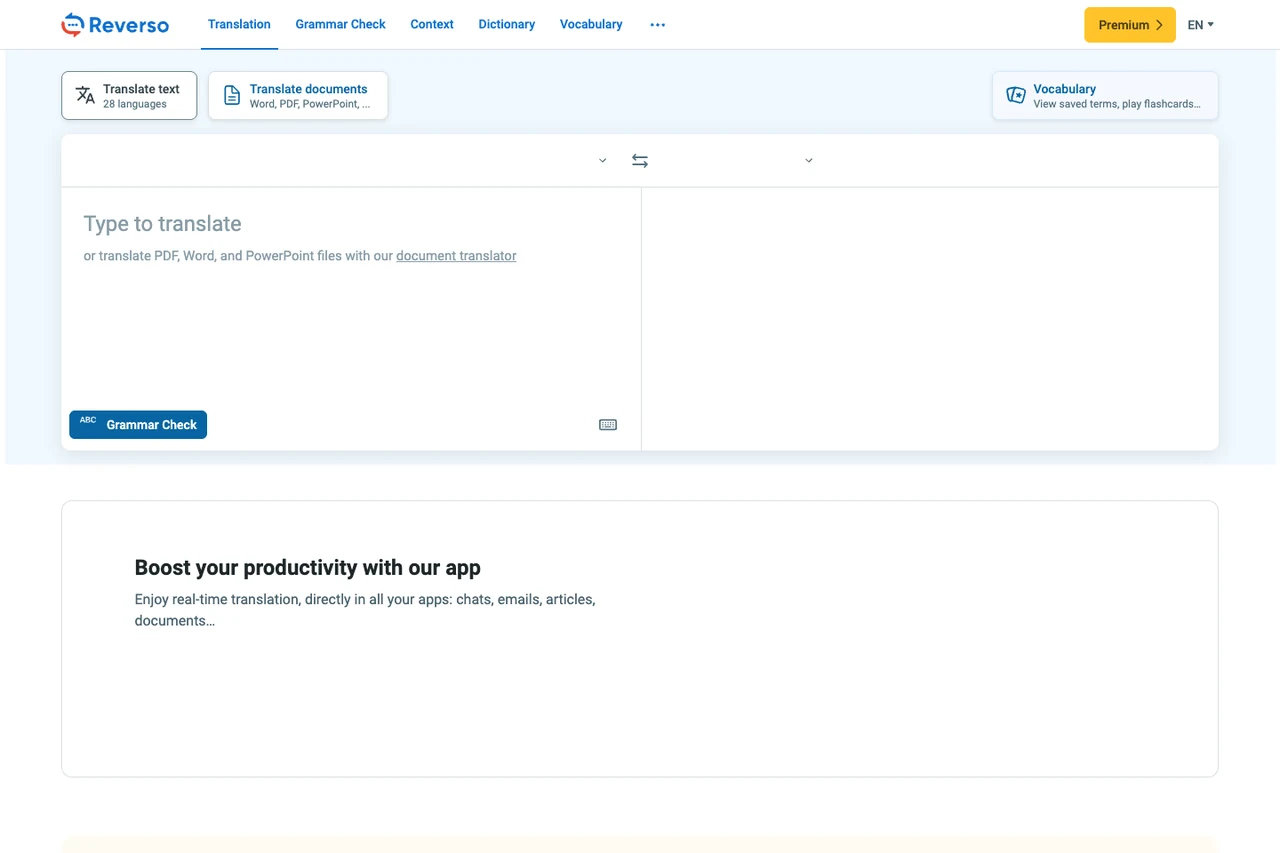
For writers and learners seeking to verify natural word usage, Reverso Context provides bilingual sentence pairs drawn from films, international publications, and multilingual websites, accompanied by verb conjugation tables and synonym recommendations. Because example sentences originate from public multilingual corpora, users should assess context suitability for sensitive or formal drafts.
Its document portal, Reverso Documents, accepts PDF, Word, PowerPoint, Excel, and select localization files. It provides an in-browser segment-by-segment review interface where teams can collaborate on edits before downloading the completed file.
Yandex Translate
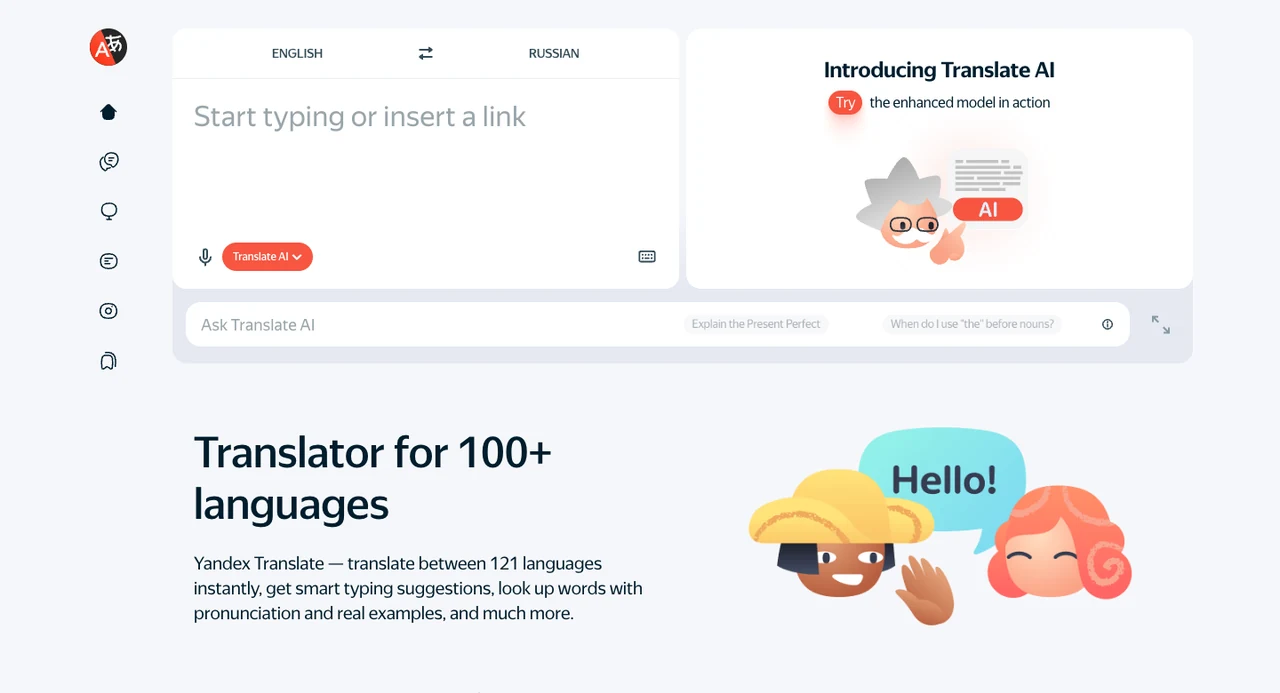
The Yandex Translate web portal and mobile apps handle text, images, websites, and documents. Its Android client includes a detailed dictionary that displays phonetic transcriptions, definitions, synonyms, and morphological inflections for supported languages.
On mobile, the Android app comes with a pre-installed English-Russian offline dictionary, while additional language packs can be downloaded for offline typed text translation. The desktop interface accommodates standard Office and PDF uploads. Note the distinction between Yandex Translate as a standalone service and Yandex Browser, which houses proprietary automatic video voiceover features.
3. Complex Document Layouts & Enterprise Workflows: Preserving Formats and Assets
When handling presentation decks, supplier contracts, or technical manuals, distorted layouts require significant manual correction. These tools prioritize layout preservation, terminology control, and asset reuse.
DeepL
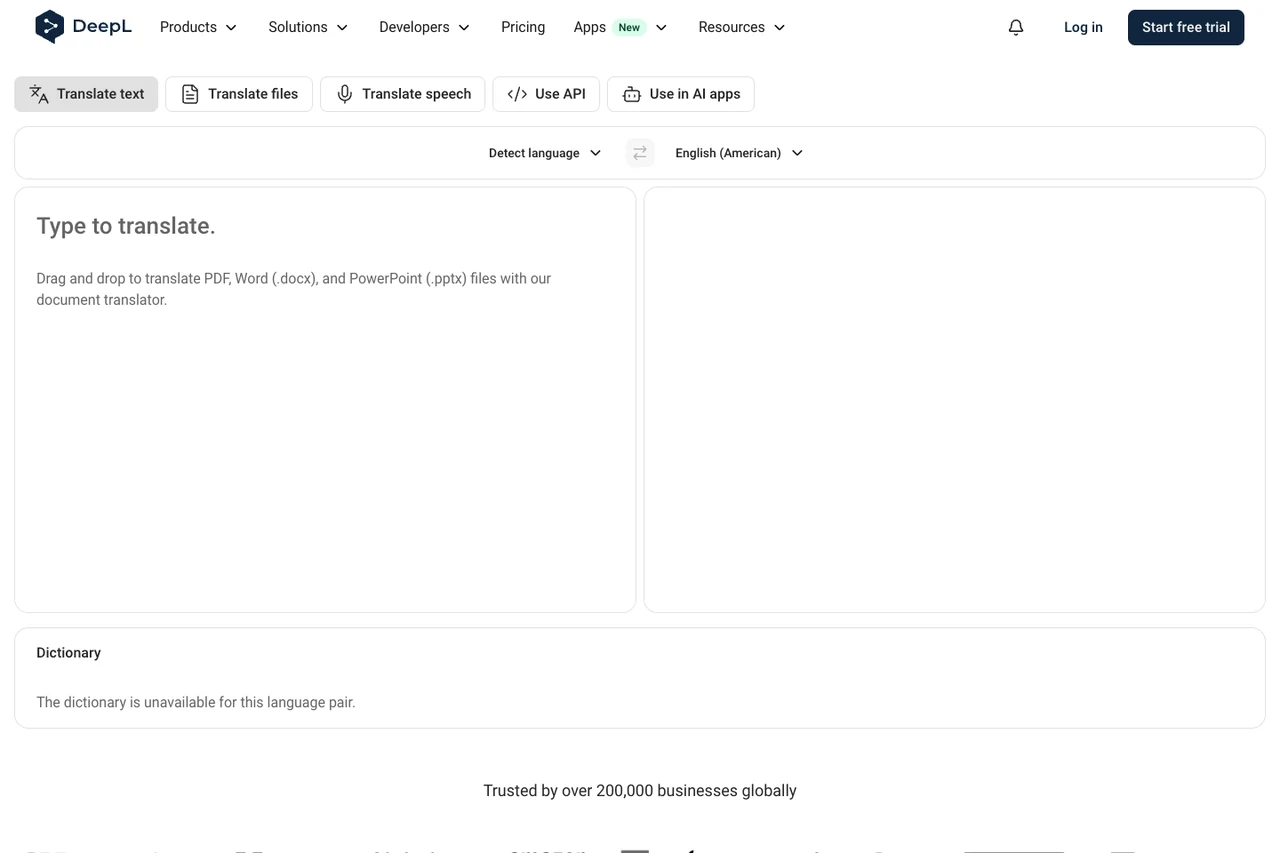
DeepL Translator offers detailed configuration options for text and document workflows. Users can build Glossaries to enforce preferred company or technical translations, and toggle between formal and informal tone registers in supported languages.
Its document translation service accepts Word, PDF, PPT, Excel, HTML, and SRT files (with format access varying by account type). The product ecosystem also includes DeepL Write for text polishing, DeepL Voice for Online Meetings for real-time captions on Teams and Zoom (requiring Voice licensing and host permissions), and an official Model Context Protocol (MCP) guide for AI agents.
O.Translator
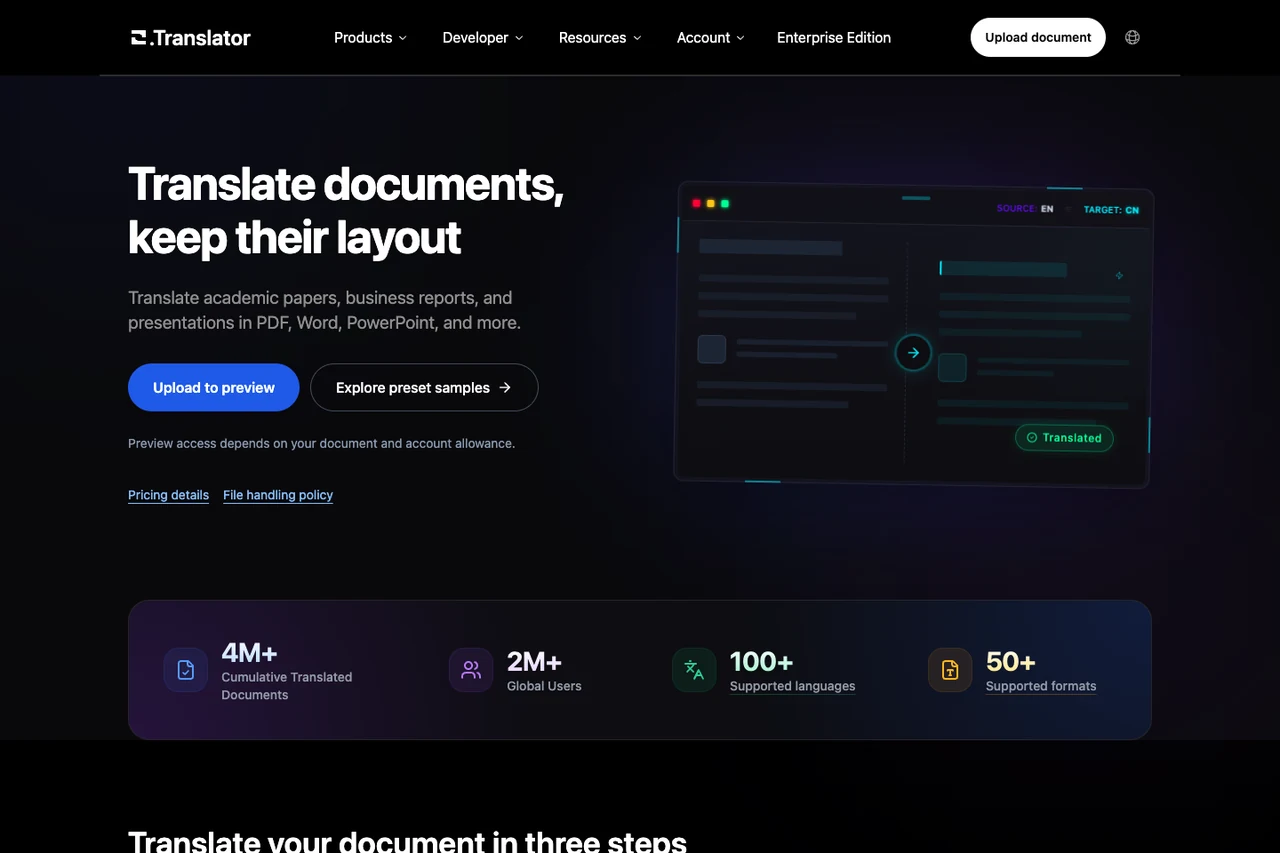
O.Translator focuses on layout-preserving document translation. In addition to PDF, Word, PPT, and Excel, it supports publishing and localization formats such as EPUB e-books, InDesign (IDML), Illustrator (AI), OpenDocument, subtitle files (SRT/ASS), and comic archives (CBZ/CBR), with built-in OCR for scanned pages. Layout accuracy depends on font embedding and target text expansion.
Before translating an entire file, O.Translator allows users to inspect a partial layout preview. It supports importing glossaries via XLSX or TBX, and provides a developer API. Its media option is designed for transcribing uploaded audio and video files into subtitle files, rather than real-time browser stream translation.
SimplifyAI
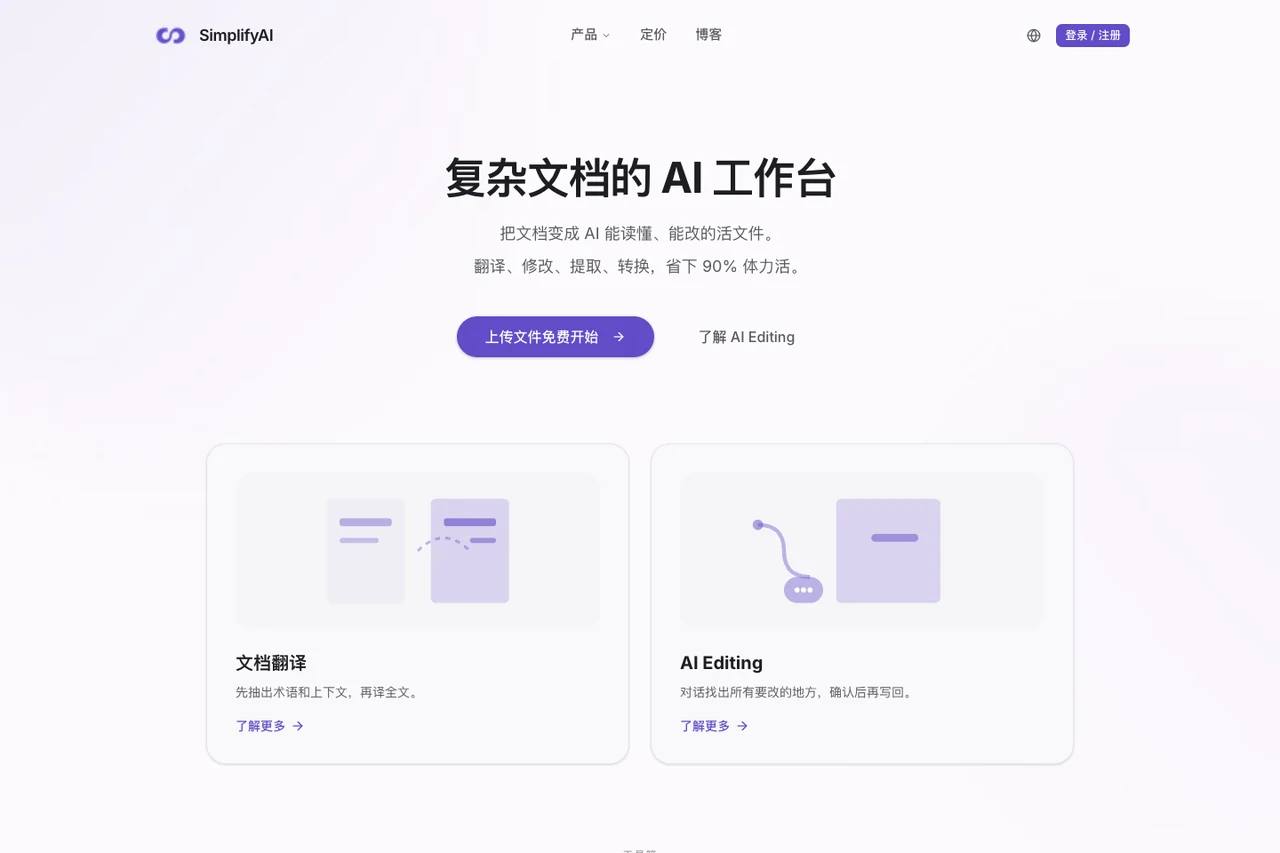
SimplifyAI operates two distinct websites: an AI-driven Complex Document Workbench (simplifyai.cn/zh) and a General Document Translation portal (translate.simplifyai.cn).
Within the workbench, the system can extract high-frequency terms prior to translation for user review across Word, PPTX, InDesign, PDF, and EPUB files. The workbench also provides AI Editing for Word and InDesign (supporting native Word track changes), bilingual data export (Excel/XLIFF), structured Markdown/JSON extraction, and visual checks for text overflow and font layout, making it well-suited for prepress and design asset localization. For straightforward everyday file translation, the general translation portal offers a simpler direct flow.
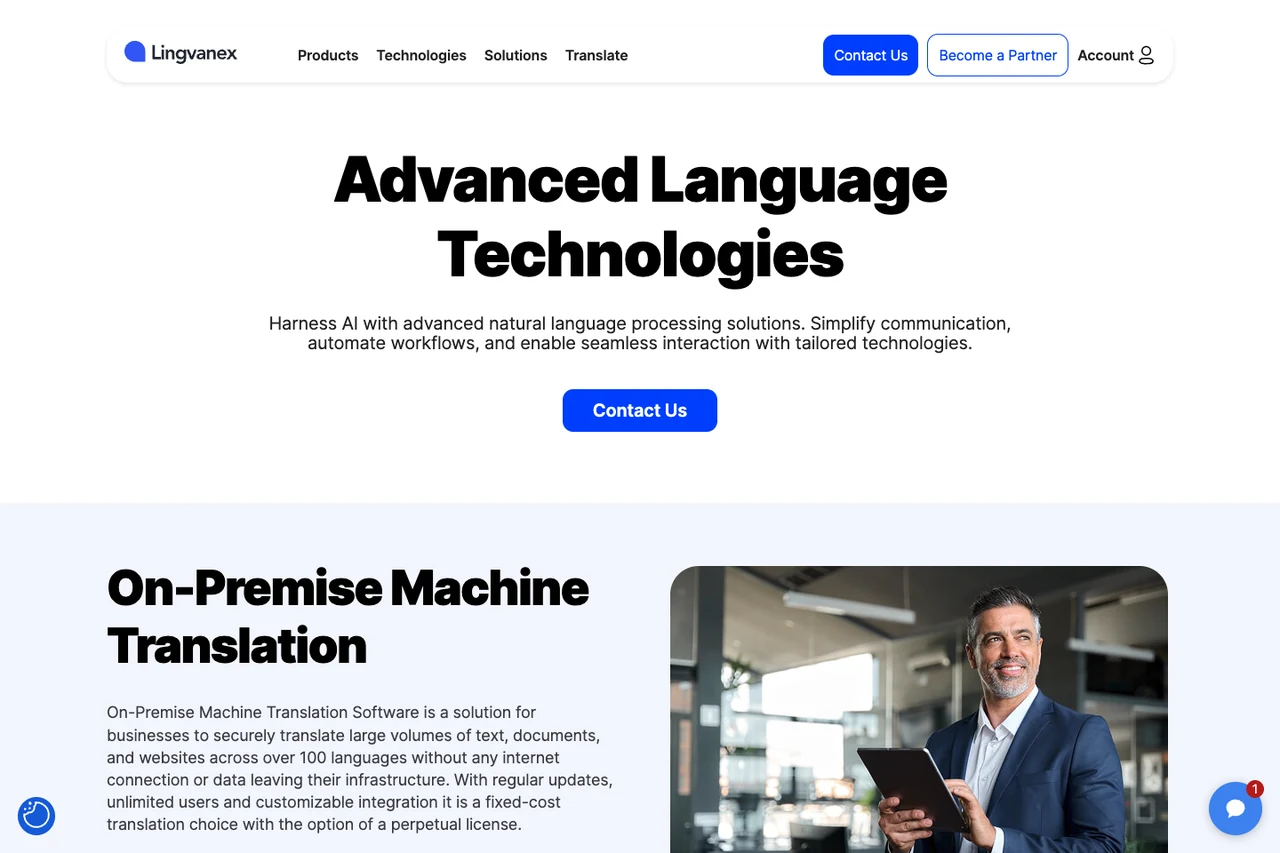
Lingvanex
Lingvanex provides desktop, mobile, and browser clients across Windows and macOS. Its Windows desktop translator supports system-wide shortcuts (such as double-tapping Ctrl+C on highlighted text) and allows offline text and local DOCX/ODT file translation after downloading language packs.
Beyond consumer applications, Lingvanex offers downloadable Secure Translation Software desktop software for offline enterprise use, as well as separate On-premise Machine Translation solutions for private network environments.
SYSTRAN
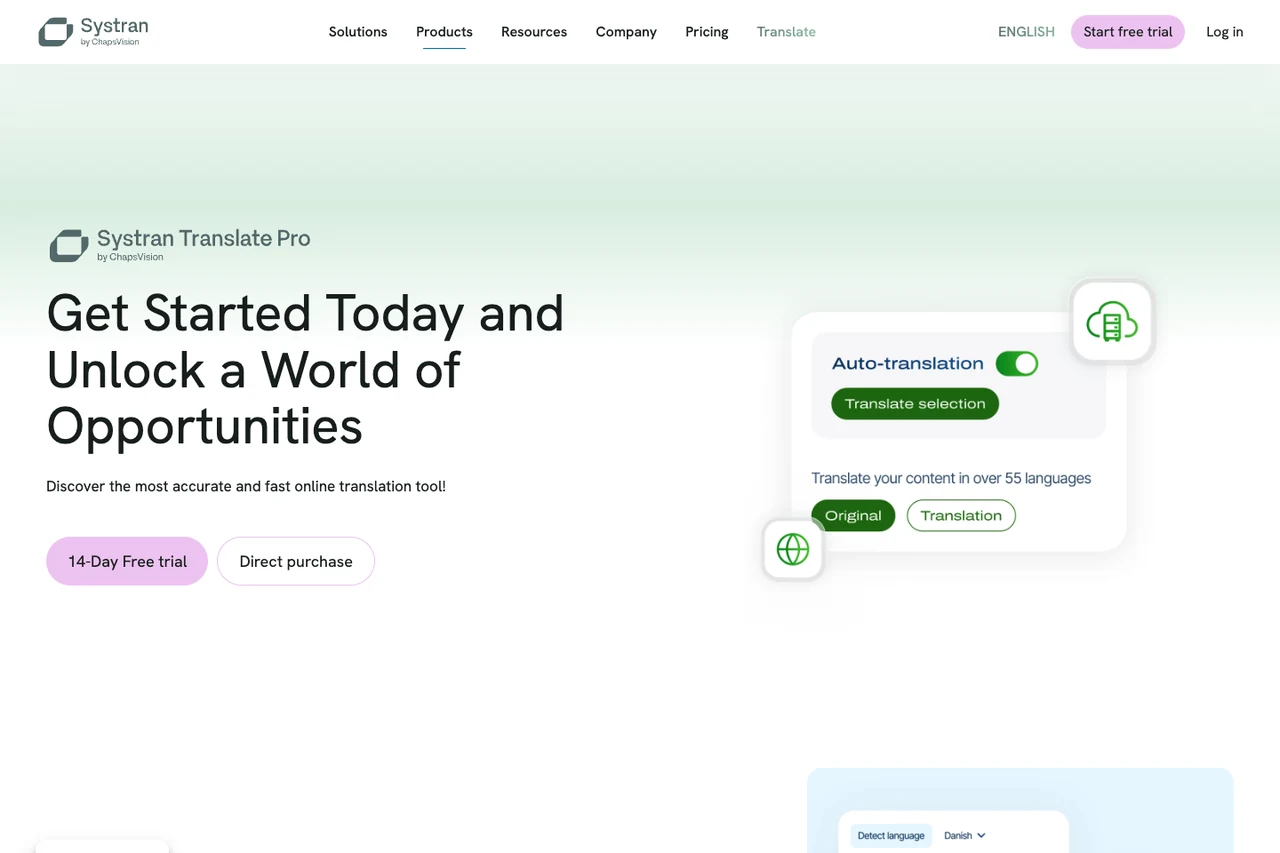
SYSTRAN targets enterprise and institutional localization requirements. Its cloud service, SYSTRAN Translate Pro, is available immediately for Word, PowerPoint, Excel, and PDF files, offering pre-configured domain models for legal, financial, and industrial documentation alongside custom glossaries and translation memory (TM).
For organizations with data sovereignty requirements, SYSTRAN provides Translate Server for deployment behind corporate firewalls, Private Cloud dedicated environments, and batch APIs for document pipelines.
4. Academic Writing, Refinement & Human-in-the-Loop Collaboration: Polishing the Output
Translation is often the initial phase of a broader writing or research workflow. Checking dictionary definitions, polishing phrasing, and interactive human-machine editing help ensure formal scholarly standards.
Youdao Translate (NetEase Youdao)
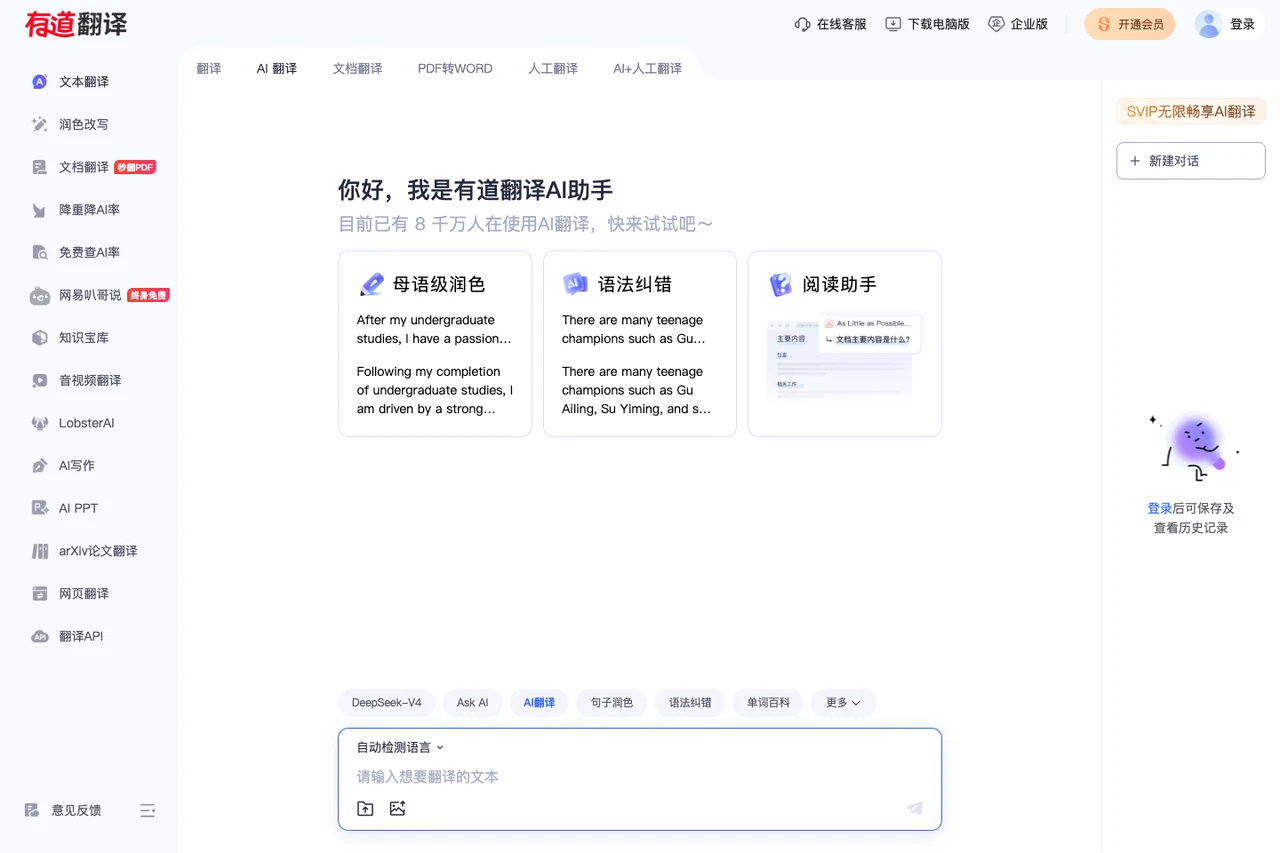
Connecting with NetEase Youdao's dictionary ecosystem, Youdao Translate links vocabulary lookup, translation, and writing assistance. In addition to standard text and file translation, its web portal offers dedicated entries for "arXiv Paper Translation" and academic text polishing.
After translating research excerpts, users can run grammar checks, evaluate synonym choices, or adjust academic tone, helping students and researchers review foreign literature and draft manuscripts. Format and language scopes for paper polishing and media modules differ from the general dictionary lookup.
Baidu Translate
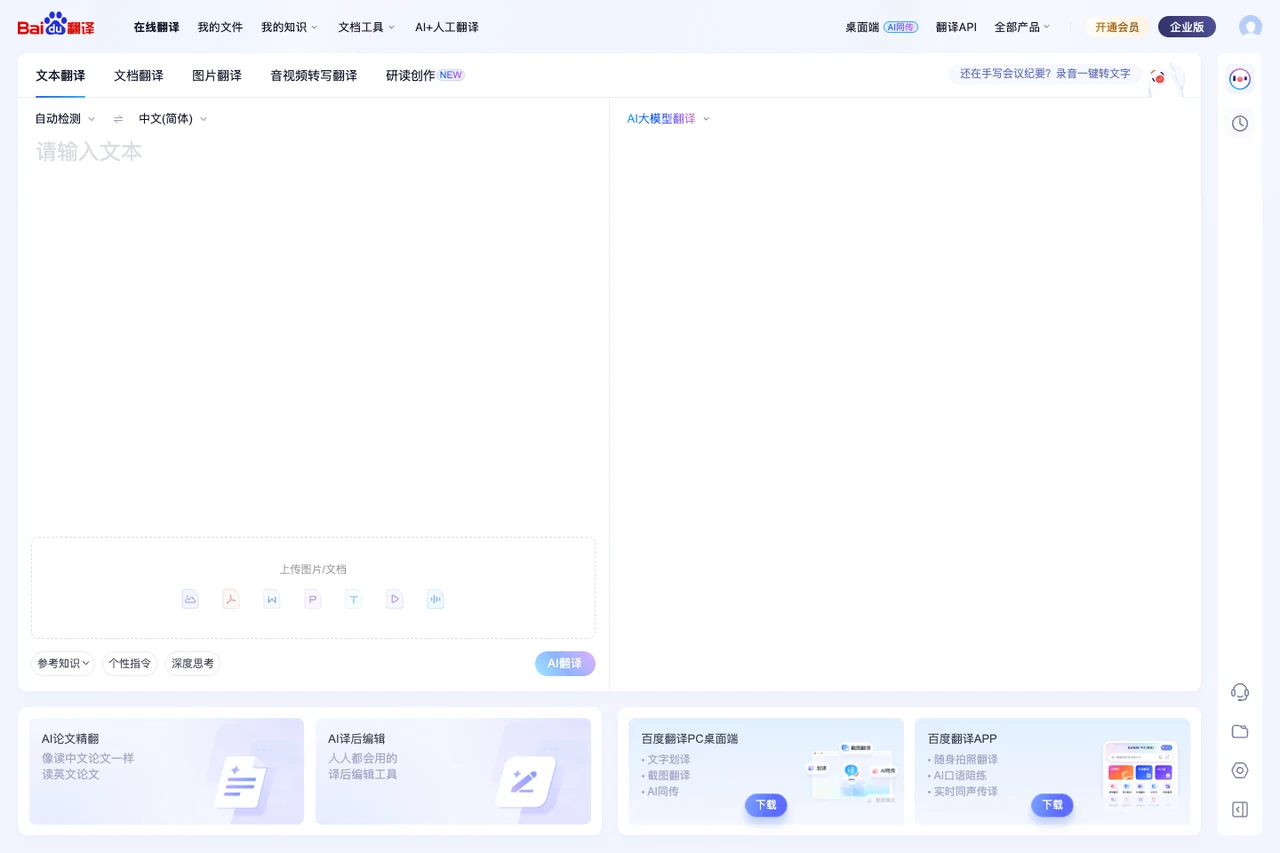
Baidu Translate provides broad client coverage for Chinese-speaking users. Its desktop software features a compact floating window and shortcut text selection across local desktop apps, while its mobile app combines photo translation, spoken practice, and dictionary references.
In addition, Baidu hosts a standalone Baidu Video Translation portal. Users upload media files to generate bilingual subtitle files, review and edit them in an online editor, and export the finalized subtitle transcript. This is an upload-based post-production tool rather than an automatic interpreter for live web playback.
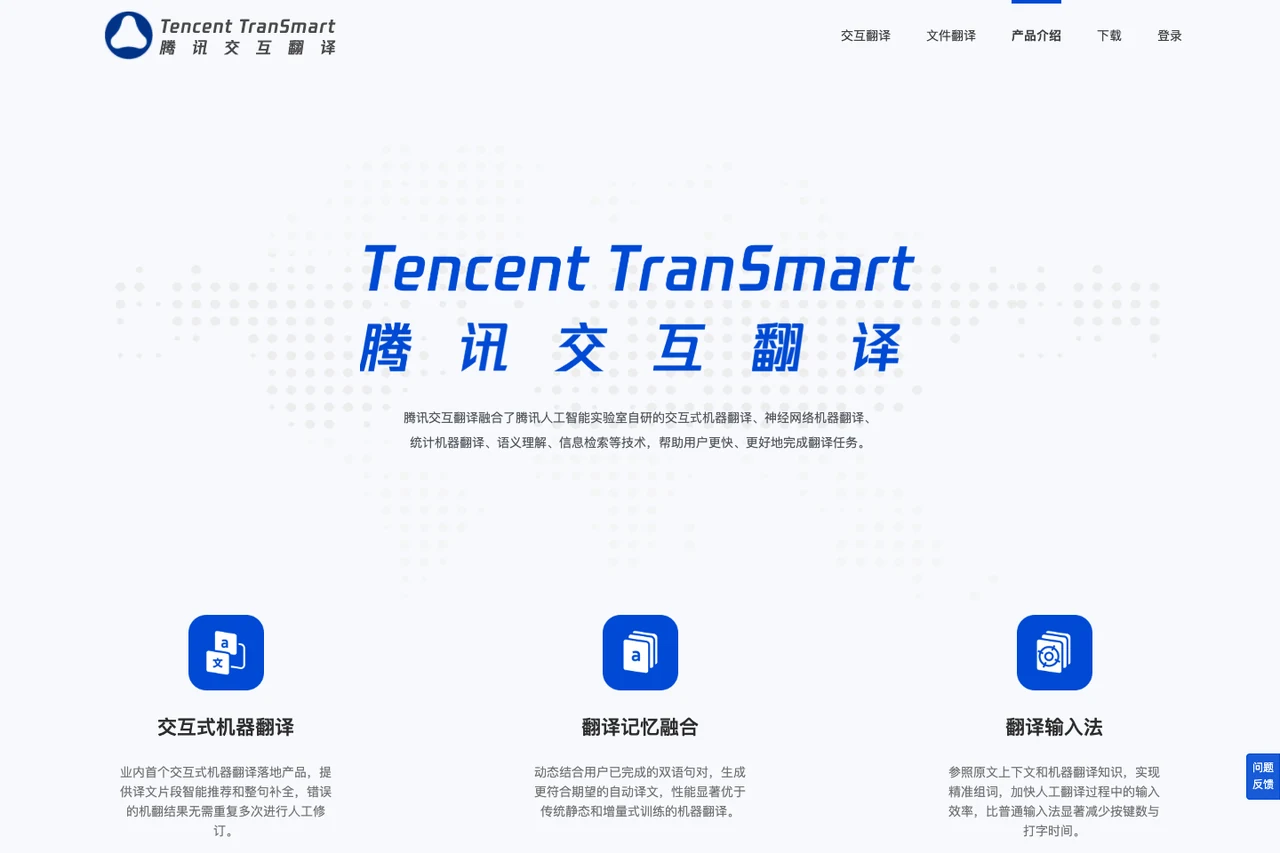
TranSmart (Tencent Interactive Translation)
Developed by Tencent AI Lab, TranSmart is designed around interactive human-machine collaboration. Rather than generating a static output for copying, TranSmart suggests word-level and sentence-level predictive completions in real time, integrating confirmed bilingual pairs into active translation memory.
Translators can place their cursor anywhere in the translated text to make adjustments, prompting the system to refresh downstream suggestions dynamically. This keeps terminology decisions and sentence pacing in the hands of the user, operating as a collaborative editor distinct in focus from Tencent's standalone consumer dictionary mobile apps.
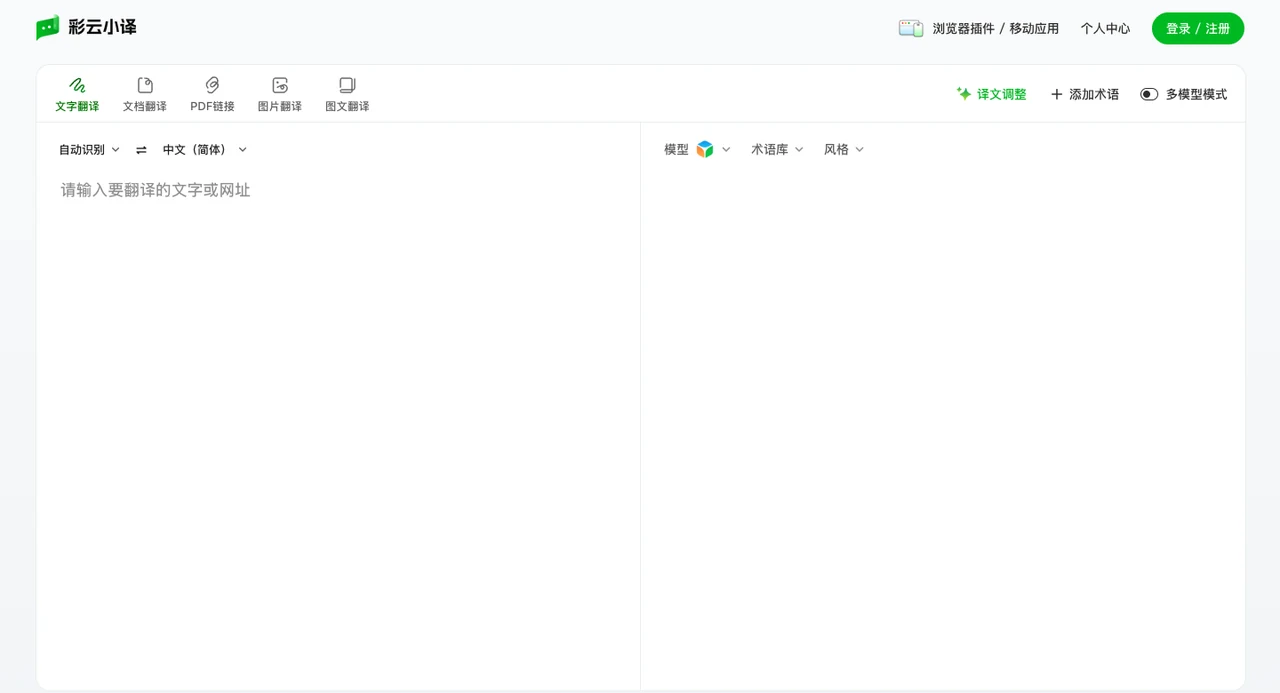
LingoCloud (Caiyun Xiaoyi)
LingoCloud is widely used for Chinese, English, and Japanese workflows. Its browser extension delivers bilingual side-by-side web reading with shared and personal glossary support. On mobile devices, its document translation service accepts formats like PDF, Word, PPT, Excel, EPUB, TXT, and SRT, delivering downloaded outputs primarily in PDF or Word format depending on the source file.
Its desktop software also features LingoCloud Interpretation, which captures microphone audio as well as Windows system audio to render live dual-language subtitles for online courses and lectures (internal system audio capture is currently unsupported on Mac).
QuillBot Translate
QuillBot Translate operates within QuillBot's writing and editing ecosystem. When translating text, the interface provides formality options and displays definitions and synonyms in supported languages.
Translated text can be copied smoothly into its Paraphraser and Grammar Checker to refine sentence flow. The platform also maintains a dedicated Translate PDF page for uploading and reviewing single PDF documents. Supported languages vary between the translation, grammar, and paraphrasing tools.

5. End-to-End Interconnection: How Equalang Approaches Modern Workflows
Reviewing these 19 tools demonstrates that each service has developed clear capabilities for specific tasks. In everyday work, however, requirements frequently intersect:
You might read an online white paper in your browser, download an accompanying PDF with tables and diagrams, watch a video lecture without captions, and then prepare an executive summary in Word while coordinating directly with international collaborators. Switching between isolated software tools and file converters fragments the workflow.
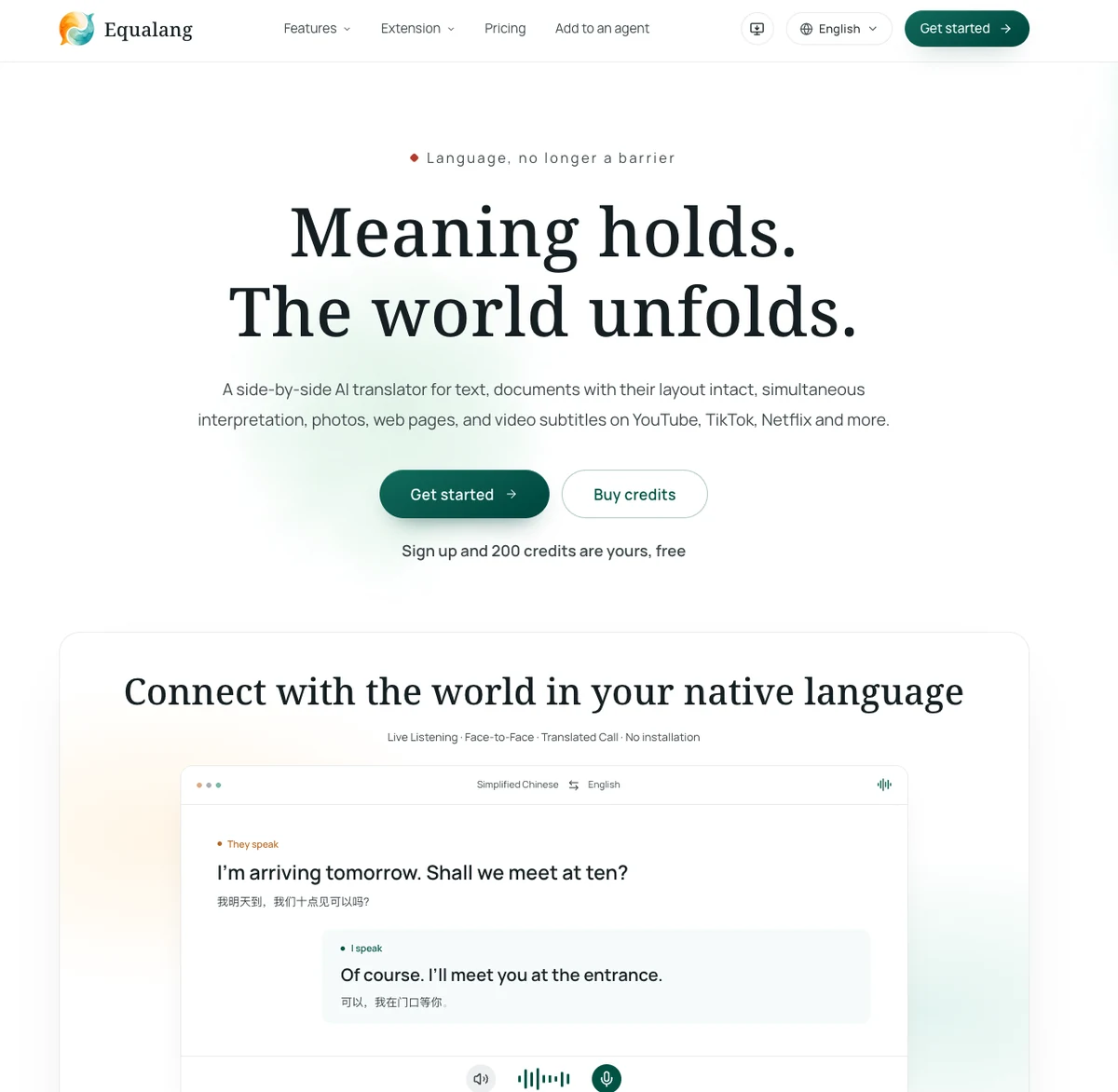
We designed Equalang to connect these tasks into a continuous, side-by-side translation workflow, delivering coordinated translation support across documents, web pages, videos, and live communication.
1. Whole-File Document Translation with Layout Preservation
When translating full documents, Equalang focuses on structural preservation and post-translation usability, providing tailored workflows across research literature, presentations, and everyday office files:
-
PDF Documents & Reading: Equalang preserves multi-column layouts, headers, footers, and captions, reconnecting sentences split across page breaks before translating, while maintaining table structures, inline formulas, and internal document links. As outlined in our academic PDF reading walkthrough, readers can view the translated file alongside the original in a side-by-side layout, grasping core arguments in their primary language first before cross-referencing specific terminology and data on the original page.
-
PowerPoint Presentations: In our slide deck formatting guide, translated PPTX files preserve native editable tables rather than flattening them into static images. Word-level styling—such as bolding, italics, and font colors within a single sentence—is accurately mapped to corresponding translated phrases. Key terms and headings remain consistent across slides, and text boxes automatically scale down font sizes when translations expand to prevent text overflow or covering graphics.
-
Word & Excel Office Files: In our verified Word translation test, translated DOCX files retained headings, bulleted lists, pricing tables, and bold formatting, allowing direct editing in Microsoft Word. In our Excel price sheet validation, formulas and numbers remained untouched while duplicate text strings across cells were translated only once.
-
E-Books & Media Processing: EPUB files retain table-of-contents navigation and internal anchor links. Audio and video recordings up to 180 minutes can be processed via file task APIs or AI assistant Skills/MCP to generate timestamped bilingual SRT/VTT subtitle files or original text transcripts.
2. In-Browser Reading & Subtitle Generation
Through our lightweight browser extension (with installation guides for Chrome, Edge, and Firefox, plus a temporary Mac Safari mode for Safari 18.4+), translation integrates directly into your daily reading:
-
Bilingual In-Page Reading: Translated paragraphs appear directly beneath the original text as you scroll. A floating icon can be toggled in settings for on-demand word lookups. When reading local PDFs, users can enable "Allow access to file URLs" in extension management to select and translate words directly on the page.
-
Bilingual Video Subtitles: Compatible with YouTube, Netflix, TikTok, and Bilibili, as explored in our bilingual video viewing guide. Beyond translating existing subtitles, the extension can capture audio streams to generate real-time bilingual subtitles for uncaptioned videos (subject to browser environment and media encryption limits, verified on YouTube live streams and official trailers), while simultaneously translating live chat comments on YouTube.
3. Installation-Free Spoken Communication & On-Site Exchange
Requiring conversational partners to install dedicated mobile applications creates friction, especially while traveling. When connected to the internet, Equalang delivers on-the-go photo translation and spoken interpretation directly inside standard browsers (requiring only an initial sign-in and device camera/microphone permission on first use), as outlined in our international communication guide:
-
Mobile Photo Translation: When encountering unfamiliar restaurant menus, signs, or public notices while traveling, users can snap a picture in their mobile browser. Translations overlay directly onto the photo layout, making it easy to order drinks or review notices against the original image, as illustrated in our travel photo translation guide.
-
Face-to-Face Mode: Designed for in-person situations such as hotel luggage storage, asking directions, or front-desk interactions. Two speakers can place a single phone or tablet flat between them, using an inverted split-screen or side-by-side view with continuous two-way transcription and transcript export, as shown in our travel face-to-face guide.
-
Live Listening: Captures ambient speech via the device microphone during an in-person lecture, class, or meeting to display live bilingual subtitles on the web page, with optional text-to-speech reading and transcript export when finished.
-
Translated Calls: Hosts log in on the web portal to generate a secure call link and share it via any messaging app. Guests join directly through their browser without creating an account or installing any software—they simply enter a display name and the host admits them to begin the call. Both parties speak their native language, hear translated audio, and view real-time text.
4. Integration for AI Agents and Developers
To help developers and teams embed translation into automated workflows:
-
Developer API: Features instant endpoints for text alongside asynchronous file jobs supporting Idempotency-Key retries and callback notifications, as detailed in our file translation API integration guide.
-
Skill & MCP Integration: We maintain open-source Agent Skills via equalang-skill and official Model Context Protocol support via @equalang/mcp. In environments such as Claude Code, Codex, or WorkBuddy, running a single installation prompt and configuring your API key equips your AI assistant to handle document translation and media transcription directly within your workflow, following our AI assistant file translation guide.
6. Task-Based Decision Guide
To help you choose the right tool for your current task, refer to this quick overview:
The most effective translation tool is always the one that addresses the friction points of your specific task. We hope this breakdown clarifies your options and helps you focus on what truly matters: understanding and communicating your ideas clearly.
Sources
- Google Translate Help Center
- Google Translate Desktop Document Translation
- Apple Support: Translate App Guide for iPhone
- Apple Support: Live Translation & Feature Availability
- Microsoft Translator Mobile Features
- Microsoft Translator Multi-Device Conversation Help
- NAVER Papago Official Portal
- iTranslate Keyboard & Offline Features
- Reverso Context Usage Information
- Reverso Documents Portal
- Yandex Translate Help for Desktop & Mobile
- Immersive Translate Documentation
- O.Translator Product Information & Formats
- SimplifyAI Complex Document Workbench
- SimplifyAI General Document Translation
- Mate Translate Features
- Lingvanex Windows Translator
- Lingvanex Secure Translation Software
- SYSTRAN Translate Pro & Enterprise Deployments
- NetEase Youdao Translate
- Baidu Translate & Video Translation Portal
- Tencent TranSmart Product Introduction
- Caiyun Xiaoyi (LingoCloud) Document Help
- QuillBot Translate & PDF Portal
- Equalang API Specifications & Documentation