Confirm Sample Shipping Details via Translated Calls
 Equalang
In brief
Lack a shared language to confirm sample shipping with an overseas buyer? See how Equalang translated calls let you use your native language via a web link.
Keywords: translated calls; overseas partners; multilingual calls; web browser calls; communication tools
When finalizing sample shipments with an overseas buyer, a lack of a shared language can turn a simple confirmation into days of back-and-forth emails or tedious copying and pasting with translation apps.
For moments when you need to quickly settle on key details, your buyer can invite you to an Equalang Translated Call. It allows both parties to each speak and hear their own native language, all inside a web browser without installing anything.

Receiving the invitation
When the buyer initiates the call, they will generate an invitation for you. Because they set your language to English in advance, they can easily copy a ready-made English invitation text or send an invitation card image.
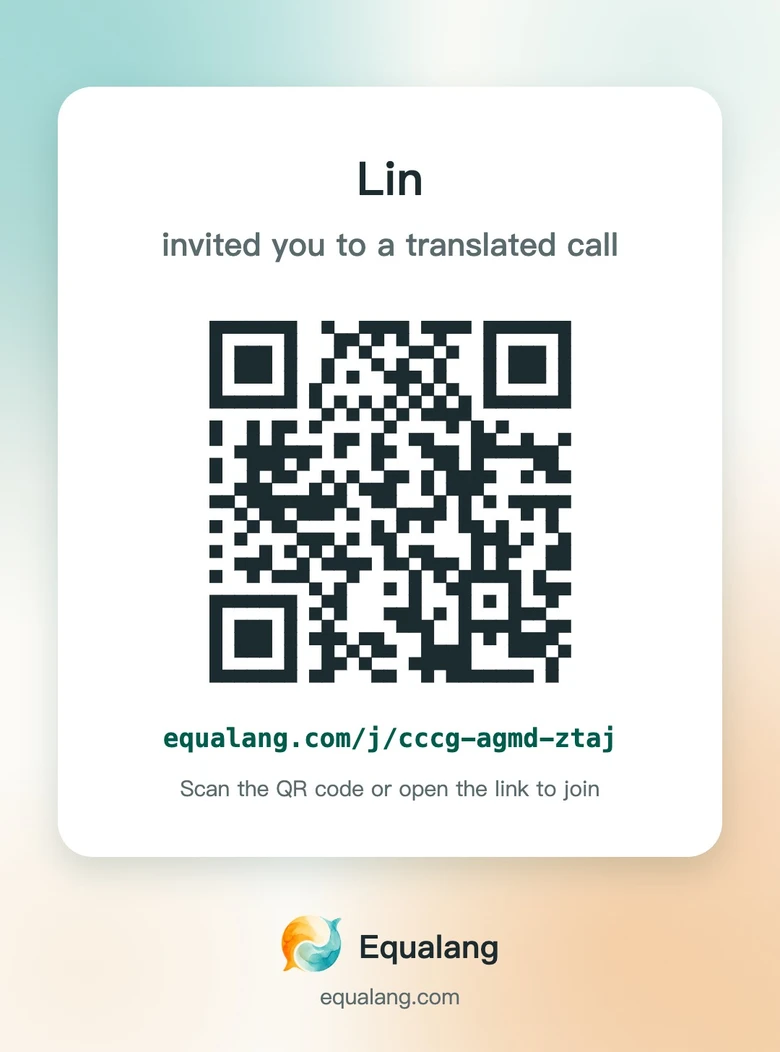
This is not a regular international phone call. You don't need to register an account or download an app. When you open the link or QR code in your browser, you just need to select your language (English) and enter your name, then tap "Join the call".
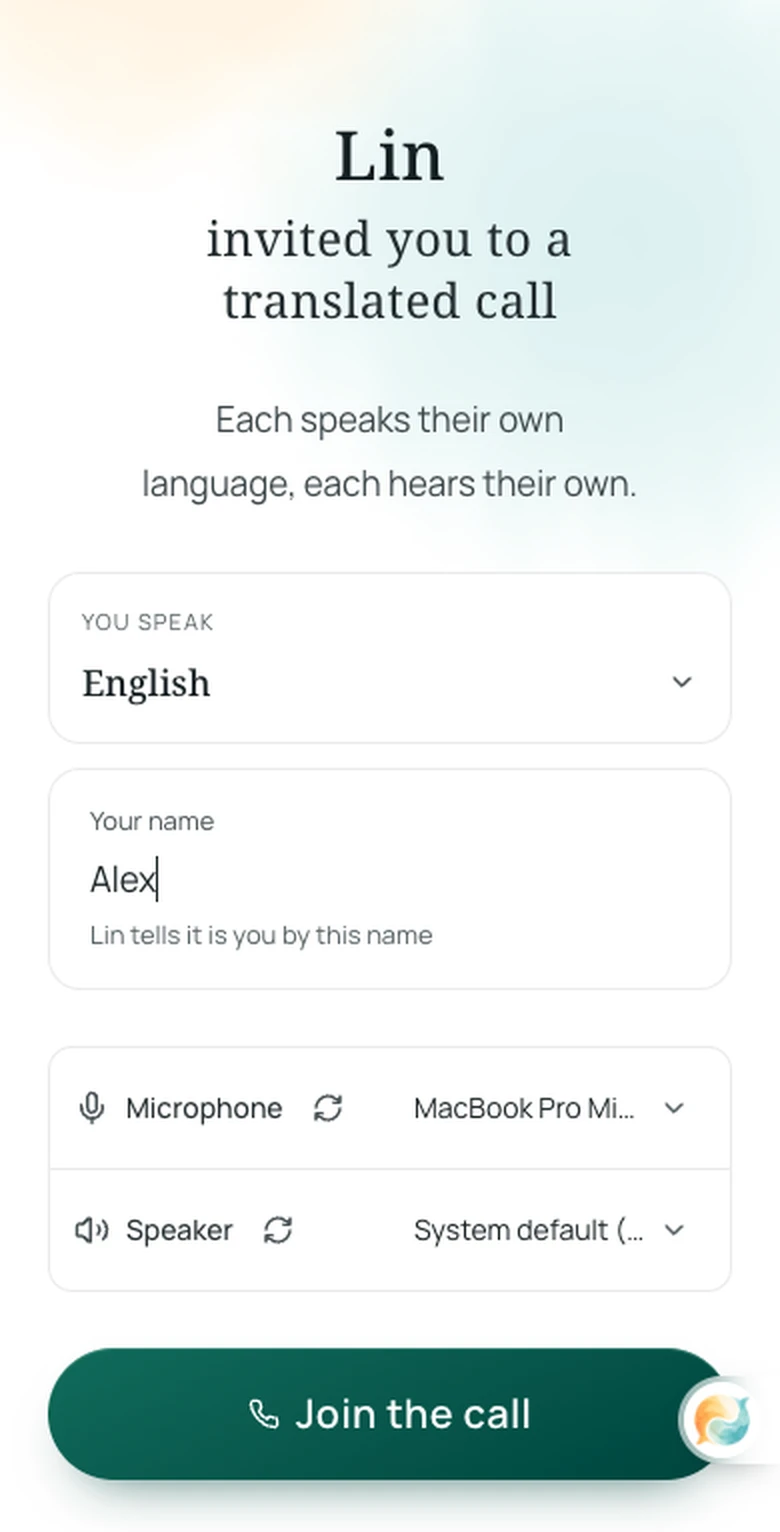
Once the buyer clicks "Allow" on their screen, the connection is established. The host covers the credits for the call, so it is completely free for you as the guest.
Communicating: Each speaks and hears their own language
Once connected, you just speak English, and the system translates your words into Chinese for the buyer. When they reply in Chinese, you receive the English translation right on your screen. By default, the system will read the translated audio out loud, which you can turn off in the interface anytime.
In our internal team's two-way demonstration, the buyer (Lin) and supplier (Alex) efficiently confirmed a sample shipment request:
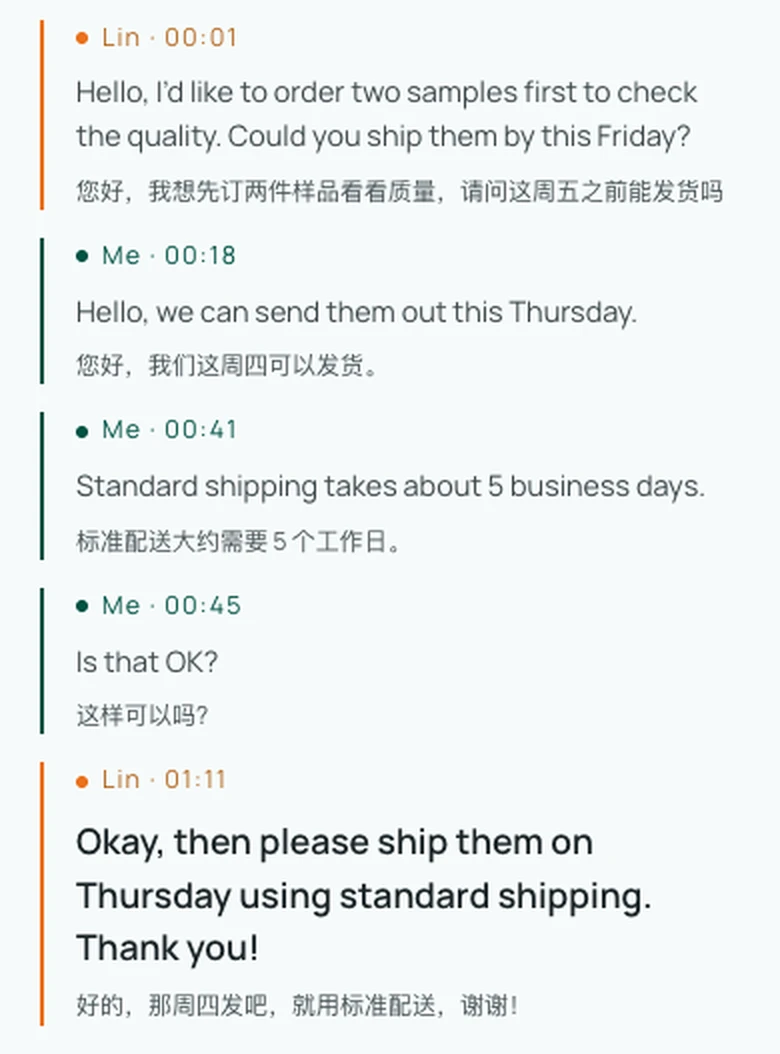
Lin: Hello, I’d like to order two samples first to check the quality. Could you ship them by this Friday?
Alex: Hello, we can send them out this Thursday.
Alex: Standard shipping takes about 5 business days.
Alex: Is that OK?
Lin: Okay, then please ship them on Thursday using standard shipping. Thank you!
Through the clear subtitles and audio readout on your screen, both parties easily confirmed the sample order and settled the logistics expectations.
Finishing up: Export the transcript
After everything is settled, either party can end the session. For instance, when the host hangs up, your screen will immediately notify you that the call has ended.
The system will finalize the dialogue record. By clicking "Export bilingual transcript", you can download a text record containing both the original speech and the translations. You can keep it as a handy memo for preparing the shipment.
Sources
- Equalang Translated Call: https://equalang.com/call