
Connected Papers vs ResearchRabbit vs Litmaps (2026)
In brief
Compare Connected Papers, ResearchRabbit, and Litmaps for citation mapping, and turn exported open-access DOIs into bilingual PDFs on Equalang Plaza.
Keywords: connected papers vs researchrabbit vs litmaps; connected papers vs researchrabbit; litmaps vs researchrabbit; connected papers alternatives; ai literature review tools
Choose Connected Papers when you only have one seed paper and want an instant similarity cluster, ResearchRabbit when you want a free, Zotero-synced collection tracker that maps author networks, and Litmaps when you need a chronological timeline showing how foundational papers evolved into recent breakthroughs. Because all three citation mappers stop at monolingual English metadata and external publisher links, pairing your exported DOIs with Equalang Plaza lets you read open-access papers side by side in your native language without translating every PDF from scratch.
Quick Comparison: Citation Discovery vs Full-Text Reading
Visual literature tools look similar at a glance, but they organize citation networks around different starting points. Here is how the three discovery platforms compare—and how Equalang Plaza fits in once you have your reading list:
Connected Papers: Instant Clusters from a Single Seed Paper
When you are entering an unfamiliar field and only have one landmark paper recommended by an advisor or reviewer, Connected Papers (https://www.connectedpapers.com/) gets you oriented fastest. Instead of asking you to build a folder first, it takes a single seed paper and analyzes thousands of surrounding nodes to build a similarity graph of roughly 20 to 40 key papers.
Its algorithm relies on co-citation and bibliographic coupling rather than raw direct citations alone. Two papers that never cite each other will still cluster tightly if they share heavily overlapping reference lists or get cited together by subsequent authors. Node size reflects citation count, node color shades indicate publication year, and connecting lines show similarity strength.
Two built-in views make it practical for literature reviews:
- Prior Works: Lists the foundational papers most frequently cited by the nodes in your cluster—ideal for writing the background section of a thesis.
- Derivative Works: Surfaces recent survey papers or follow-up experiments that cite large portions of your cluster.
Where it hits a wall: The free tier limits the number of graphs you can generate each month (with paid Academic and Business plans unlocking unlimited graphs), and it is designed around one seed paper at a time rather than a living multi-paper project folder.
ResearchRabbit: Collection-Based Discovery and Zotero Two-Way Sync
If Connected Papers is a one-shot radar ping, ResearchRabbit (https://www.researchrabbit.ai/) works like a playlist engine—often called "Spotify for papers." You start by creating a collection and adding several papers that define your specific research intersection.
Because ResearchRabbit bases its recommendations on your entire collection rather than a single paper, every paper you add sharpens its suggestions for Earlier Work, Later Work, and Similar Work. Three features make it a favorite for ongoing thesis projects:
- Two-way Zotero sync: You can link a Zotero collection directly to ResearchRabbit. Papers added in Zotero appear in your graph, and papers you discover in ResearchRabbit sync back to your reference manager.
- Author network exploration: Clicking an author's name maps their co-authorship network and published output, helping you identify which labs dominate a niche sub-topic.
- Passive email alerts: Once a collection is set up, ResearchRabbit sends notifications when newly published papers cite or match your folder.
Where it hits a wall: As you click outward through three or four columns of sub-graphs, the canvas can quickly become crowded. More importantly, syncing 40 discovered citations back to Zotero still leaves you with 40 dense English PDFs to read and digest.
Litmaps: Chronological Timelines and Citation Momentum
Force-directed blobs in Connected Papers and multi-column trees in ResearchRabbit sometimes obscure when an idea took off. Litmaps (https://www.litmaps.com/) solves this by locking its graph to a strict Cartesian grid: time runs from left to right along the horizontal axis, while citation count or citation momentum (recent citation velocity) runs vertically.
This layout lets you read a research field like a historical timeline:
- Top-left nodes immediately reveal the high-citation foundational ancestors of your topic.
- Top-right nodes highlight recent papers gaining rapid citation momentum—often the exact papers you cannot afford to miss before submitting a manuscript.
- Visual citation trails show direct citation arcs flowing forward in time across your imported BibTeX, RIS, or Zotero bibliography.
Where it hits a wall: Like Connected Papers, Litmaps reserves unlimited maps and continuous background monitoring alerts for its paid tier, and its interface stops at abstract metadata and outbound DOI links.
The Bottleneck After Discovery: Reading 30 Exported English PDFs
Using Connected Papers, ResearchRabbit, and Litmaps together is a proven discovery workflow: use Connected Papers to branch out from a single seed paper, move the best 10 matches into a Zotero-synced ResearchRabbit or Litmaps project, and export your shortlist.
Yet discovery is only the first 15% of a literature review. Once you have 30 DOIs sitting in your reference list, you still have to verify their methodology, equations, ablation tables, and limitations. For researchers whose first language is not English—or anyone screening technical papers across unfamiliar domains—reading 30 two-column academic PDFs in English is where momentum stalls. Running full-price machine translation on every paper before you even know whether its experiments are relevant wastes both time and translation credits.
How to Turn Discovered DOIs into Low-Cost Bilingual Reading on Equalang Plaza
Before paying full translation credits on a newly discovered open-access paper, paste its DOI, title, or author name into Equalang Plaza (https://equalang.com/plaza).
Equalang Plaza hosts public-domain books (from sources such as Aozora Bunko, Wikisource, and Standard Ebooks) alongside 24,000+ open-access academic papers licensed under CC BY, CC BY-SA, or CC0 from OpenAlex, PubMed Central, and arXiv. You can filter directly by Papers and your target language.
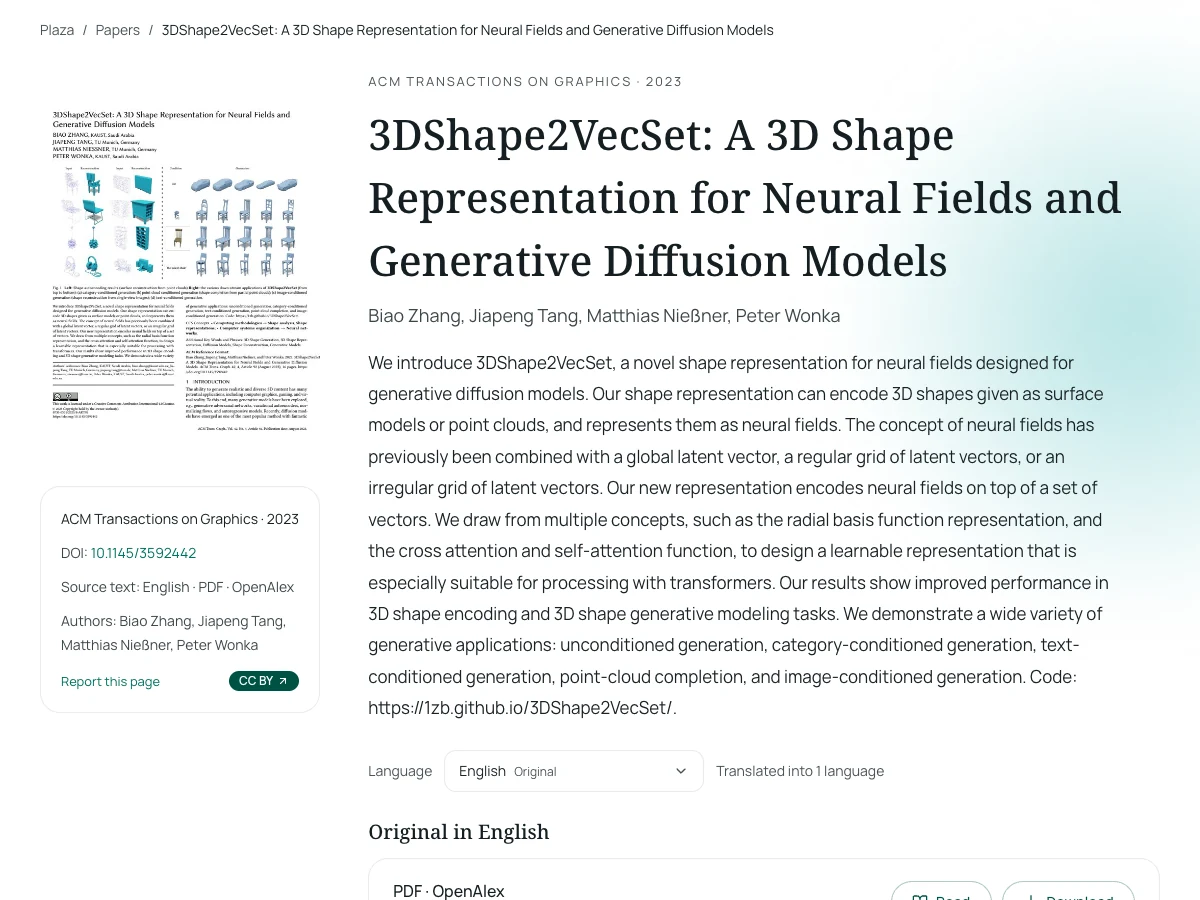
For example, if your citation graph surfaces 3D computer vision and neural rendering benchmarks such as 3DShape2VecSet: A 3D Shape Representation for Neural Fields and Generative Diffusion Models or 3D Gaussian Splatting for Real-Time Radiance Field Rendering, searching their title or DOI on Equalang Plaza gives signed-in readers three immediate advantages:
- 0-credit originals and free 20% side-by-side preview: Once signed in, you can read or download the original paper for 0 credits, and read the first 20% of any available translation for free in a side-by-side view with synchronized scrolling. That first 20% typically covers the abstract, introduction, and problem formulation—enough to decide whether a paper deserves a deep read.
- 1/10-credit full downloads with dual PDF formats: If the paper is essential, downloading an existing Plaza translation costs 1/10 of the standard translation credit cost (rounded up on the page—for instance, downloading the Simplified Chinese AI translation of 3D Gaussian Splatting for Real-Time Radiance Field Rendering costs just 24 credits). Every PDF translation purchase includes both a layout-preserved translated PDF and a page-by-page alternating bilingual PDF, plus full online reading access and unlimited re-downloads.
- Duplicate-translation alerts, Zotero workflows, and credit payback:
- If a Plaza paper does not yet have a translation in your target language, you can click Translate now directly from the hosted source or click Want this translation to vote it up the priority queue.
- If you upload a PDF to Document Translation that already has a matching translation on Plaza, Equalang notifies you so you can preview or grab the 1/10-credit edition instead of paying to translate it again.
- When you translate newly exported open-access PDFs via Document Translation or the Equalang Zotero workflow (see our step-by-step Zotero translation plugin guide and academic paper PDF translation guide), our PDF processor keeps two-column layouts, headers, figure captions, cross-reference links, multi-row tables, and inline or display equations intact while stitching sentences split across page breaks before translating.
- If the paper carries an eligible
CC BY,CC BY-SA, orCC0license (or is a public-domain book) and is not yet on Plaza, click Share to the plaza at the top of the workspace after translation (up to 3 submissions per day, published after copyright verification). Each time another reader downloads your shared translation, you earn back 1/10 of your translation credit spend, up to the full amount you originally spent.
Important boundaries to keep in mind: You must be signed in to read/download 0-credit originals or sample the 20% bilingual preview. Furthermore, Equalang Plaza only hosts and accepts public-domain books and open-access papers under CC BY, CC BY-SA, or CC0 licenses. Paywalled publisher PDFs, copyrighted books still under protection, and open-access papers carrying NC (Non-Commercial) or ND (No Derivatives) restrictions cannot be shared to Plaza—translate those privately in your own Document Translation workspace instead (which uploads one file at a time without total count limits, processing up to 3 documents concurrently per account while queuing the rest).
Frequently Asked Questions
Should I use Connected Papers, ResearchRabbit, or Litmaps first?
Start with Connected Papers if you only have a single seed paper and want an immediate 30-paper similarity cluster. Move to ResearchRabbit once you have a folder of 5–10 core papers that you want to sync two-way with Zotero and expand via author networks, or use Litmaps when you need to visualize the chronological timeline from foundational ancestors to high-momentum recent citations.
Can I read paywalled journal papers on Equalang Plaza?
No. Equalang Plaza only hosts public-domain books and open-access papers licensed under CC BY, CC BY-SA, or CC0 (sourced from repositories such as OpenAlex, PubMed Central, and arXiv). Papers with NC (Non-Commercial) or ND (No Derivatives) clauses or closed-access journal copyrights are not hosted or eligible for Share to the plaza, though you can translate your own personal reading copies privately via Document Translation or Equalang for Zotero.
What files do I get when I download a translated paper PDF from Equalang Plaza?
For 1/10 of the standard translation credit cost, a single PDF translation purchase on Equalang Plaza gives you full online bilingual reading access plus two downloadable files: a layout-preserved translated PDF (retaining columns, tables, equations, and figure captions) and a page-by-page alternating original/translated bilingual PDF.
Sources
- Connected Papers official platform: https://www.connectedpapers.com/
- ResearchRabbit official platform: https://www.researchrabbit.ai/
- Litmaps official platform: https://www.litmaps.com/
- Equalang Plaza open-access papers & public-domain catalog: https://equalang.com/plaza
- Equalang Plaza credit rates (
preview_ratio=0.2,download_ratio=0.1,share_refund_ratio=0.1): https://equalang.com/v1/rates - Equalang Plaza example work (3D Gaussian Splatting for Real-Time Radiance Field Rendering): https://equalang.com/v1/plaza/works/3d-gaussian-splatting-for-real-time-radiance-field-rendering-f467b4?locale=zh-CN