Worlds 2026: Watch Live Broadcasts with Synced Subtitles
 Equalang
In brief
Follow Worlds 2026 live streams and Korean commentary in real time with synchronized dual subtitles and translated live chat.
Keywords: Worlds 2026; live stream subtitles; LCK Korean broadcast; LoL Esports; live chat translation; dual captions
The 2026 League of Legends World Championship (Worlds 2026) is underway (October 15 – November 14), with the world's best teams competing across stages toward the November 14 Finals at the Barclays Center in Brooklyn, New York. You can check the official schedule for match times.
When matches are broadcast live, following the foreign-language streams often presents immediate hurdles:
- Rapid-fire casting: Shouted play-by-play commentary during chaotic teamfights is difficult to understand in another language.
- Missing or delayed captions: Official live streams rarely provide live subtitles in your language. On YouTube, automatic live captions are limited to English and appear after words are spoken rather than alongside the voice, while Korean live broadcasts have no automatic captions at all during the stream.
- Cannot wait for recaps: Waiting hours or days for translated community clips means missing the live excitement.
With Equalang, subtitles and translations appear with the voice, in sync, so you can follow the action live as it unfolds. Below, we'll demonstrate how to use Equalang to follow official live broadcasts with synchronized subtitles and translated audience chat.
Where to Watch and How to Set Up Live Subtitles
For the cleanest feed, tune in through the verified tournament channels:
- English broadcasts: LoL Esports on YouTube and Riot Games on Twitch
- Korean broadcasts: LCK on YouTube and LCK on Naver CHZZK
Step-by-Step Setup
- Install the Equalang extension for Chrome, Edge, or Firefox (Safari can also be installed temporarily on Mac).
- Open the official live stream, such as LoL Esports on YouTube or LCK on YouTube.
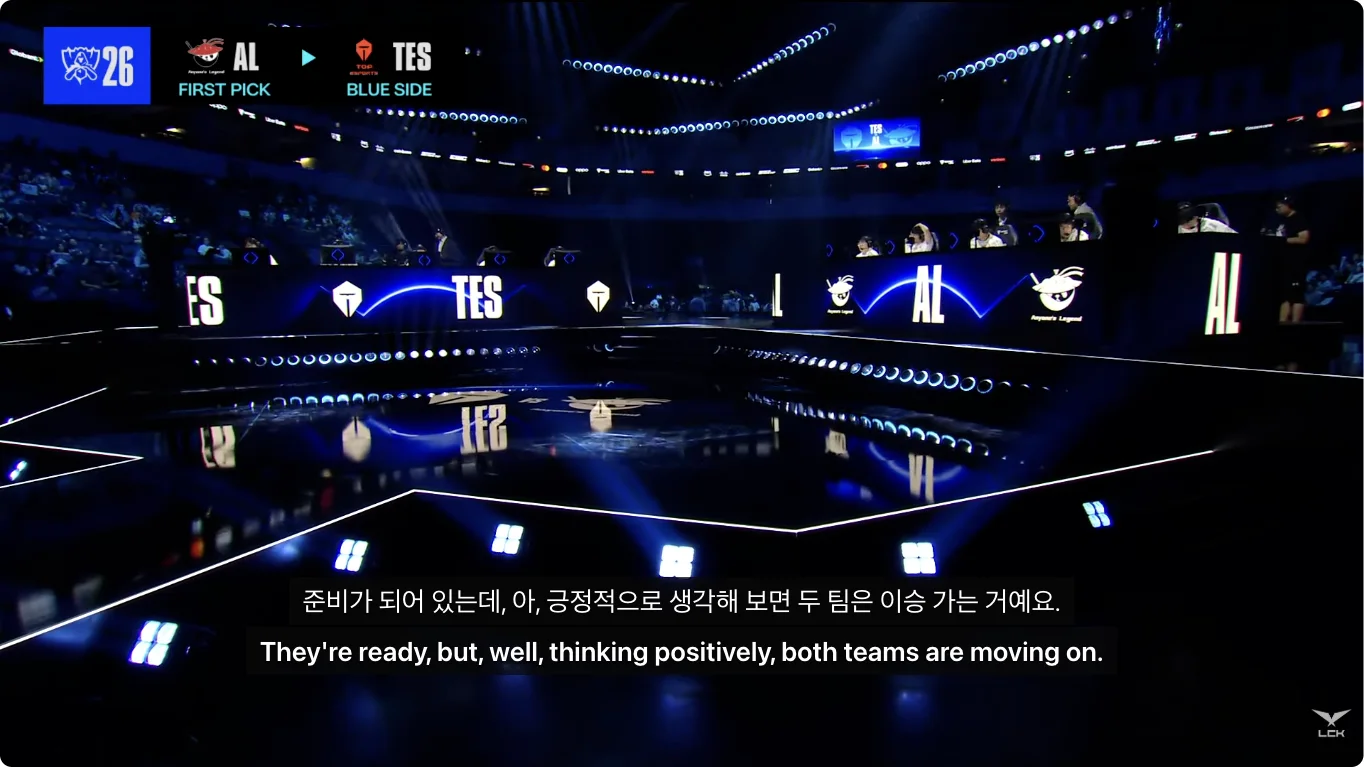
- Click the Equalang icon on the player and turn on "Live interpretation", choose the target language; subtitles and translation then appear with the commentary.
- Turn on viewer-message translation for chat.
Catching Up on Replays and Highlights
If you missed a match or want to rewatch iconic moments, match VODs and highlight reels on LCK on YouTube provide another great way to enjoy the cast.
Once YouTube processes the video's Korean captions, turn on CC and enable Equalang's caption translation to see dual subtitles side by side:
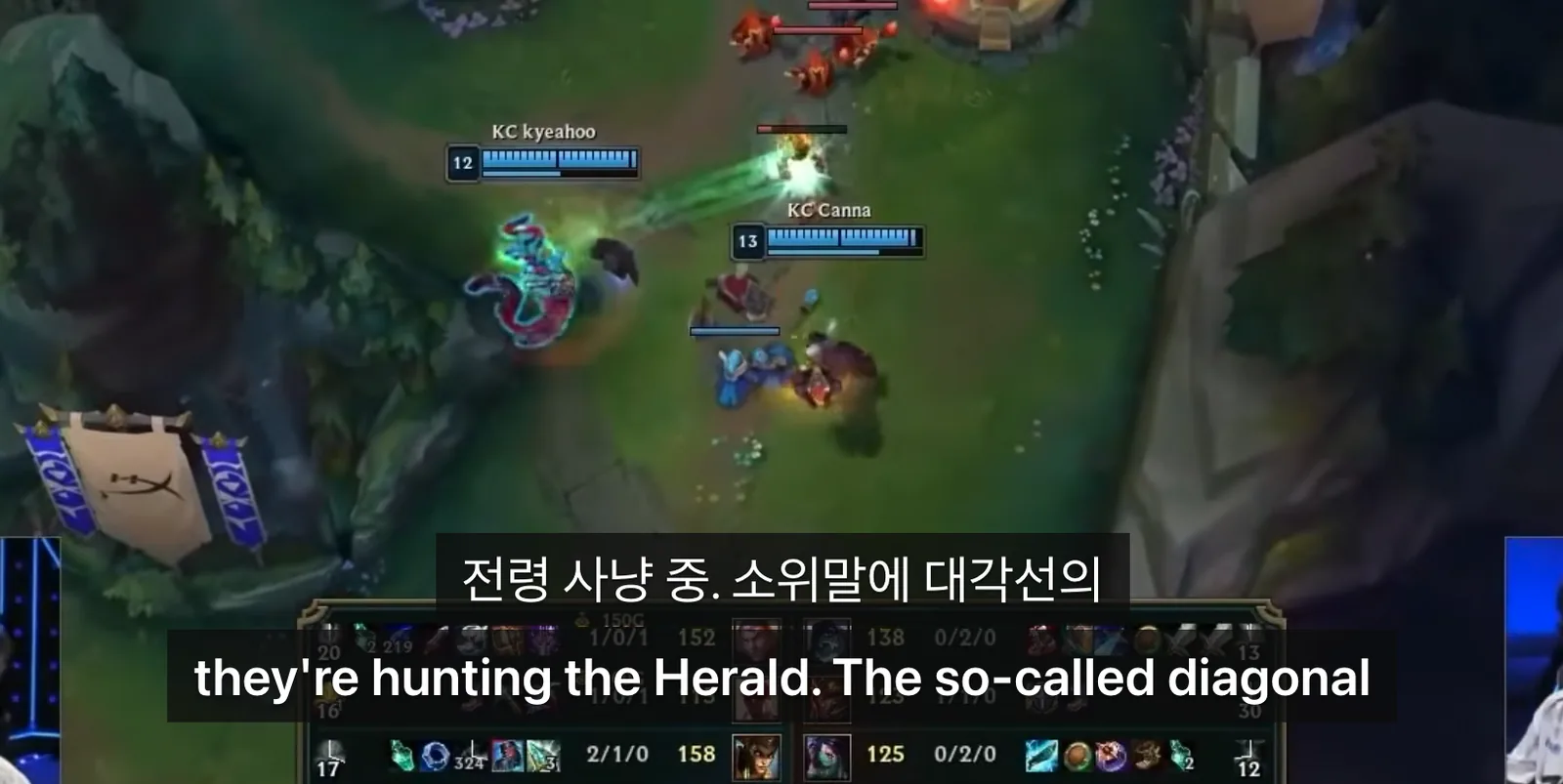
For instance, during a Play-In highlights clip, the Korean caster's call 전령 사냥 중. 소위말에 대각선의 displays alongside the English translation they're hunting the Herald. The so-called diagonal. Viewing both lines side by side helps you track the tactical breakdown in your language while picking up player and champion names in Korean.
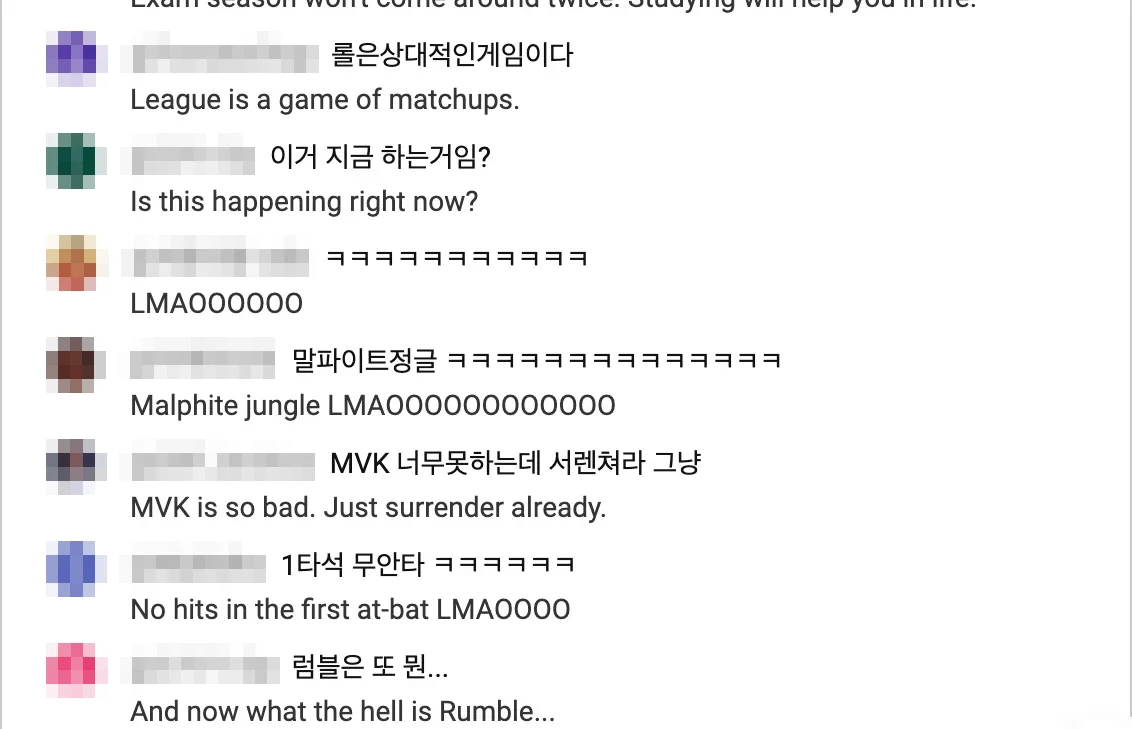
You can also follow the Korean community's post-match reactions during chat replays:
Practical Tips for Esports Broadcasts
To get the smoothest experience while watching fast-paced esports streams, keep these practical tips in mind:
- Crowd roar and overlapping voices: During high-intensity teamfights when the arena audience roars or multiple casters talk over one another at once, speech recognition can occasionally mishear a quick phrase.
- Gaming slang and idioms: Chat memes and gaming idioms may sometimes be translated literally. For example, common laughter shorthands like
ㅋㅋㅋconvert naturally to laughter expressions, whereas figurative sports phrases like1타석 무안타(meaning "failing to produce results on the first attempt") may display literally asNo hits in the first at-bat. - Choosing caption translation vs. live interpretation: If a broadcast already carries an active caption track, using direct caption translation is the most lightweight option. For streams without existing captions, turn on live interpretation to hear and read along in sync.