Watch The Game Awards 2026 with Live Subtitles
 Equalang
In brief
Follow The Game Awards 2026 live with bilingual subtitles. Here is how to watch speeches and world premieres in sync with your native language.
Keywords: The Game Awards 2026; live subtitles; bilingual captions; TGA stream translation; live stream subtitles
The Game Awards 2026 will stream live from the Peacock Theater in Los Angeles across major platforms, including the official thegameawards YouTube channel and Twitch.
When you tune in live, you want to experience the world premieres, award announcements, and acceptance speeches the moment they happen. Following the broadcast in English, however, can be tough when excited creators talk quickly, announcements move at a rapid pace, and the official stream lacks subtitles in your language. Waiting for translated recaps or social media summaries the next morning means missing the live excitement altogether.
With bilingual subtitles, the transcription and translation appear right with the voice, in sync, so you can enjoy the live stream in your own language. Below, we demonstrate how to set this up using Equalang, a browser extension for bilingual reading and video subtitles.
How to Watch the Live Stream with Subtitles
You can watch on desktop using Chrome, Edge, or Firefox (Safari is also supported on macOS):
- Install the Extension: Add Equalang to your browser and open the official live stream on YouTube or Twitch.
- Turn on Live Interpretation: Click the Equalang icon on the player and turn on live interpretation, then pick your target language — subtitles and translation then appear with the voice. If you prefer reading subtitles on a second device or a phone in the room picking up the sound through its microphone, you can open the web listening page (Live Listening); subtitles and translation appear as people speak.
Catching Up on Replays and Highlights
If you miss part of the ceremony or want to rewatch key moments on the official thegameawards YouTube channel, the same dual-subtitle setup works on replays:
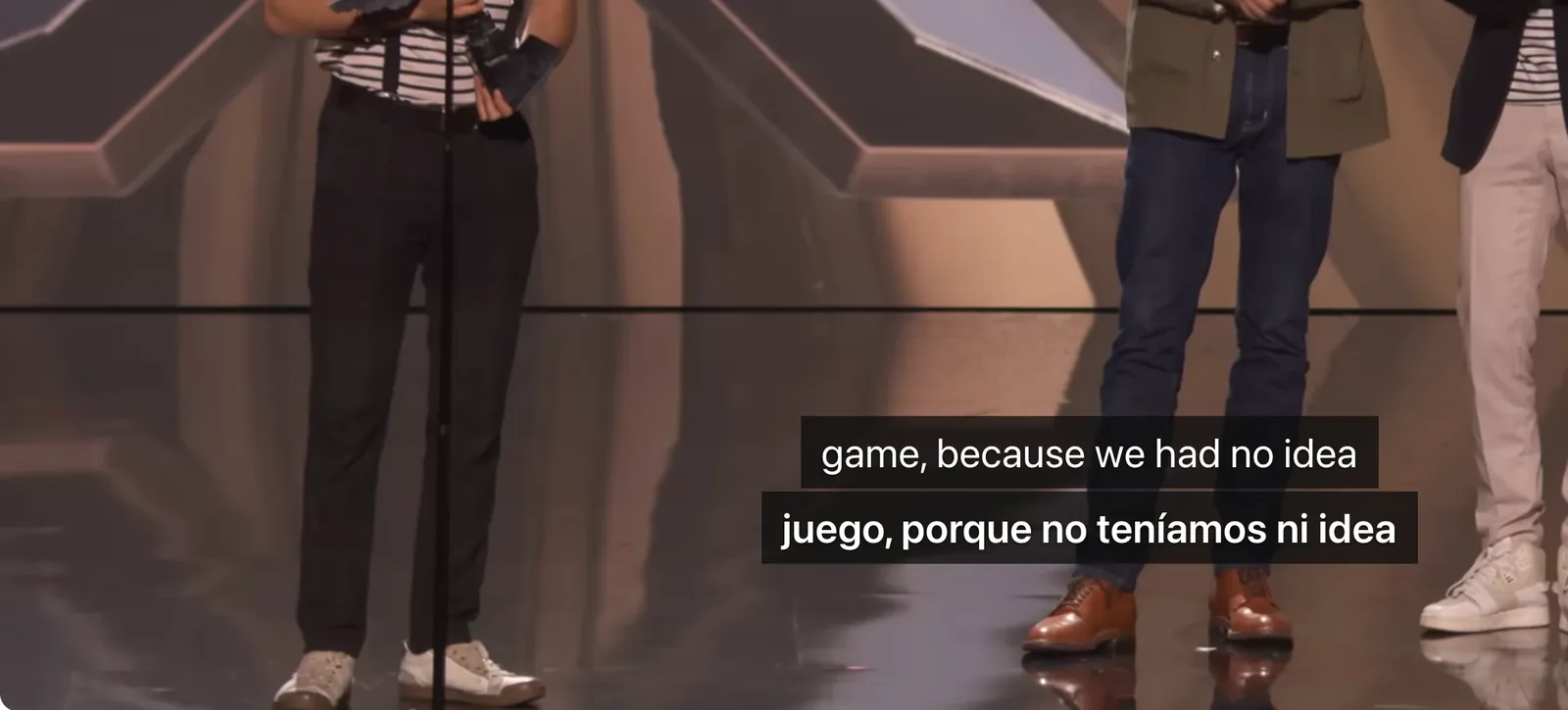
Bilingual subtitles display the translation directly below the original spoken dialogue, letting you follow emotional speeches and developer commentary while keeping the original vocal tone.
Practical Tips and Other Ways to Watch
Tips for Live Viewing
- Trailers and Musical Performances: World premiere trailers and orchestral performances often feature loud music and sound effects without spoken words. Subtitles pause during these moments and resume naturally when presenters or guests speak again.
- Audience Noise and Overlapping Speech: When the auditorium cheers loudly or multiple speakers talk over each other on stage, an occasional word may be misheard, or colloquial gaming slang translated literally. Subtitles quickly steady as dialogue clears up.
- Pre-Show Check: Tune into the official stream a few minutes before the pre-show starts to make sure your browser and audio settings are ready.
Other Ways to Watch
- Platform Auto-Captions: YouTube provides native auto-captions on select live streams, but they are typically English-only, replace the original text instead of offering dual subtitles, and appear after the words are spoken.
- Community Co-Streams: Restreams on Twitch or YouTube hosted by regional creators offer commentary in your native language, though co-streamers often talk over the actual announcements.
Sources
- The Game Awards Official Website: https://thegameawards.com/
- Equalang Browser Extension Installation: https://equalang.com/extension
- Equalang Live Listening Web App: https://equalang.com/listen