Translate Foreign EPUBs: Keep In-Text Links and Read Smoothly
 Equalang
In brief
Equalang translates full EPUB files with "Keep names and terms consistent", keeping original layouts and in-text links for a seamless reading experience.
Keywords: EPUB translation; translate ebooks; ebook translator; document translation
Reading a book in a foreign language is a great way to learn, but sometimes you just want to relax with the story. Pausing every few sentences to look up words or paste text into a translator can quickly become tiring. In longer books like novels or biographies, the experience can be even more frustrating if a character’s name or a key location is translated differently across chapters.
Instead of struggling paragraph by paragraph, you can switch the entire book into a language you are more comfortable with. By uploading your foreign language EPUB file to Equalang, you can select your target language, download a translated ebook, and open it right back up in your reader.
Consistent Names, Seamless Story
To make long-form reading more natural, Equalang offers a "Keep names and terms consistent" option. When enabled, this feature helps ensure that proper nouns—such as character names and places—remain consistent throughout the translation of novels, biographies, and long ebooks. This reduces the confusion of characters seemingly changing names, letting you stay immersed in the narrative.
Keeping the Ebook Experience: Layouts and Links Preserved
A translated EPUB shouldn't just be a wall of plain text or a rigid document. It should still behave like an ebook.
To show how this works, we translated a Spanish photography sample booklet (which includes a glossary appendix) into English. When opening the translated EPUB in a browser-based reader, the original illustration remains in place, the text reads naturally, and the sidebar chapter navigation is still there:
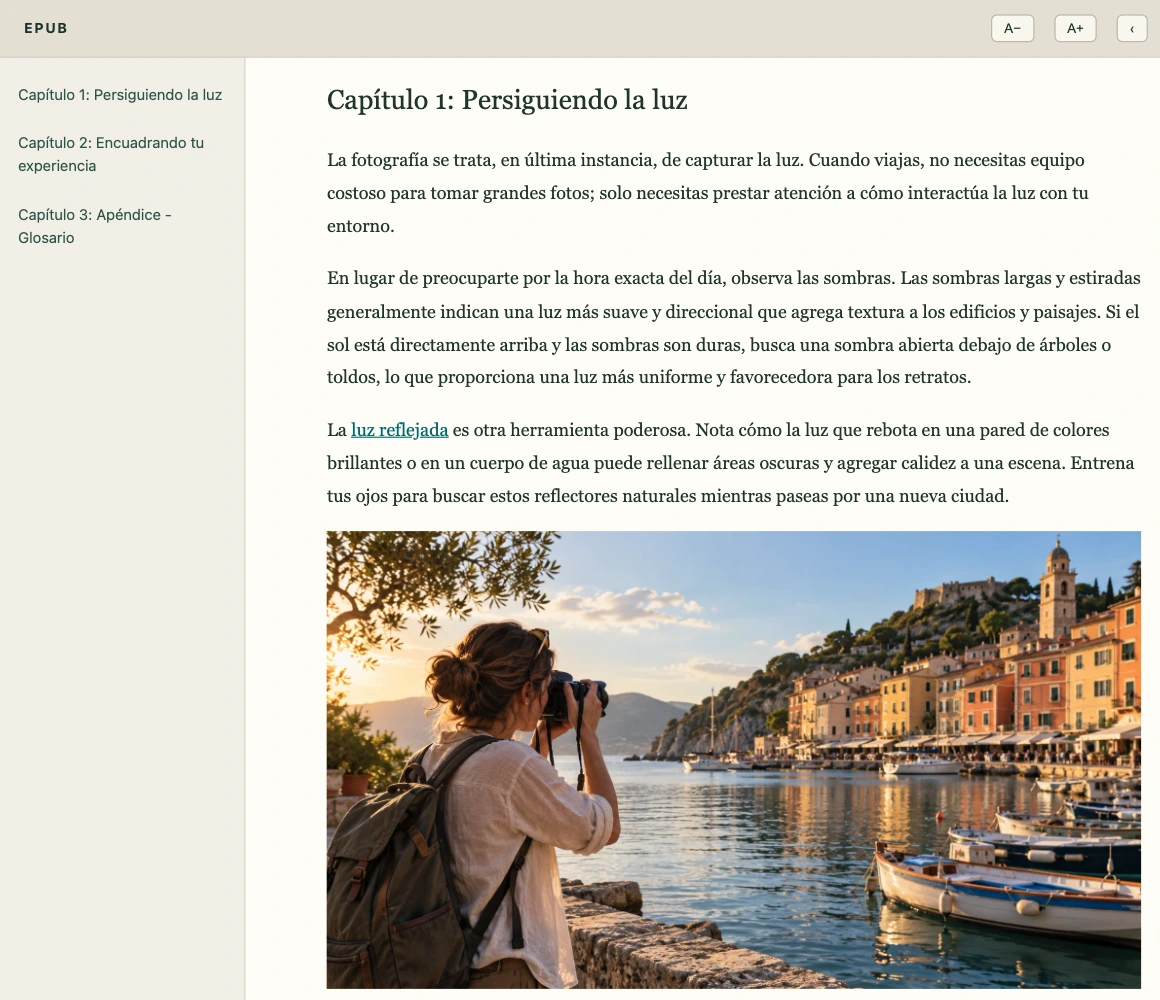

Beyond the table of contents and layouts, the original interactive structure is preserved:
- In-Text Hyperlinks: Internal links in the body text remain functional. For example, if you click on a linked term like "converging lines" in the text, your reader will jump straight to its definition in the appendix.
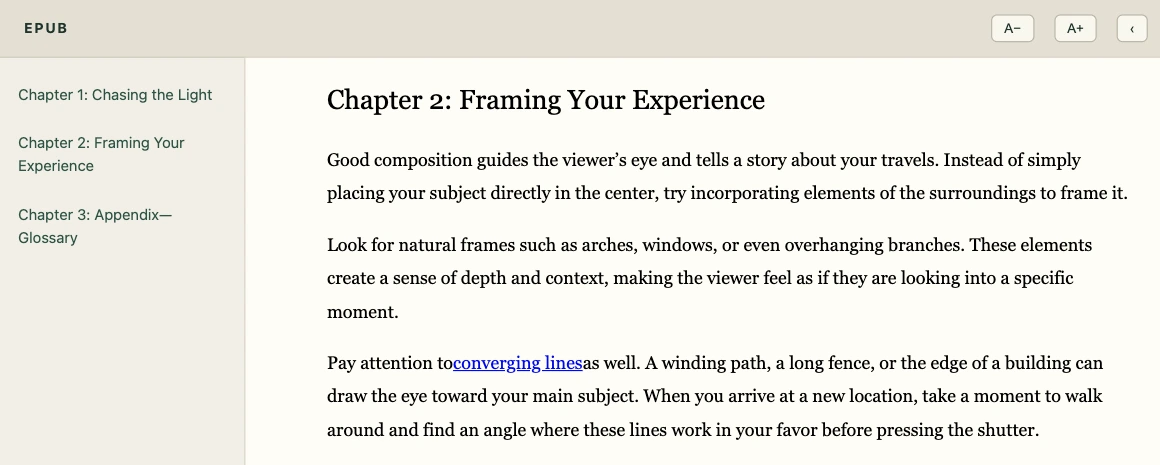
- Easy Return Links: Once you've read the definition, you can simply click "Return to Chapter 2" in the appendix to jump right back to where you left off.
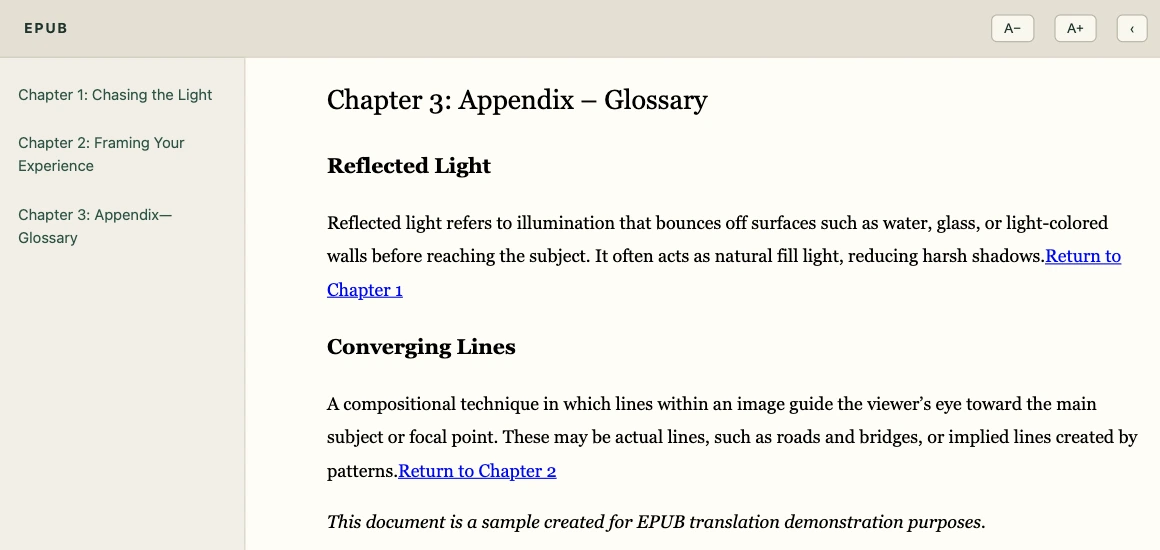
Because it remains a standard EPUB file, you can still adjust the font size to your liking. The paragraphs will reflow to fit your screen properly, and the original images within the book remain preserved in their correct places.
If you have a foreign language EPUB that you’ve been putting off reading, try swapping its language. Head over to Equalang Documents, upload your file, select your language, and download the translated EPUB. Then, load it into your reader and enjoy the book.