DeepL Feature Guide: When to Choose Equalang
 Equalang
In brief
An overview of DeepL features, glossaries, voice, and MCP, plus how Equalang provides a distinct side-by-side bilingual workflow.
Keywords: DeepL features, glossary, document translation, DeepL Voice, Equalang, bilingual translation
When drafting international emails, studying foreign-language papers, or reviewing project files, translation software directly shapes daily productivity. Many office workers and students naturally look at DeepL as a first stop. Over time, DeepL has expanded beyond a browser text box into document processing, collaborative glossaries, live meeting captions, and integrations with AI assistants.
As the Equalang team, we put together this functional guide to explain DeepL's core features and practical requirements, followed by a direct look at how Equalang differs in everyday workflows to help you pick the right tool for your tasks.
Text Translation and Nuance Controls
The primary starting point is DeepL Translator. In addition to the web interface, it offers dedicated desktop applications for Windows and macOS, mobile apps, browser extensions, and an API for developers.
Several key interaction controls stand out during daily use:
- Alternative Phrasing: Clicking any word or phrase in the translated result reveals a list of synonyms and alternate structures, letting you swap terms while automatically adjusting the surrounding sentence.
- Formality Levels: For select language pairs, you can switch between formal and informal modes, which helps align tone between corporate emails and casual conversations.
- Separate Writing Companion: DeepL Write exists as an adjacent product for monolingual editing, grammar cleanup, and style rephrasing, rather than a translation feature.
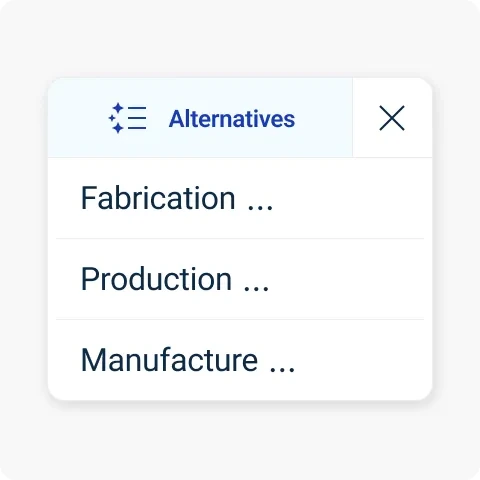 Source: DeepL Official Features Page (official feature illustration, not a team-tested UI screenshot)
Glossaries: Terminology Consistency
In business and technical communication, keeping brand names and industry terms consistent across projects is essential. DeepL's Glossary feature addresses this directly.
According to official documentation, the glossary system adapts terms to grammatical context rather than relying on blunt find-and-replace rules. Teams can manage multiple glossaries by department, share and merge lists, and establish priority rules. Existing translation archives can also be uploaded as TMX or TSV files to bootstrap entries. As with any rule-based tool, phrase matching depends on syntax recognition, so human review remains advisable for sensitive publications.
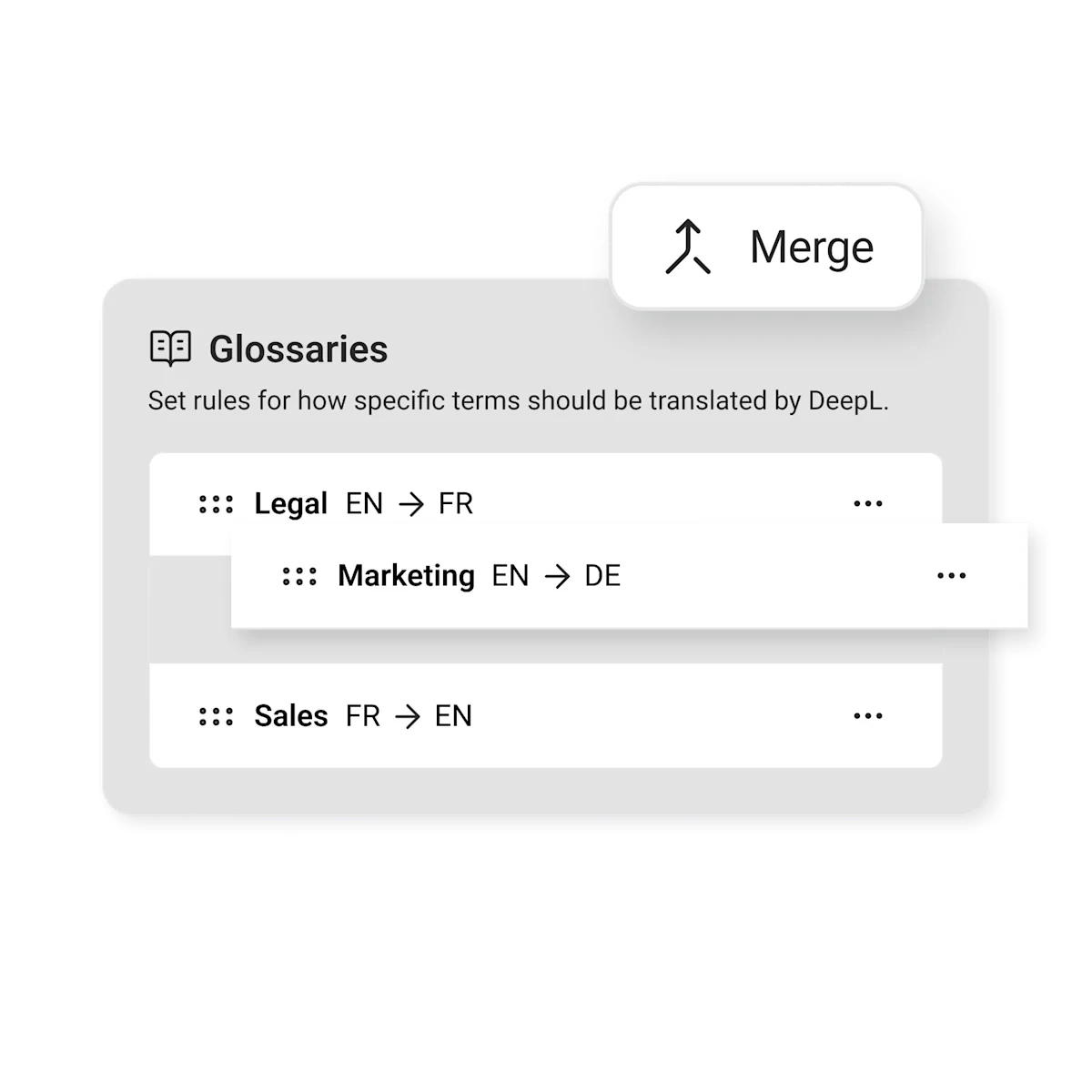 Source: DeepL Official Glossary Page (official feature illustration, not a team-tested UI screenshot)
Document Translation: Preserving Layouts
Copying and pasting long documents manually is tedious and quickly destroys formatting. DeepL's Document Translation allows users to upload source files directly and download formatted translations:
- Supported Formats: Accepts Word (.docx), PDF (digital and scanned), PowerPoint (.pptx), Excel (.xlsx), HTML, SRT subtitles, and plain text (.txt).
- Layout Retention: The system reconstructs paragraph hierarchies, tables, headers, footers, and image positions in the generated file.
- Access Conditions: Format availability and monthly volume limits depend on your plan. For example, Excel spreadsheets and SRT subtitles require specific plan tiers.
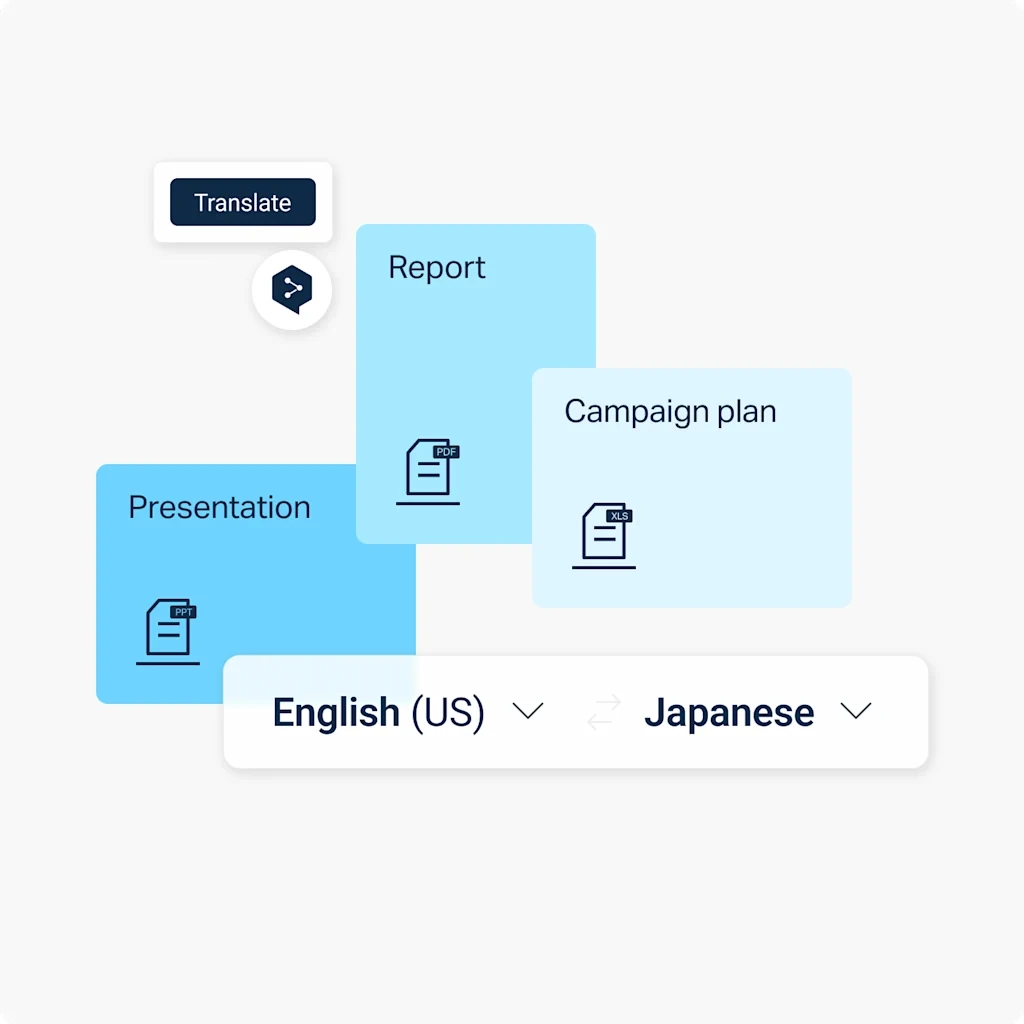 Source: DeepL Official Document Translation Page (official feature illustration, not a team-tested UI screenshot)
DeepL Voice and Agent Connectivity (MCP)
DeepL has recently added capabilities for spoken meetings and AI agent environments:
- Meeting Captions and Audio (DeepL Voice): According to the official documentation, Voice for Online Meetings enters Microsoft Teams, Zoom, and Google Meet sessions as a participant bot. Attendees can follow live translated captions in the web client, while users with qualifying Voice desktop licenses can also listen to spoken audio translations. Using this requires an eligible Voice subscription and organizational permission to admit bots.
- AI Agent Connector (MCP): DeepL launched an integration based on the Model Context Protocol (MCP) to connect its translation engine and glossaries directly into Microsoft Copilot, Claude, and ChatGPT. This lets users trigger DeepL translation workflows directly within their AI assistant chats.
How Equalang Differs and Which Tool to Choose
Understanding DeepL helps highlight where Equalang takes a different functional direction. Both tools bridge language gaps, but they focus on different reading styles and daily use cases.
Practical Differences
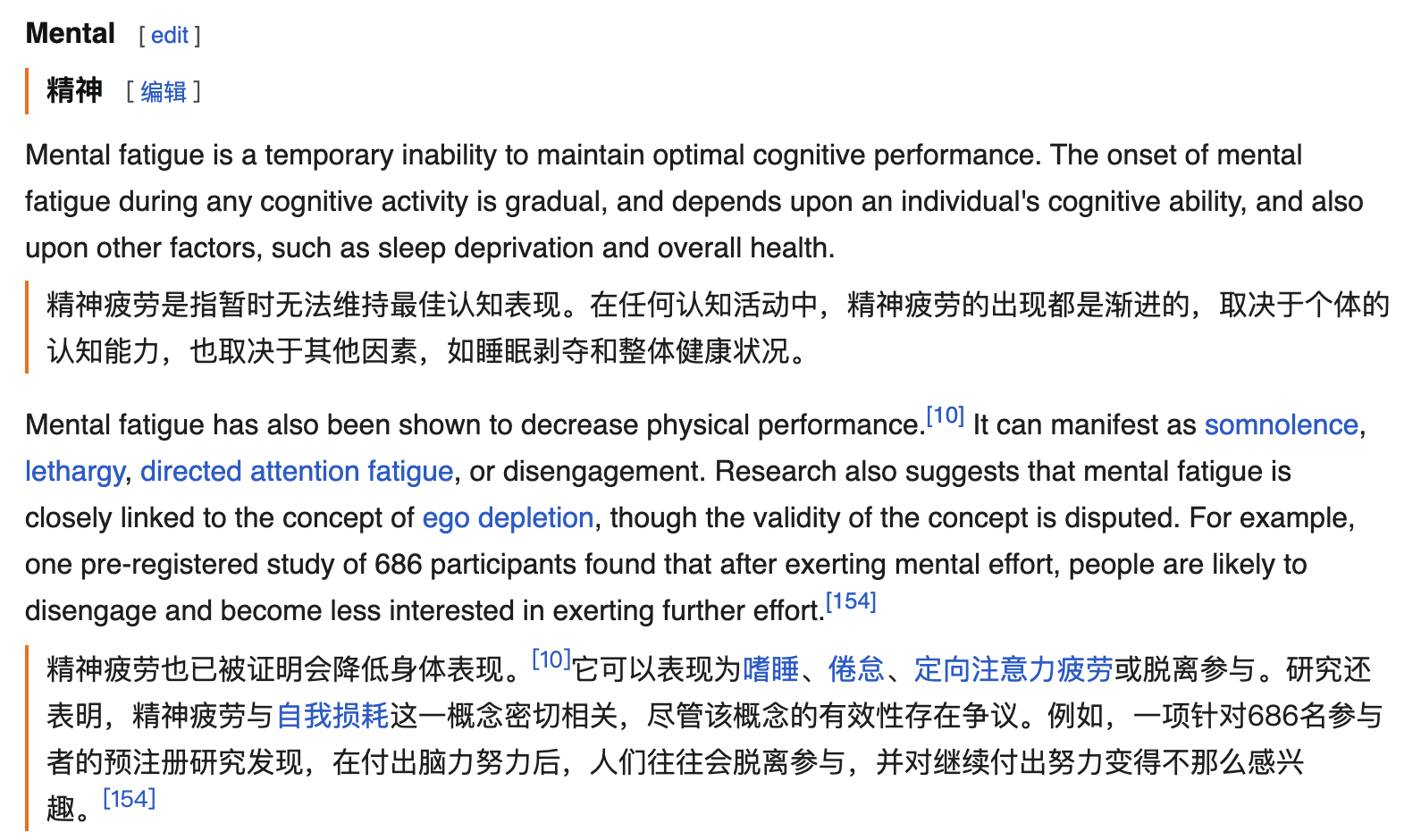
- Side-by-Side Reading: Equalang focuses on bilingual comparison. Through our browser extension, web translation displays the translated text directly beneath each source paragraph, allowing readers to reference the original context without repeatedly flipping between pages.
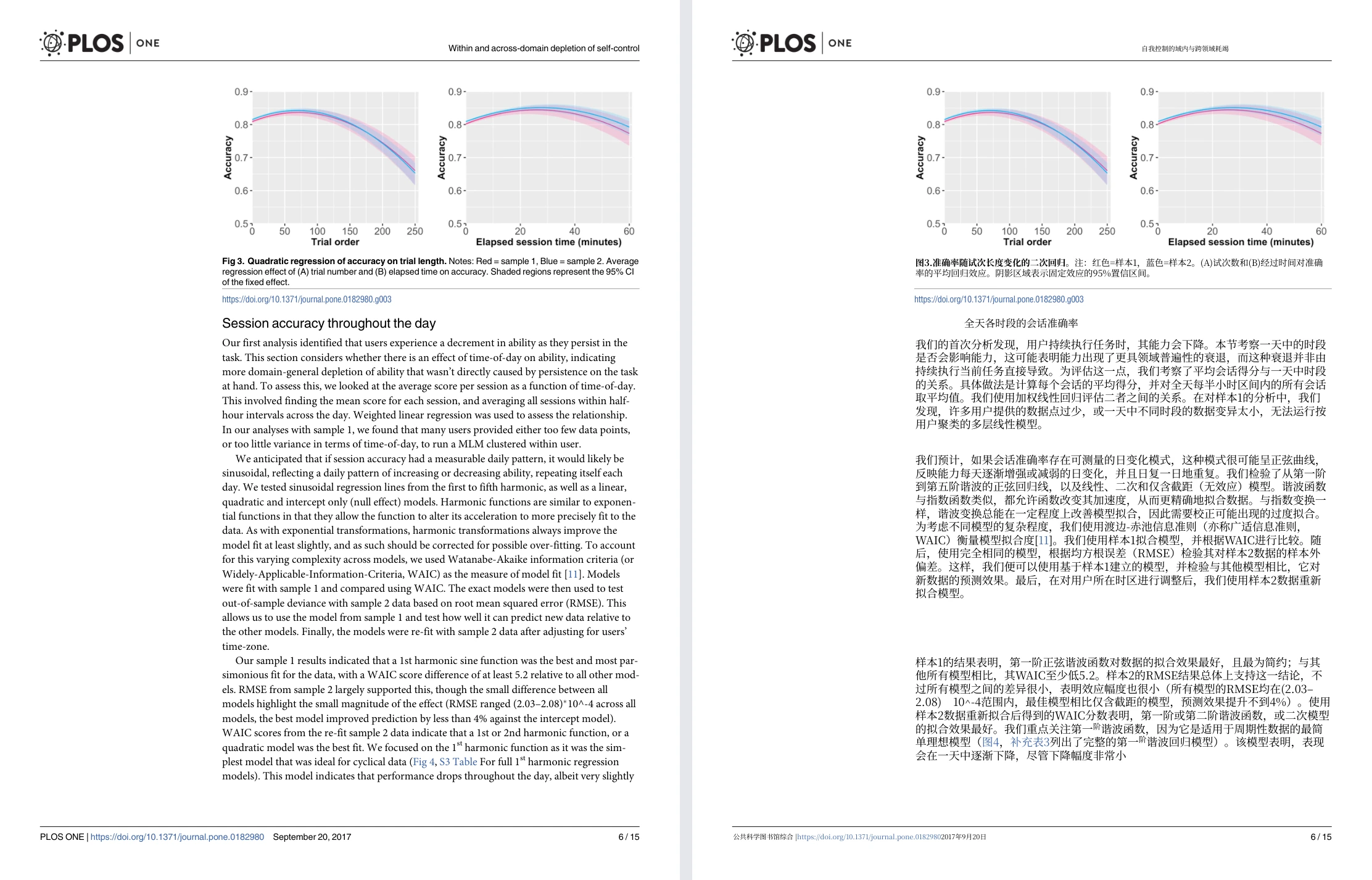
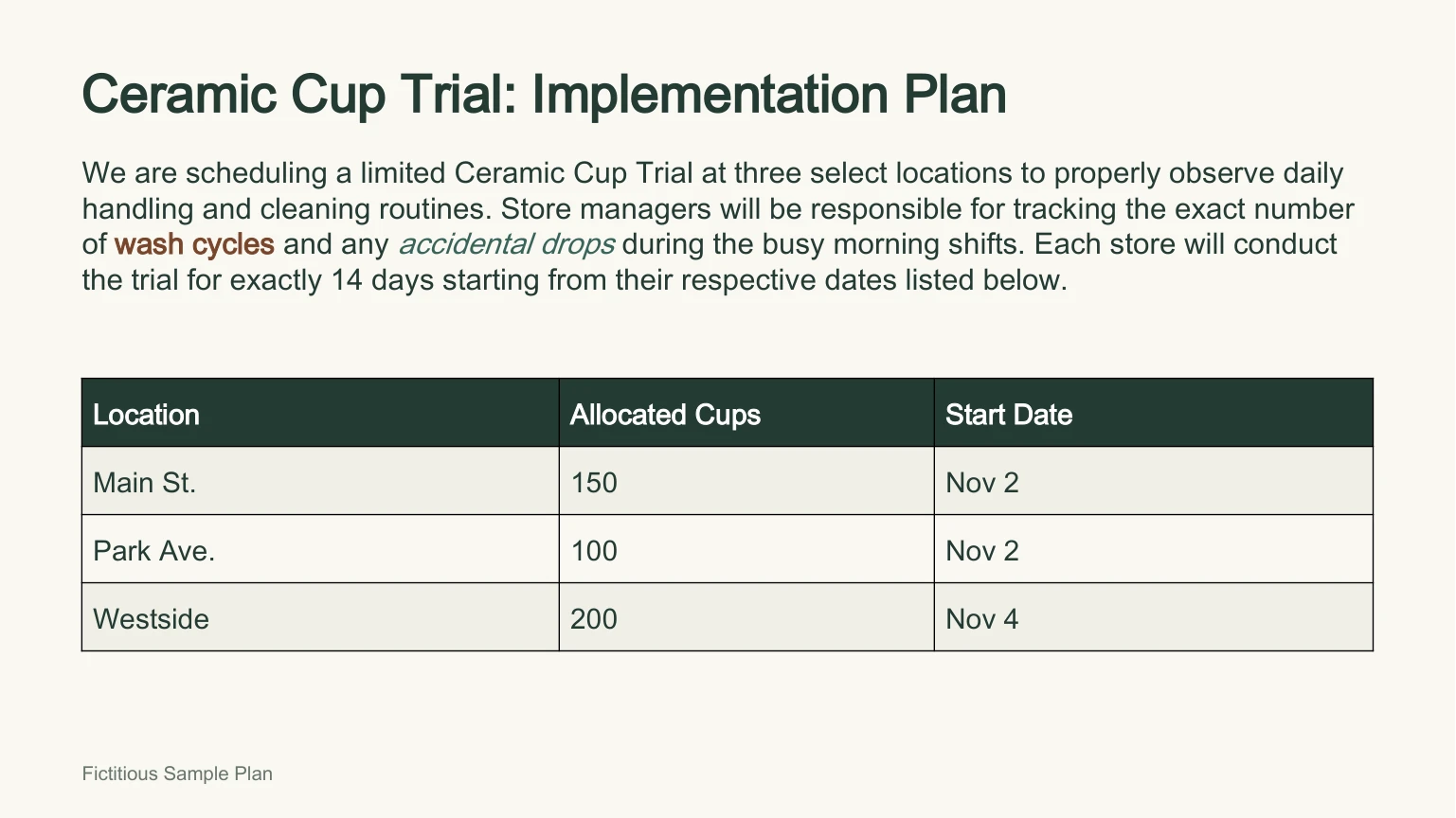
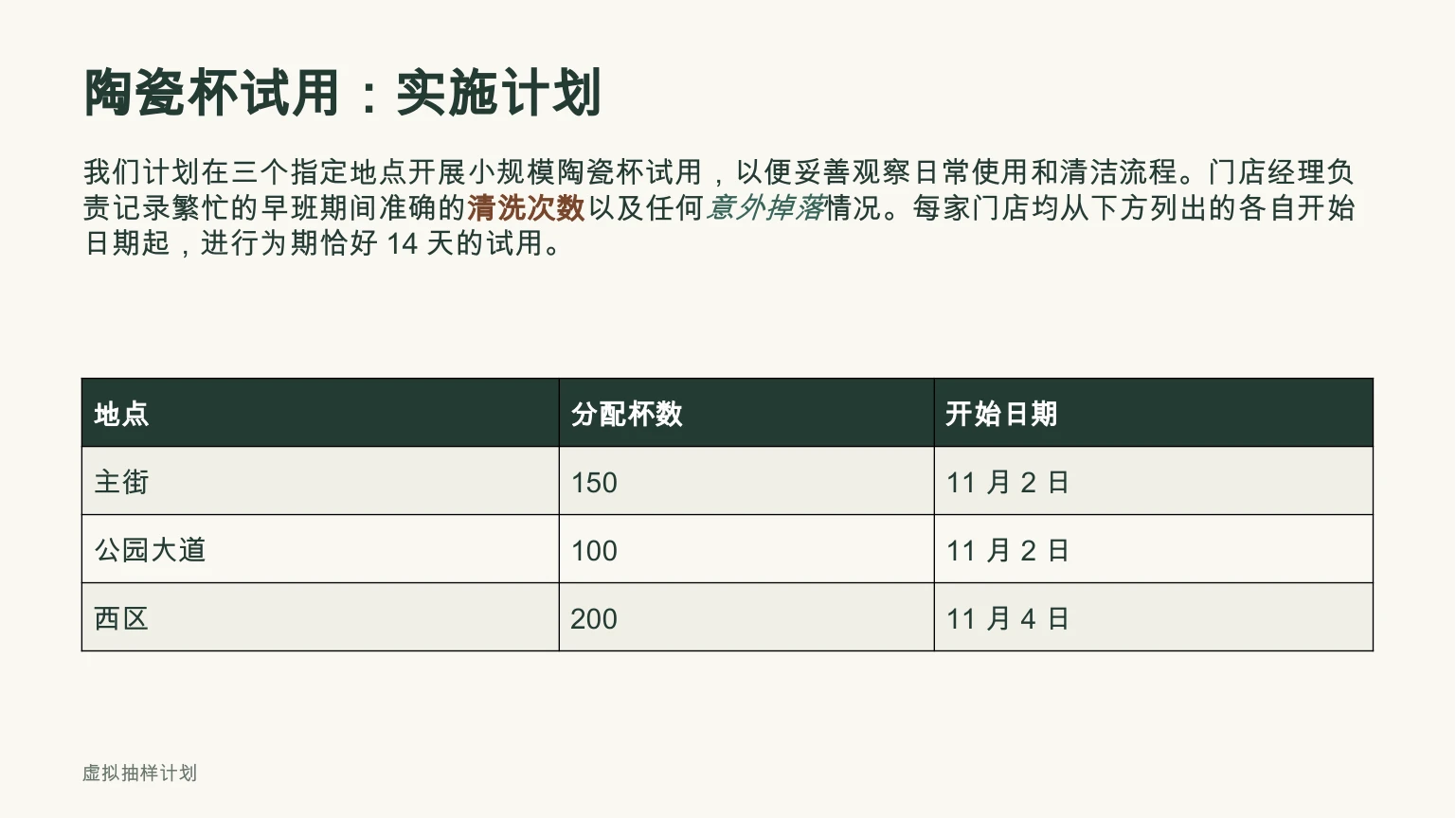
- Complex PDF and PPTX Layouts: In document translation, PDF and PPTX files are core priorities. For research papers, Equalang stitches sentences that are split across page breaks before translating, while keeping multi-column layouts and mathematical formulas intact. In PPTX presentations, font sizes dynamically scale down if translated text runs longer, preventing awkward text box overflow.
| Original English Presentation | Equalang Chinese Translation Result |
|---|---|
 |  |
- Bilingual Video Captions and Spoken Audio: Equalang brings subtitle translation to video platforms like YouTube, Netflix, and TikTok. For videos with existing subtitle tracks (including Netflix), it renders bilingual subtitles. For uncaptioned videos and live streams on platforms like YouTube, it offers live speech-to-subtitle translation under supported browser conditions; DRM-encrypted audio on platforms like Netflix cannot be captured for live speech translation.
- Browser-Based Translated Calls: Our translated call feature lets users start a bilingual conversation without installing desktop software. The host logs in, creates a room, and shares an invite link; the guest simply opens the link in a browser, enters a name, and waits for the host to admit them into the call. Once approved, both sides speak and hear translations in their own language.
Making Your Choice
- DeepL is a strong fit if you:
- Need to enforce strict multi-tier corporate terminology across departments using robust glossaries;
- Rely heavily on desktop Office integrations or traditional CAT localization workflows;
- Hold the required license and permissions to deploy automated meeting caption bots in Teams or Zoom.
- Equalang is a strong fit if you:
- Frequently read academic articles, research papers, or foreign documentation where reading translations directly beneath each original paragraph is essential;
- Need to translate dense academic PDFs with formulas and split sentences, or PowerPoint slide decks where text auto-fitting protects layouts;
- Want bilingual subtitles while watching web videos, or need a quick way to host a bilingual voice call directly through a browser link.