NetEase Youdao Translate Features: Research, Documents, and Writing
 Equalang
In brief
An overview of NetEase Youdao Translate features across vocabulary lookup, arXiv paper translation, writing assistance, and how it compares with Equalang.
Keywords: NetEase Youdao Translate, Youdao Dictionary, document translation, arXiv translation, sentence polishing, grammar correction, Equalang
In academic study, research, and international office workflows, translation is seldom an isolated operation of converting single phrases. Instead, users typically engage in a connected process: checking dictionary definitions while reading technical literature, translating research papers and reports, and refining grammar and formal tone when drafting manuscripts or correspondence.
NetEase Youdao has developed a familiar suite of language tools centered on dictionary lookup, machine translation, and writing refinement. Understanding the functional boundaries and design focuses of these tools helps users select the right approach for specific tasks. Prepared by the Equalang team, this guide outlines the verified public capabilities of NetEase Youdao Translate, clarifies distinctions across Youdao's product lines, and examines how it relates to Equalang in reading and document workflows.
1. Product Boundaries: Dictionary, Translate, and Zhiyun API
NetEase Youdao provides several distinct language products. Clarifying their boundaries helps ensure users find the right tool for each task:
- NetEase Youdao Dictionary (dict.youdao.com): Serves as the foundational vocabulary lookup tool. Its core features include word and idiom queries, bilingual definitions, personal wordbooks, and curated reading materials for language learning.
- NetEase Youdao Translate (fanyi.youdao.com): Functions as a dedicated online translation workbench. It handles paragraph translation, full-document translation, arXiv research paper translation, and writing refinement tools such as grammar checking and tone adjustment.
- Youdao Zhiyun (zhiyun.youdao.com): Operates as an open cloud platform for developers and enterprises, offering commercial APIs for machine translation, OCR, and speech processing. Its technical specifications and enterprise tiers are distinct from consumer web products.
This article focuses on the end-user NetEase Youdao Translate web portal and its associated language workflows.
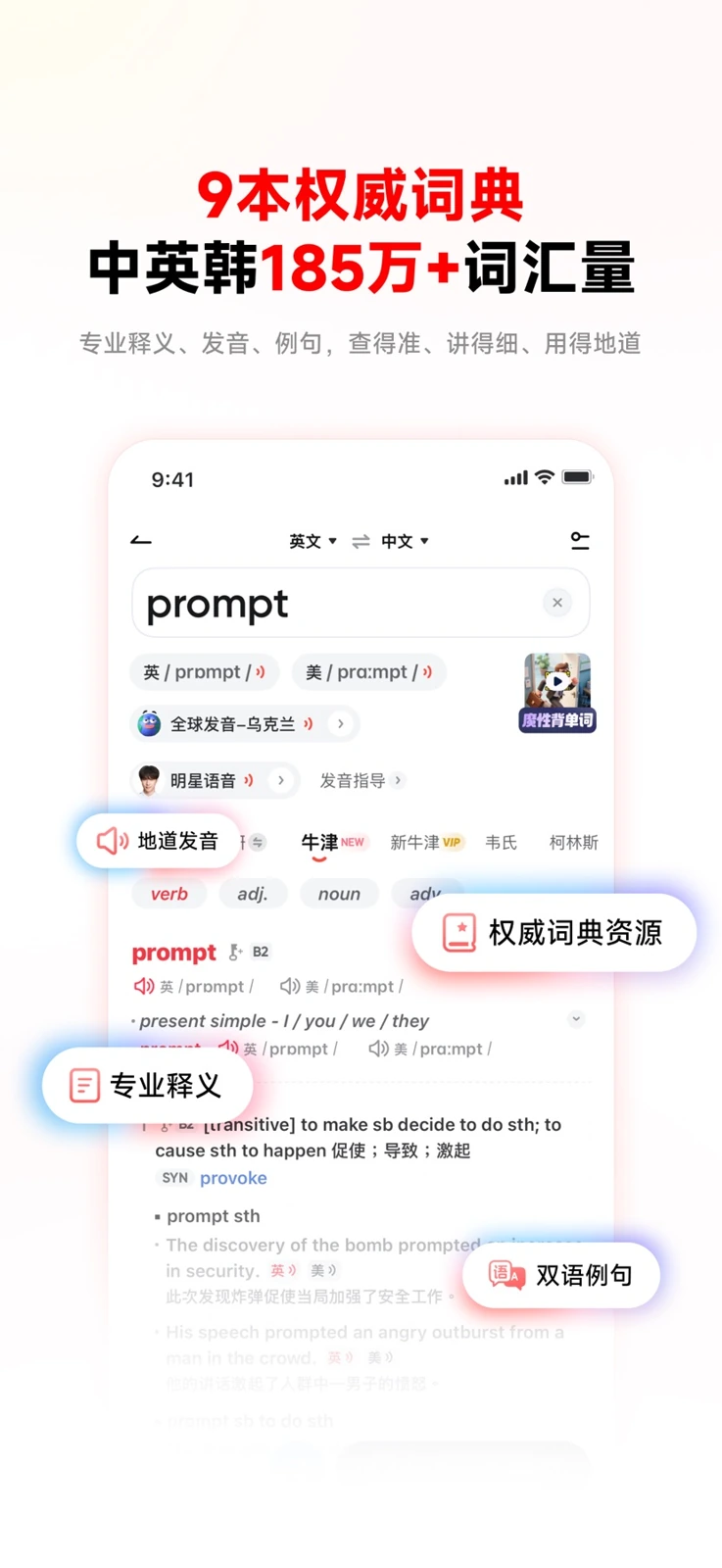
Source: Youdao Dictionary on the App Store
2. Core Feature Set of NetEase Youdao Translate
NetEase Youdao Translate combines multilingual translation with text-polishing utilities designed to support document review and manuscript preparation.
Text Translation and Navigation
The primary web workspace provides an accessible translation interface:
- Dual-Column Layout: Displays source and translated passages side by side, supporting automatic language detection and quick copying.
- Navigation Links: A sidebar links directly to document translation, webpage translation, audio/video translation, AI writing, and academic paper translation, allowing users to switch according to their source material.
Document and Academic Literature Routes
To support researchers and professionals working with long-form texts, the platform provides dedicated file handling routes:
- Document Translation: Allows users to upload standard office and academic files to generate translated versions for review.
- arXiv Paper Translation: Provides a dedicated entry tailored for academic preprints, helping researchers quickly scan recent literature across computer science, physics, mathematics, and related fields.
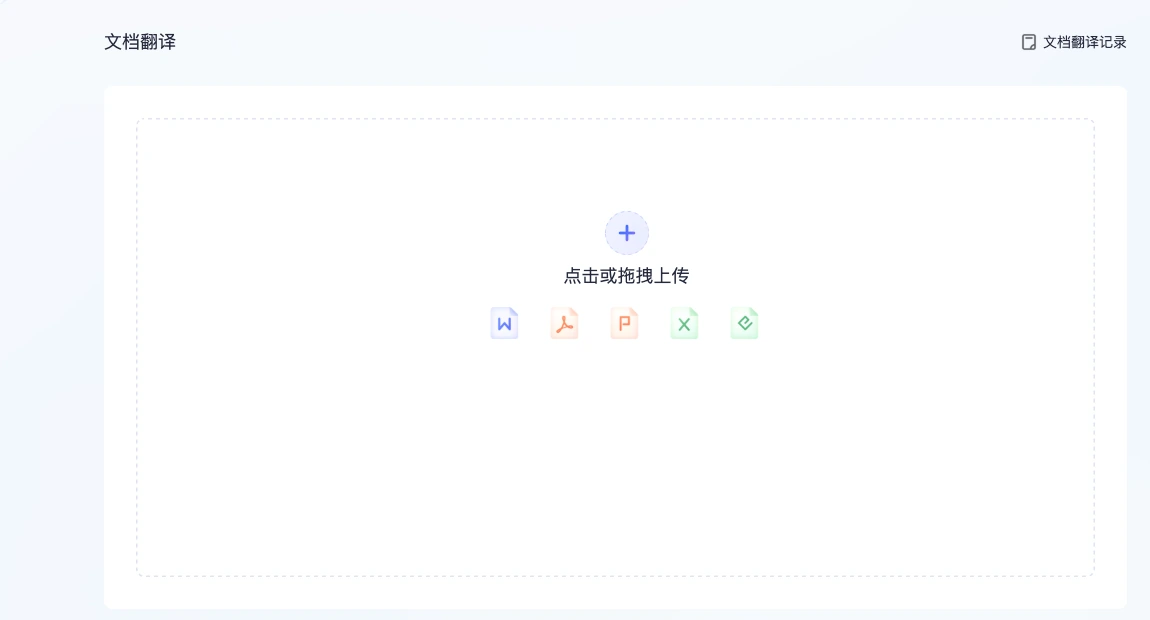
Source: NetEase Youdao Translate Document Translation Route
AI Writing Assistance and Academic Polishing
A notable characteristic of Youdao Translate is how it connects initial translation with subsequent editing through its built-in translation assistant:
- Grammar Correction and Spell Checking: Scans draft text to highlight spelling errors, subject-verb disagreements, and tense inconsistencies, offering inline suggestions and explanations.
- Sentence Rewriting and Tone Refinement: Suggests alternative phrasing to help transition informal drafts into formal written style.
- Pre-Configured Prompt Templates: The interface includes ready-to-use prompt shortcuts for academic workflows, such as requesting medical academic style, converting sentences to passive voice to reduce emotional phrasing, or refining vocabulary for SCI journal submissions. These templates guide users in adjusting their manuscripts without needing to craft complex prompts from scratch.
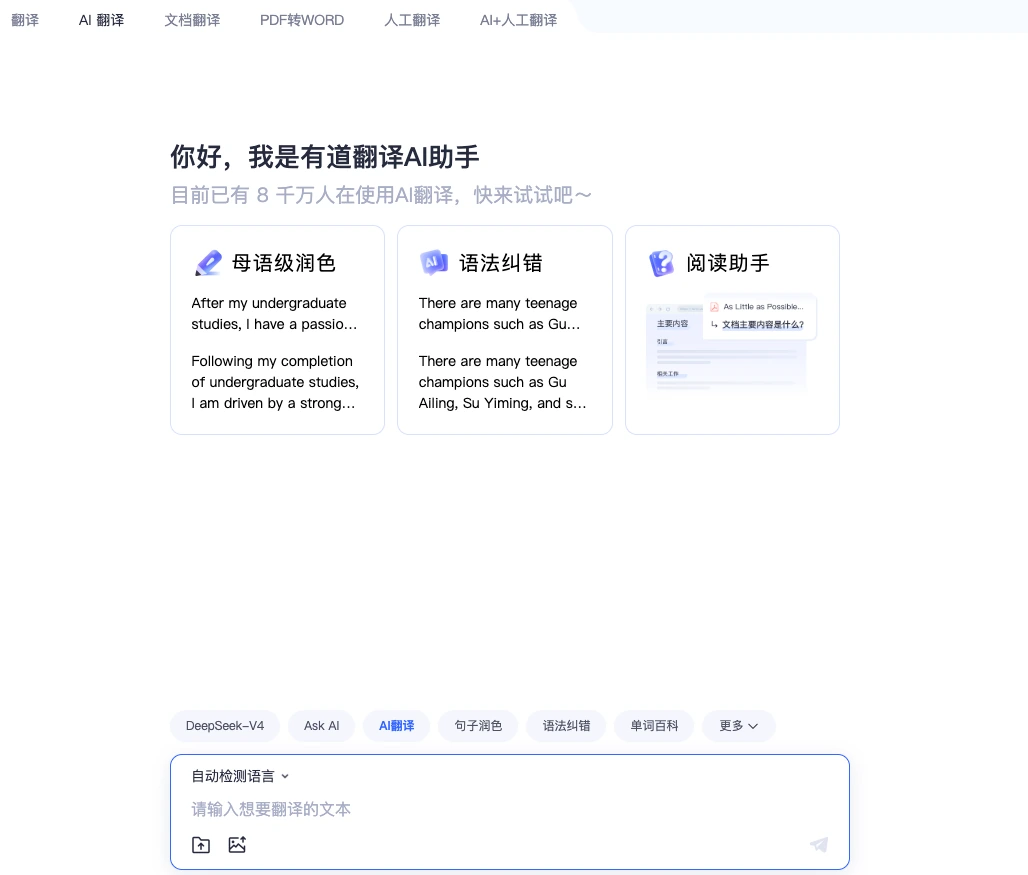
Source: NetEase Youdao Translate AI Translation Route
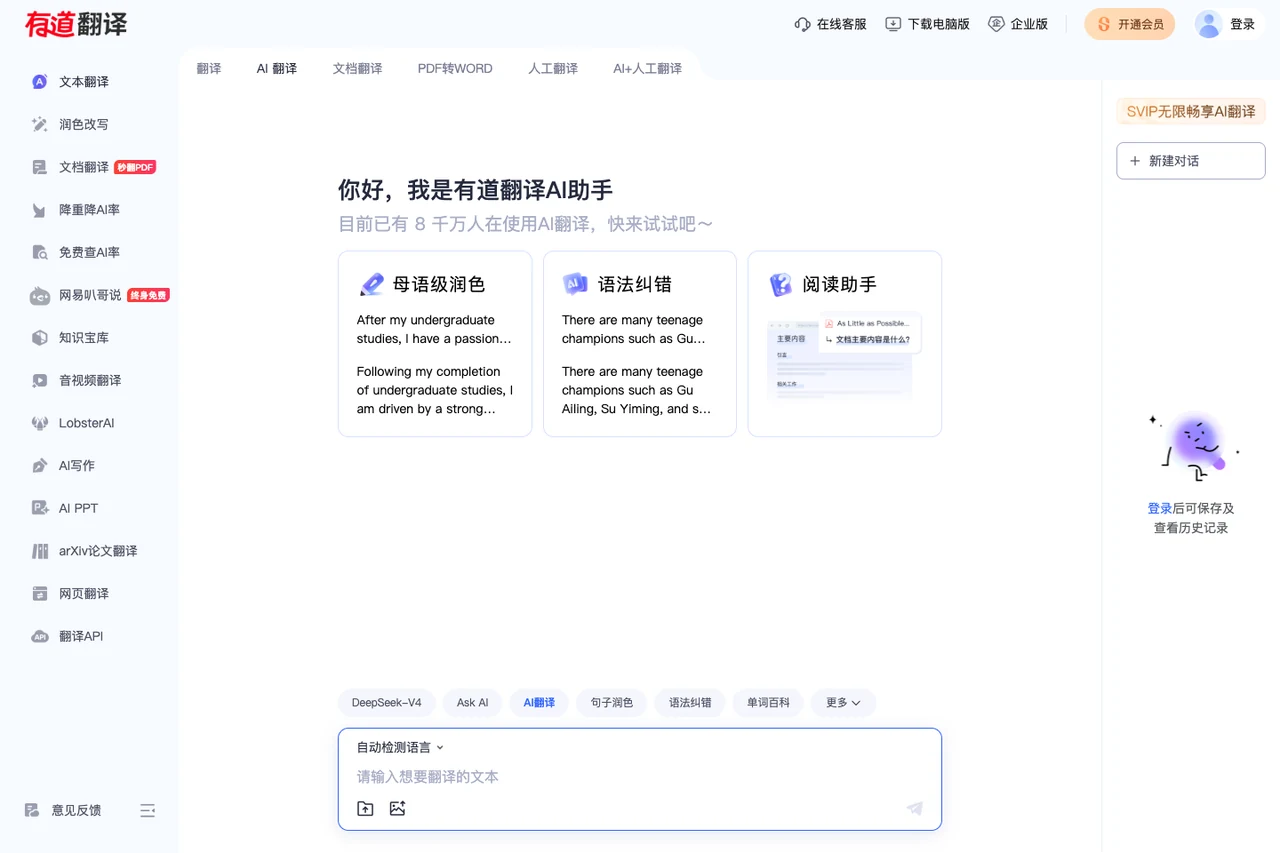
Source: NetEase Youdao Translate Official Portal
3. Recommended Scenarios and Practical Considerations
Based on its public feature set, NetEase Youdao Translate supports several clear everyday tasks alongside specific practical considerations:
4. Distinctions and Complementary Roles with Equalang
In professional and academic workflows, both NetEase Youdao Translate and Equalang handle text translation and standard office documents. However, they emphasize different presentation formats, layout retention priorities, and collaboration modes.
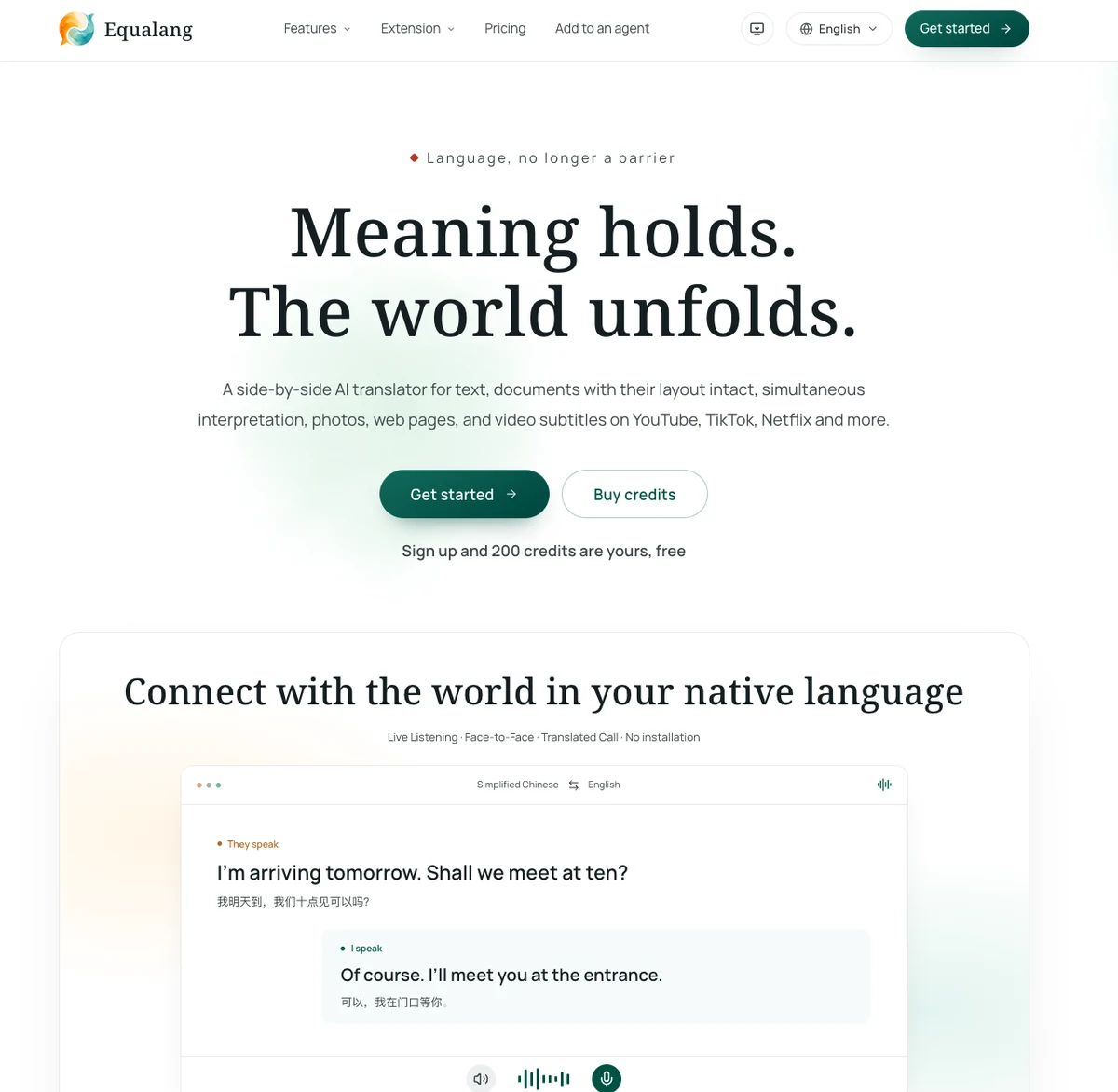
1. Web Reading and In-Place Bilingual Context
When browsing online documentation and technical resources:
- NetEase Youdao Translate: Offers a webpage translation entry where users can submit a target URL for translation.
- Equalang: Uses a lightweight browser extension to display translations directly beneath each corresponding original paragraph on the active page. Readers can review both languages paragraph by paragraph as they scroll with translations placed directly beneath the original text, with an optional floating icon for quick click-to-translate lookups.
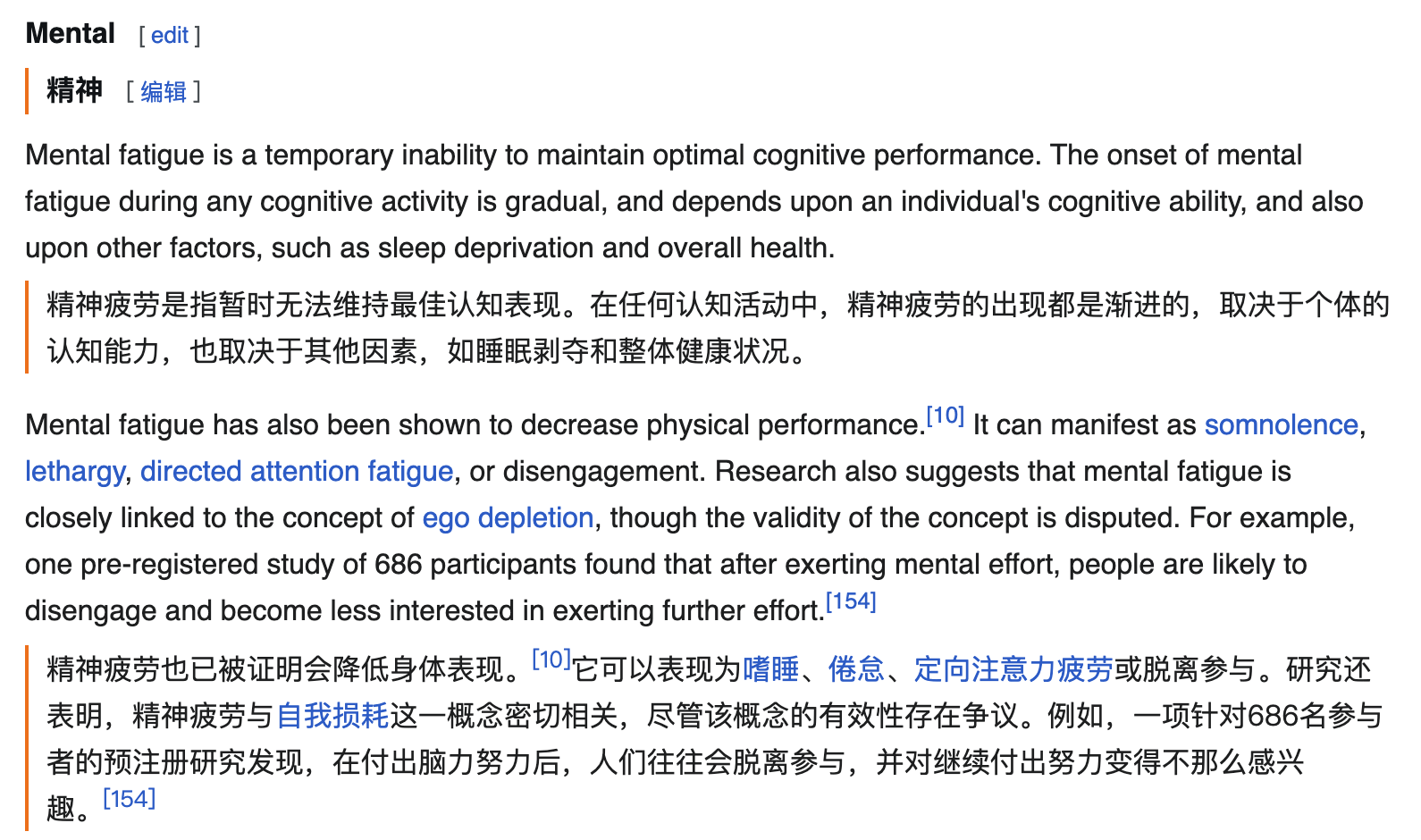
2. Document Layout Retention and Structural Details
When handling structured publications and presentations:
- NetEase Youdao Translate: Focuses on quick document and preprint translation routes, enabling users to upload files and review translated contents.
- Equalang: Centers its document pipeline on structural layout fidelity. For digital PDFs, it preserves multi-column arrangements, headers, footers, and captions, rejoins sentences split across page breaks before translation, and protects inline and display mathematical formulas; in PPTX presentations, font sizes dynamically adjust to prevent text box overflow while preserving native tables; in XLSX spreadsheets, numerical values and formulas remain untouched, and duplicated text entries translate only once. The platform also supports EPUB ebooks and subtitle files.
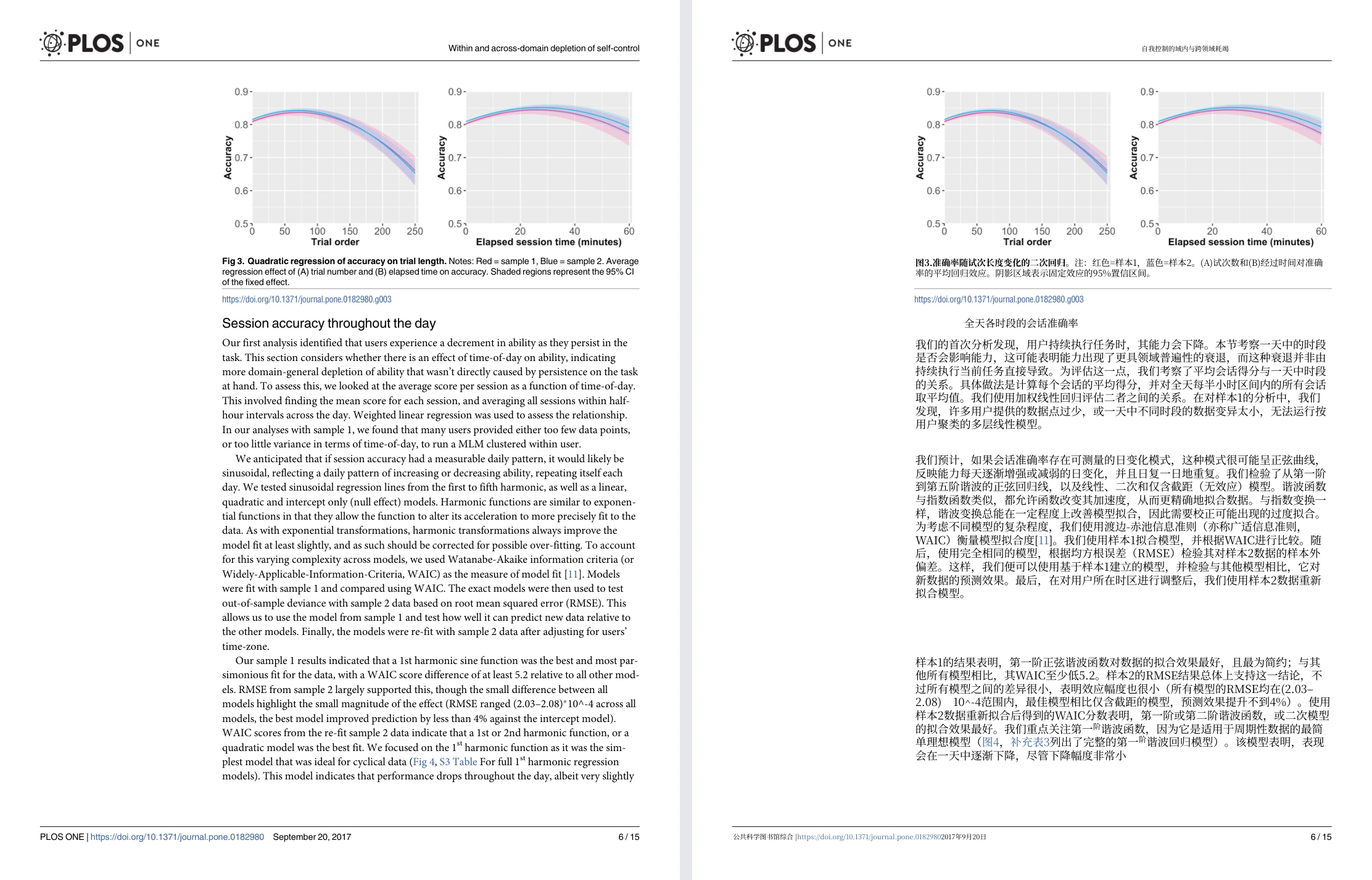
3. Extended Interaction and Collaboration
In communication and workflow tooling:
- NetEase Youdao Translate: Integrates closely with Chinese-oriented academic prompt shortcuts and grammar proofreading, backed by Youdao Dictionary's vocabulary ecosystem.
- Equalang: Provides browser-accessible communication tools such as Translated Call (where a host signs in to generate an invite link; the guest opens the link in a supported browser without registering an account or installing software, enters their name to request entry, and joins once approved by the host to begin a cross-language voice call with live bilingual transcripts); alongside developer APIs with idempotency support and open-source integrations via Agent Skills and MCP servers.
5. Decision Guide: Selecting the Right Tool
Choosing between these tools depends on the primary requirements of your current task:
- Choose NetEase Youdao Translate when: You are a student or researcher who benefits from comprehensive dictionary definitions and personal wordbooks, or when you have drafted an English manuscript and want to apply structured prompt shortcuts for SCI paper polishing, passive voice conversion, and grammar proofreading within a familiar academic interface.
- Choose Equalang when: You need to read foreign web documentation with translations appearing directly beneath each original paragraph, require document translation that preserves multi-column layouts and formulas in PDFs or self-adjusting PowerPoint slides, or need to hold zero-install multilingual voice calls with overseas colleagues.