SimplifyAI Features Explained: Document Workbench and Guide
 Equalang
In brief
A clear breakdown of SimplifyAI's document workbench and translation portal, plus practical comparisons with Equalang across layouts and workflows.
Keywords: SimplifyAI, document translation, InDesign translation, AI editing, layout translation, Equalang
Translating specialized workplace files, academic publications, and enterprise presentations frequently introduces layout challenges. While copying paragraphs into an empty chat box delivers quick literal translations, structured documents require much more: multi-column PDFs, formatted slide decks, complex contracts, and desktop publishing files easily break when translated text expands. Formulas shift, table headers misalign, and manual post-editing quickly drains productive hours.
Users searching for layout-preserving translation and design file localization often encounter SimplifyAI. We are the Equalang team. In this guide, we review SimplifyAI's public feature architecture, portal distinctions, and operational boundaries, and compare them with Equalang across document layout and related workflows to help you choose the right tool for your specific task.
1. Distinguishing the Two Portals: Workbench vs. General Translation
To understand SimplifyAI, you must first distinguish its two separate official entries:
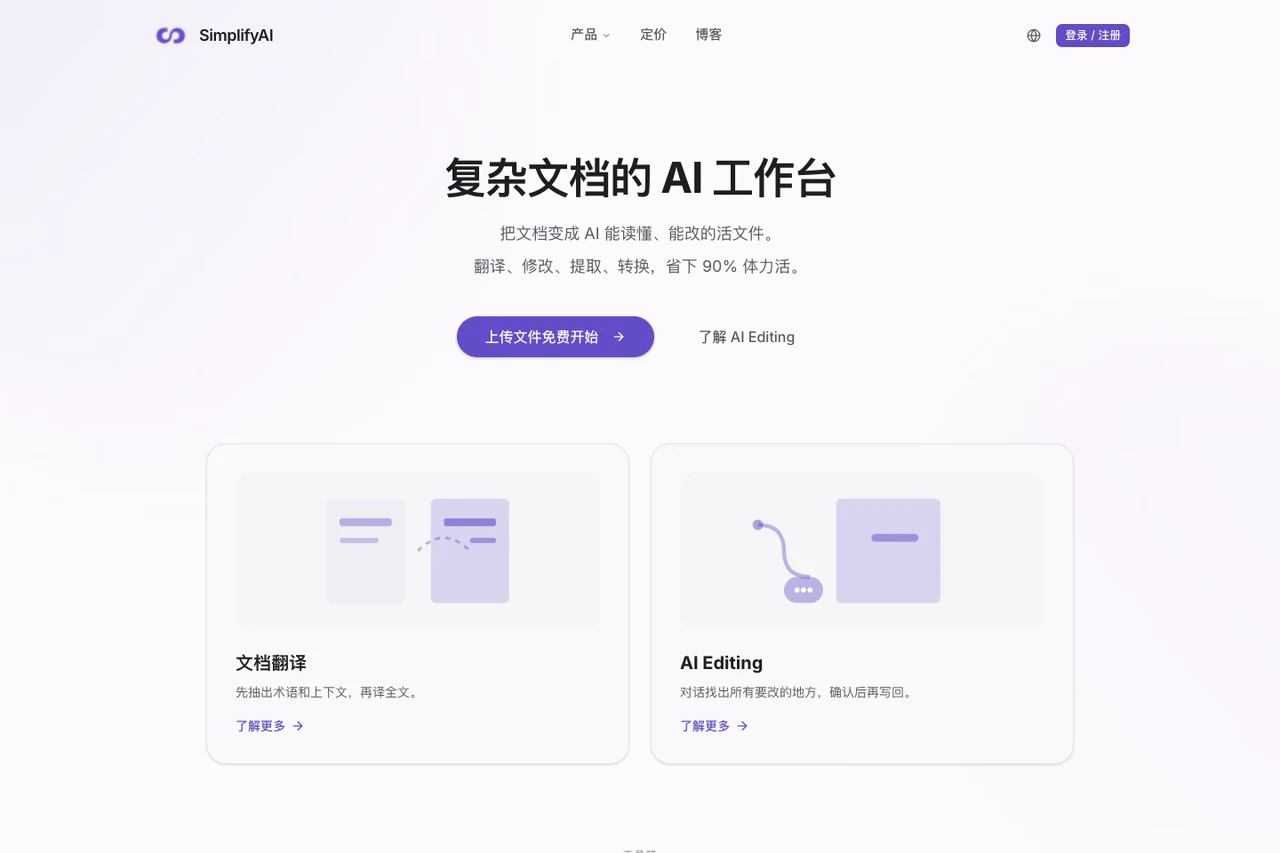
- Complex Document AI Workbench (simplifyai.cn/zh): The primary site is built as a complex document processing workbench. It centers on files with intricate layouts, pre-translation terminology validation, collaborative editing, and prepress delivery checks.
- General Document Translation Portal (translate.simplifyai.cn): An independent portal designed for direct, full-file translation of everyday office documents, complete with translation memory and glossary management.
While operating under the same brand, the two portals feature distinct user flows and capabilities rather than a single unified button. Choosing the right entry point depends on the file types and depth of post-processing your project requires.
2. The Complex Document Workbench: Terminology, Layouts, and AI Editing
On the SimplifyAI Complex Document Workbench, the product provides a specialized toolchain tailored to publishing and document engineering.
Pre-Translation Terminology and Context Review
On the workbench translation page, a prominent capability is pre-translation analysis. Before running a full-document translation, the system extracts high-frequency vocabulary and proper nouns, allowing users to inspect and approve a glossary. This step helps maintain consistent naming throughout lengthy manuscripts, though human verification remains necessary on nuanced or rare terms, as automated extraction cannot guarantee zero errors.
Multi-Format Structure and Coordinate Mapping
The workbench applies tailored strategies depending on the file format:
- Office and E-books: Supports Word (.docx), PowerPoint (.pptx), and EPUB (.epub). Translations are injected back into the native data structure to preserve table styling, hierarchy, footnotes, and table of contents anchors.
- PDF Documents: Allows in-place coordinate translation to retain the original PDF layout, alongside an option to reflow the file into an editable Word document for drafting.
- Publishing and Design Assets: Covers InDesign (.indd) and Illustrator (.ai). Translations map back into original text frames and artboards, with automatic RTL alignment for languages such as Arabic.
- Image Handling: Cleans original text and redraws translated characters at matching coordinates.
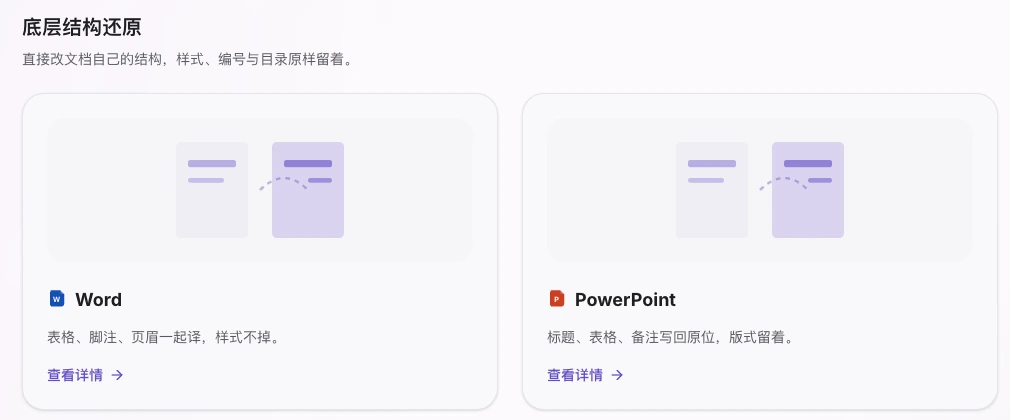
Figure: SimplifyAI Document Translation official product-page diagram for Word and PowerPoint translation.
AI Editing and Delivery Inspection
Beyond translation, the workbench includes specialized document management utilities:
- AI Editing: Built for Word and InDesign files, users supply editing intent in natural language. The system reads the manuscript, compiles an explicit change plan, and applies modifications upon user approval. For Word documents, it can output native Word track changes to maintain audit trails.
- Extraction and Conversion: Exports document content to structured Markdown or JSON for knowledge retrieval, and supports format conversions such as PDF to Word and INDD to IDML.
- Bilingual Export and Prepress Checks: Enables exporting bilingual data to Excel or XLIFF for external review before writing back. It also inspects missing fonts, text overflow, and PDF accessibility prior to final delivery.
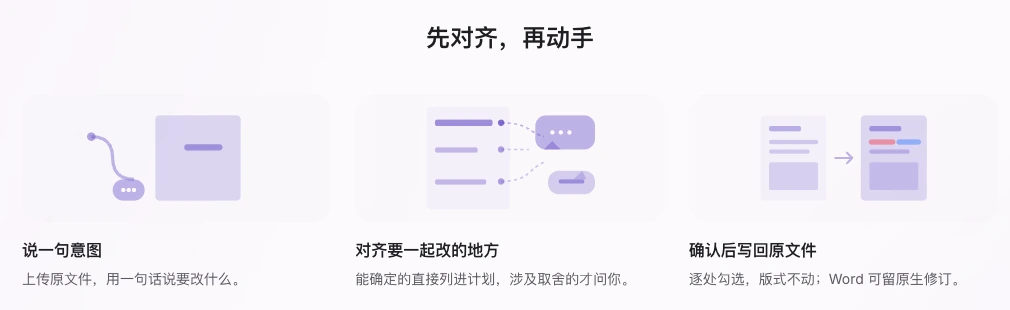
Figure: SimplifyAI AI Editing official product-page diagram illustrating the editing workflow.
3. General Document Translation and Developer API
When tasks do not require InDesign assets or Word revision tracking, the SimplifyAI General Translation Portal provides a more direct file upload workflow:
- Supported Formats: Accepts PDF, Word, Excel, PowerPoint, SRT subtitles, EPUB, HTML, and PO resource files. While Excel is not highlighted on the workbench homepage, spreadsheets are explicitly supported on this portal.
- Bilingual Review and Post-Editing: Generates a side-by-side bilingual view for paragraph verification. Users can fine-tune phrasing directly and regenerate the finished file based on their revisions.
- Translation Memory and Teams: Retrieves matching segments from personalized translation memories to maintain consistent phrasing across projects, alongside team accounts with shared credit pools.
- Developer API: The developer documentation outlines standard endpoints for creating, querying, starting, and deleting translation jobs, accompanied by glossary and team management routes for pipeline integration.
4. How Equalang Compares: Links, Differences, and Decision Guide
Different translation tools address distinct stages of the language workflow. Understanding how SimplifyAI and Equalang connect and diverge clarifies which solution best fits your daily routine.
Shared Capabilities
Both platforms preserve visual structure in document translation across major formats:
- Both translate PDF, DOCX, PPTX, EPUB, and SRT files while retaining structural elements rather than extracting raw text.
- Both offer developer APIs for programmatic file processing.
Key Functional Distinctions
Beyond shared document handling, the platforms diverge in their primary focus:
-
PDF and Slide Decks as Core Capabilities: In Equalang Document Translation, PDF and PPTX files are treated as core priorities. Equalang's PDF engine is optimized for academic papers and complex documentation: it preserves columns, headers, footers, captions, math equations, and tables, while actively merging sentences split across page breaks before translating. For PPTX slide decks, dynamic font auto-scaling adjusts text sizes to prevent expanded translations from overflowing text boxes or overlapping graphics, while maintaining consistent terminology across presentation titles.
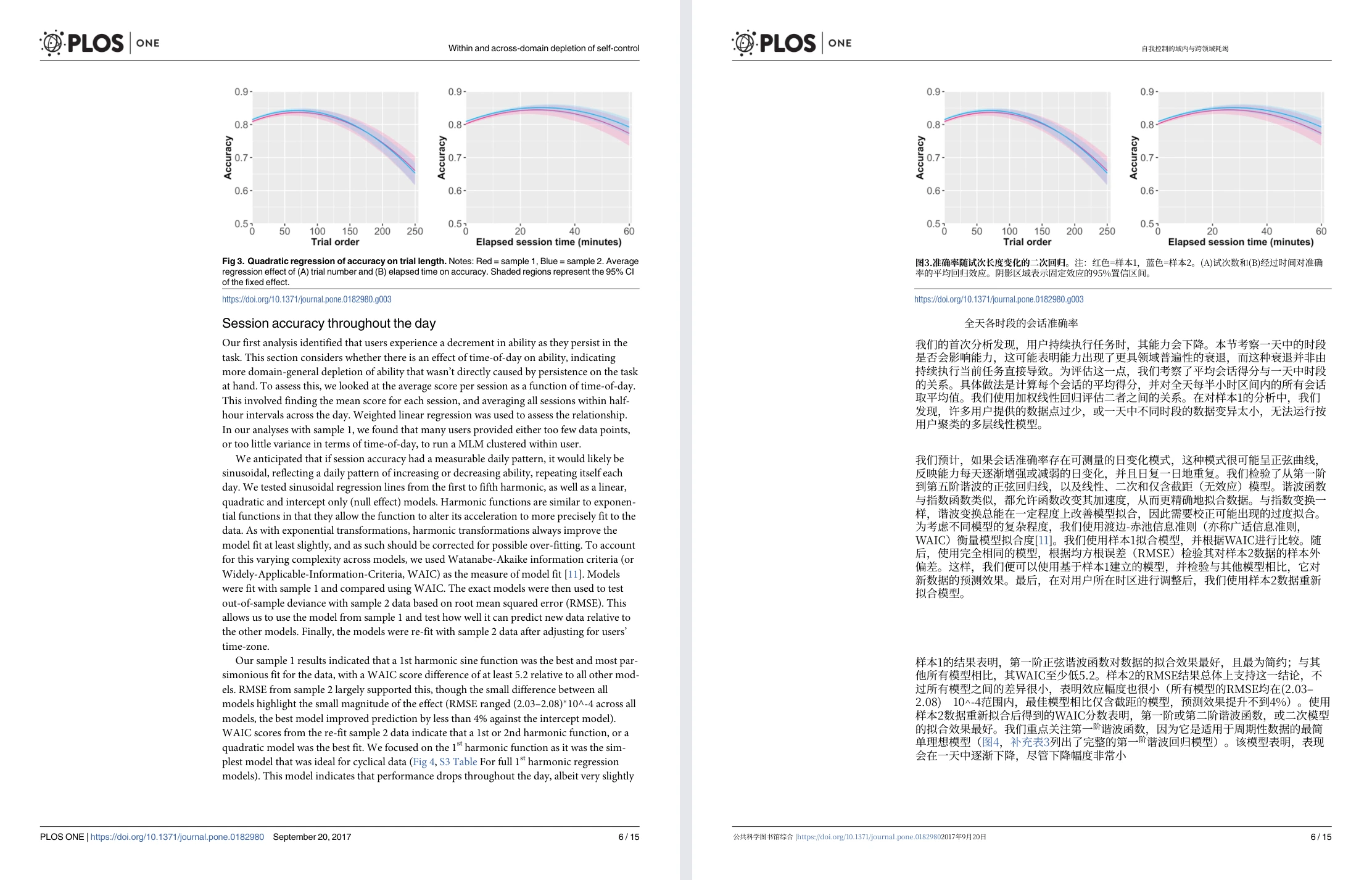
Equalang English academic paper PDF translation side-by-side comparison Figure: Equalang side-by-side whole-page PDF view (Randles 2017 PLOS ONE paper, with original English page on the left and translated Chinese page on the right).
-
Publishing Workbench vs. Daily Reading and Assistant Workflows:
- SimplifyAI focuses on downstream publishing and document engineering: Its strengths lie in deep InDesign/Illustrator editing, interactive AI revision tracking with native Word track changes, overflow inspections, and XLIFF bilingual export.
- Equalang focuses on connected reading and document workflows:
- Web and Streaming Video: Through the Equalang Browser Extension, web translations appear directly beneath each paragraph. When watching videos on platforms like YouTube, it provides bilingual subtitles and attempts real-time audio captioning when videos lack native subtitle tracks (subject to browser conditions and audio encryption).
- AI Assistant Integration: Provides open-source tools for Claude Code and Codex, allowing AI coding assistants to invoke layout-preserving translation directly in local development environments.
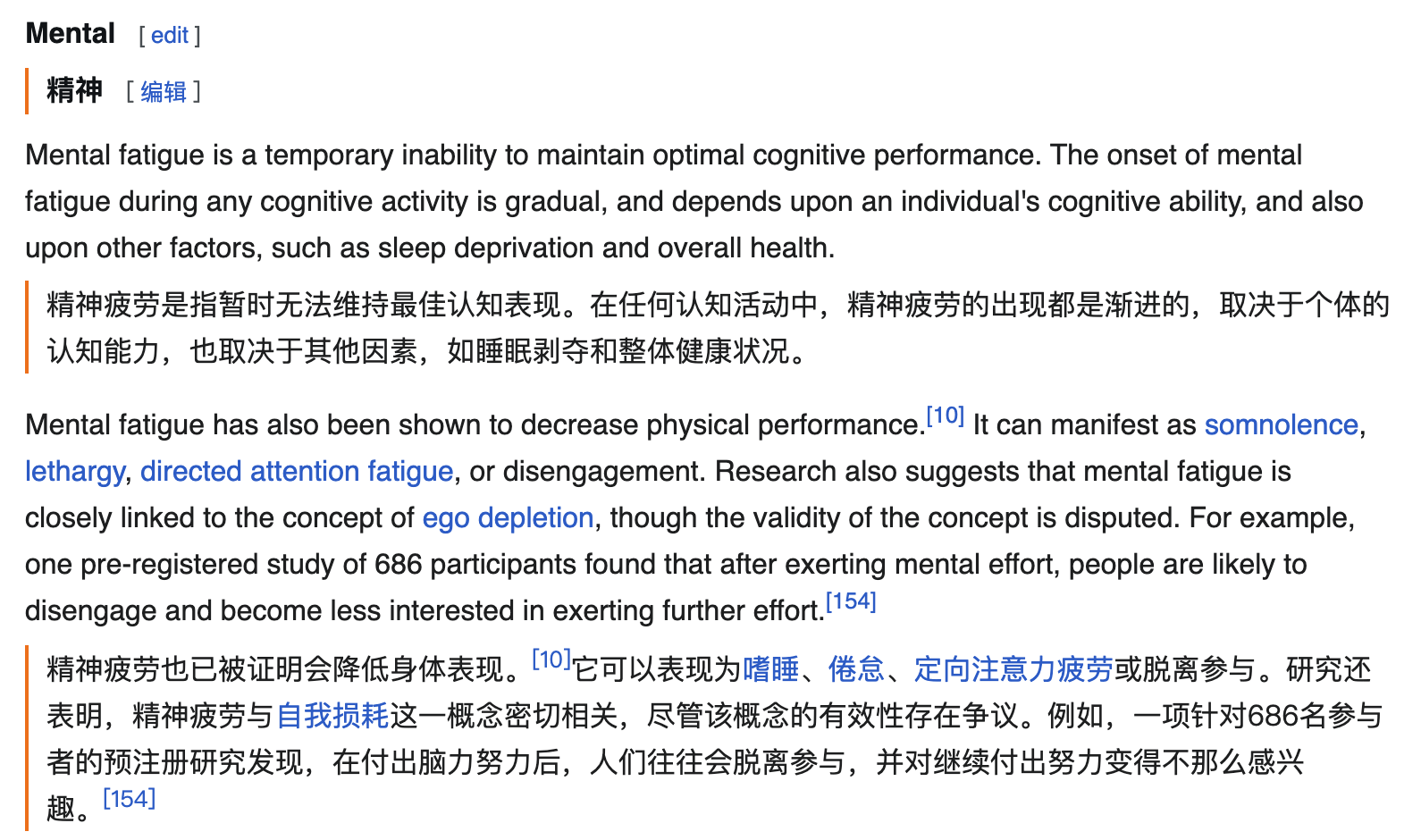
Equalang browser extension displaying Chinese translation under English paragraphs Figure: Equalang browser extension displaying Chinese translation directly beneath English web paragraphs.
Which Tool Fits Your Needs?
Your choice depends on where your primary workflow bottlenecks reside:
- Choose SimplifyAI if your daily work centers on publishing layouts (INDD, AI), generating Word documents with native track changes, or exporting XLIFF files for translation memory pipelines.
- Choose Equalang if your work focuses on academic PDFs (valuing split-sentence rejoining and column preservation) or business presentations (valuing font auto-scaling and slide layout retention), while wanting integrated side-by-side web reading and AI coding assistant tools under a single account.
Sources
- SimplifyAI Official Complex Document Workbench
- SimplifyAI Workbench Document Translation
- SimplifyAI AI Editing Overview
- SimplifyAI General Document Translation Portal
- SimplifyAI Translation API Developer Documentation
- Equalang Official Homepage and Overview
- Equalang Document Translation Portal
- Equalang Browser Extension and Video Subtitles