LingoCloud Guide: Web Reading, Documents and Interpretation
 Equalang
In brief
A practical guide to LingoCloud's bilingual web reading, multi-format documents, custom glossaries, and desktop interpretation, alongside Equalang workflows.
Keywords: LingoCloud, Caiyun Xiaoyi, bilingual web reading, document translation, glossary, interpretation, Equalang
When navigating cross-language research and international collaboration across Chinese, English, Japanese, and Korean, professionals encounter diverse demands. Reading overseas news, reviewing multi-page technical documentation, managing domain glossaries, and following spoken presentations in virtual meetings cannot be solved effectively with a basic translation snippet box alone.
LingoCloud (known in Chinese as 彩云小译, developed by Beijing ColorfulClouds Technology Co., Ltd.) is an established translation product focusing on bilingual web browsing, multi-format document conversion, and desktop interpretation. With a toolchain spanning browser extensions, mobile applications, and desktop software, it addresses text, document, and spoken audio workflows.
We are the Equalang team. In this guide, we review LingoCloud's documented features, operational boundaries, and system requirements across its web, document, glossary, and interpretation offerings, followed by a clear look at how its toolset relates to Equalang's workflow design.
1. Bilingual Web Browsing and In-Page Text Translation
Reading technical documentation, academic discussion boards, and foreign news often causes cognitive friction when switching back and forth between an article and a translation app. LingoCloud addresses this through its dedicated browser extension.
The extension inserts translated text directly beneath original paragraphs on the webpage. This paragraph-by-paragraph presentation lets readers absorb the overarching meaning while retaining immediate access to the original phrasing for technical precision. The extension also supports text selection and hover translation for quick lookups without losing one's reading position.
On the web, LingoCloud also provides an online text translation workbench. Its operational capabilities carry specific rules:
- Web Text Languages: The web text translation interface supports 7 languages: Chinese, English, Japanese, Spanish, French, Korean, and Russian.
- Mixed-Language Input: For passages mixing two languages (such as Chinese interleaved with English or Japanese), official documentation advises manually designating the source language rather than relying on automatic language detection.
- Line Break Handling: Text copied from formatted files or PDFs often contains embedded line breaks, which can cause segmented sentences in the input box that require manual cleanup.
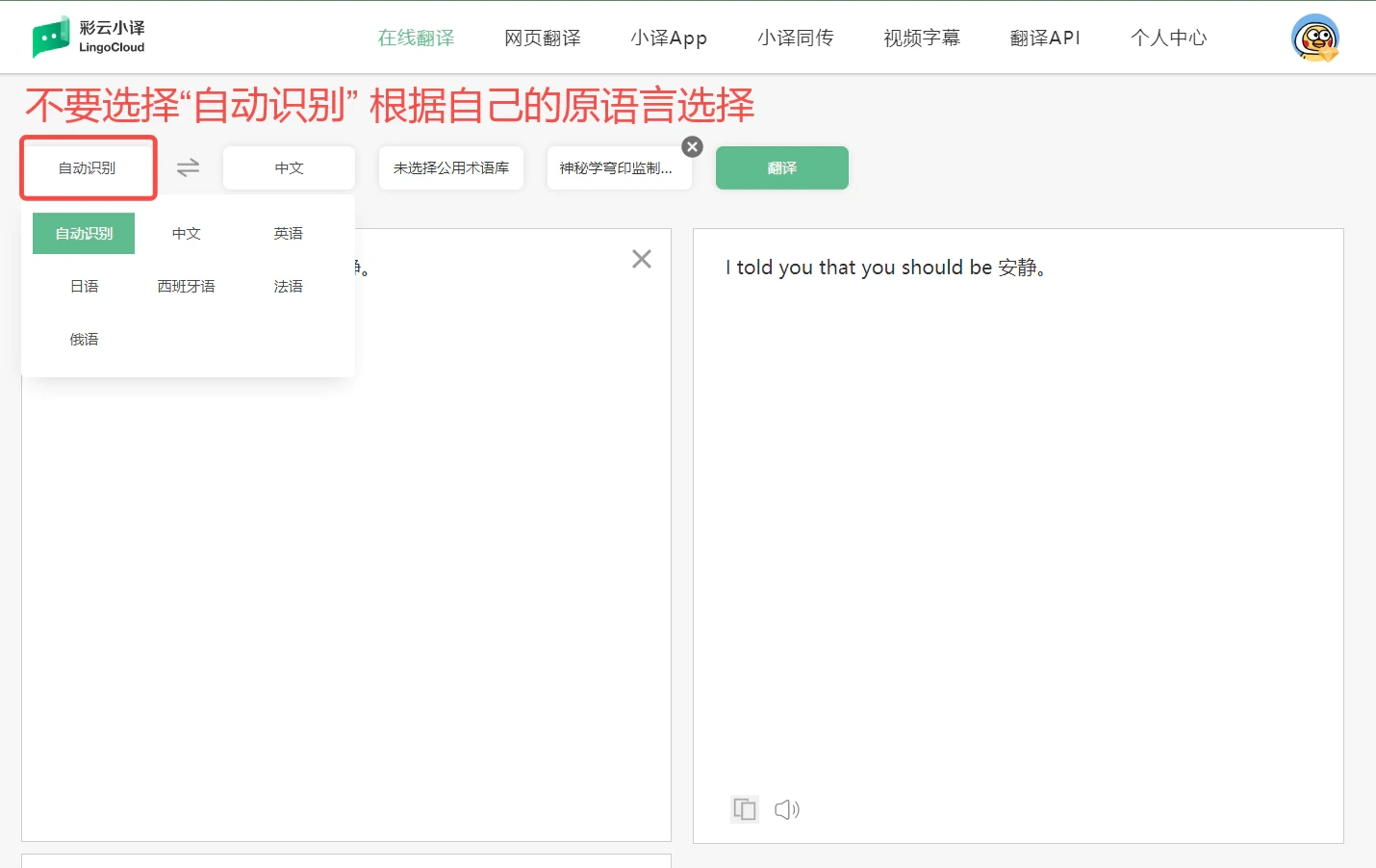
Official tutorial illustration from LingoCloud's Web FAQ & Guidelines, showing online text translation and language selection in Chinese.
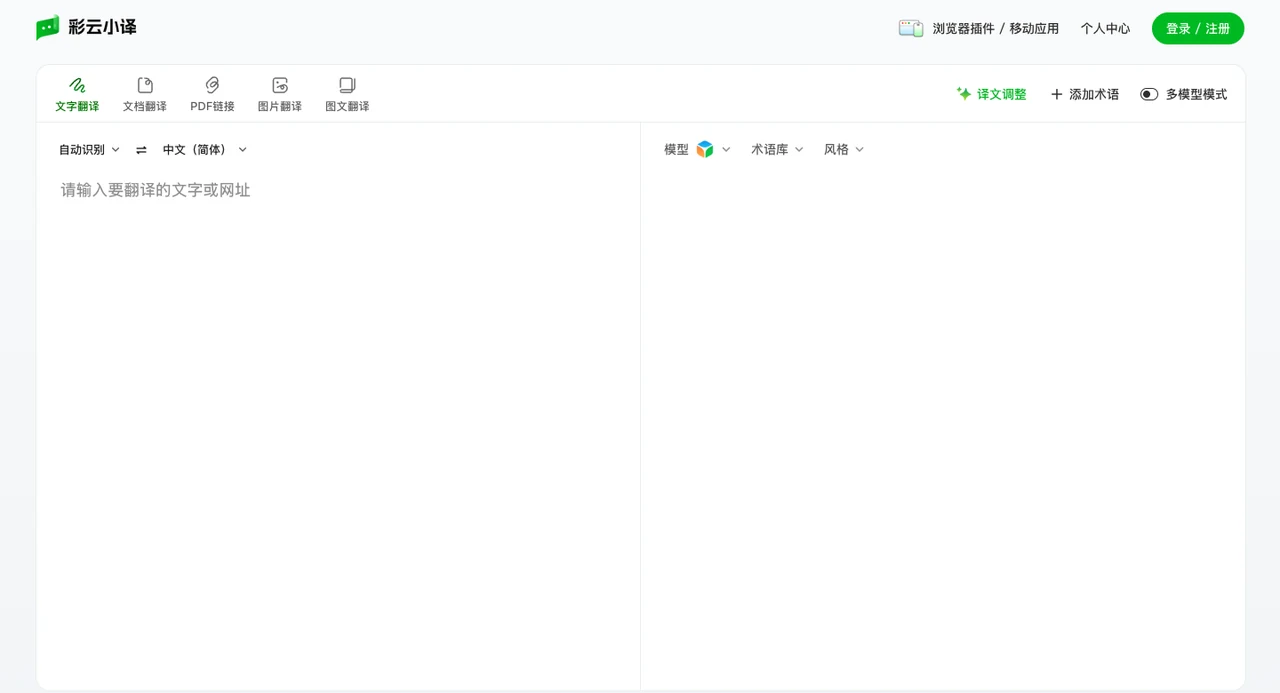
2. Multi-Format Document Translation and Terminology Control
Extracting text paragraph by paragraph from formatted reports, presentations, or subtitle files disrupts structure and wastes valuable time. LingoCloud maintains a dedicated document translation pipeline designed to translate whole files while retaining document structure and layout.
Supported File Formats and Outputs
LingoCloud document translation handles a broad variety of file types:
- Accepted Formats: PDF, Word, PPT, Excel, EPUB, TXT, SRT, and XML.
- Export Options: In the official mobile app user guide, processed documents can be downloaded primarily in PDF or Word formats, depending on source format constraints.
- Display Modes: Users can select between "Bilingual" (paired layout) and "Translation Only" for downstream review or distribution.
Language Directions and Translation Models
Unlike the 7 languages supported by the web text interface, document translation focuses on specific regional pairs:
- Language Scope: Document translation currently supports bidirectional translation among Chinese-English, Chinese-Japanese, and Chinese-Korean. Selecting the wrong direction prevents successful processing.
- Model Options: Users can choose between a General model and an Academic Specialized model currently in public beta, tailored for scientific and technical phrasing.
File Boundaries and Pre-Flight Requirements
Official documentation details several operational limits:
- Upload Limits: Documents exceeding 200 pages must be split into segments under 150 pages before uploading; file size caps apply (PDF, Word, PPT, and Excel files at 20MB; EPUB at 5MB; TXT, SRT, and XML files at 500KB).
- Encryption and Scanned Content: Password-protected or encrypted files must be unlocked prior to submission. For scanned or pure image-based documents, official guidance explicitly notes that if the document consists mostly of scanned images, users must ensure there are no copyable text characters or punctuation marks inside, otherwise translation cannot succeed.
- Preview: The platform provides a partial translation preview to let users check layout and formatting before processing the full document.
Public and Personal Glossaries
Maintaining consistent terminology across business contracts, engineering papers, and proprietary brand assets is essential:
- Dual-Glossary Binding: When submitting documents or translating text on the web, users can mount one public glossary and one personal glossary simultaneously. Public glossaries provide standardized industry terms, while personal glossaries store company-specific names and definitions.
- Cross-Module Availability: Configured glossaries apply to both document processing and web text input.
3. Desktop Interpretation: Live Subtitles for Meetings and Media
Beyond text and static documents, spoken language during online lectures and virtual conferences presents real-time translation challenges. LingoCloud offers "LingoCloud Interpretation" as a desktop client for Windows (32-bit and 64-bit) and macOS (beta for macOS 10.14+).
Audio Sources and Language Pairs
- Input Streams: The desktop software can capture microphone input in real time or intercept system audio output from other running applications (such as media players or web meeting software) in supported environments.
- Supported Directions: Current speech translation directions cover Chinese to English, English to Chinese, Japanese to Chinese, and Chinese to Japanese.
Operating System Conditions
Operating system audio architectures influence real-time desktop subtitle capture:
- Windows System Audio: On Windows, capturing system audio works with common applications including Chrome, VLC, Zoom, Skype, Windows Media Player, and mpv player.
- macOS System Capture Limitations: As stated in official documentation, due to macOS system updates, the Mac version currently does not support internal system audio recording routes. Mac users currently cannot capture internal application sound to generate subtitles.
4. Workflow Interconnection: How Equalang Approaches Modern Tasks
LingoCloud provides an effective suite for web reading, everyday Office conversions, and standalone desktop interpretation. Modern international workflows, however, often encompass additional demands: reading multi-column academic PDFs with complex formulas, capturing live subtitles from uncaptioned video streams directly in the browser, and conducting remote voice calls without forcing guests to install software.
We are the Equalang team. In cross-language workflows, Equalang provides targeted capabilities across document layouts, in-browser media, and lightweight collaboration.
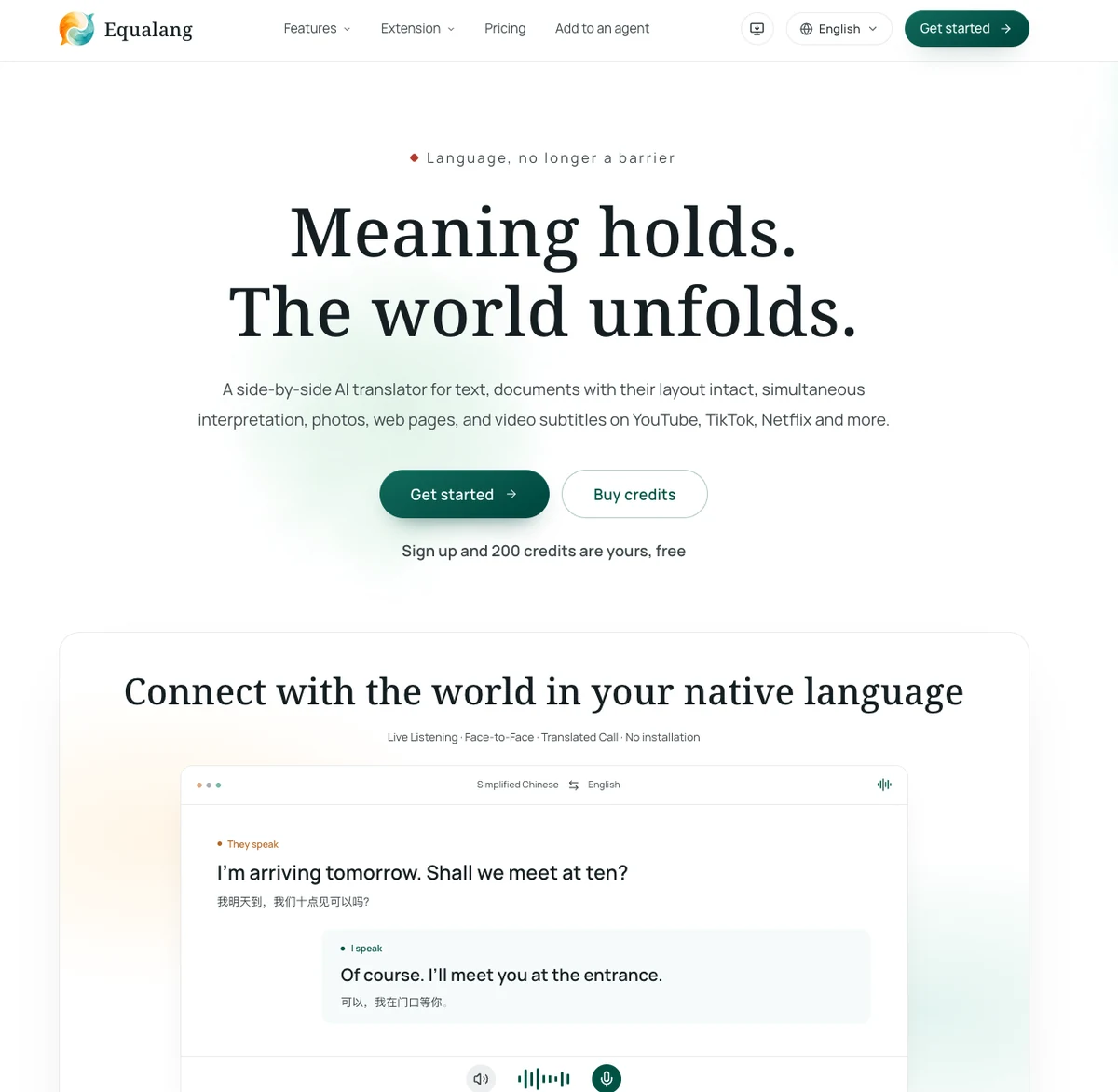
1. Document Translation with Structural Layout Preservation
When processing complex papers, corporate slide decks, and data sheets, expanded target text can break page boundaries. Equalang prioritizes layout preservation across document workflows:
- Academic Papers and Complex PDFs: Equalang handles multi-column layouts, figures, and inline mathematical notation. Sentences split across page breaks are reconnected before translation, and interactive table of contents links remain active. Users submit documents via the whole-file workflow and can inspect source and translated documents side-by-side.
- PowerPoint Presentations (PPTX): When target sentences expand, text boxes dynamically adjust font sizes to avoid overflow or overlapping graphics. Slide titles and key terminology remain consistent across the entire deck, and inline styling (bold, italic, color) maps accurately to translated terms.
- Spreadsheets: In Excel files, duplicate text strings are translated once, while formulas and numeric cells remain intact, preserving original cell formatting.
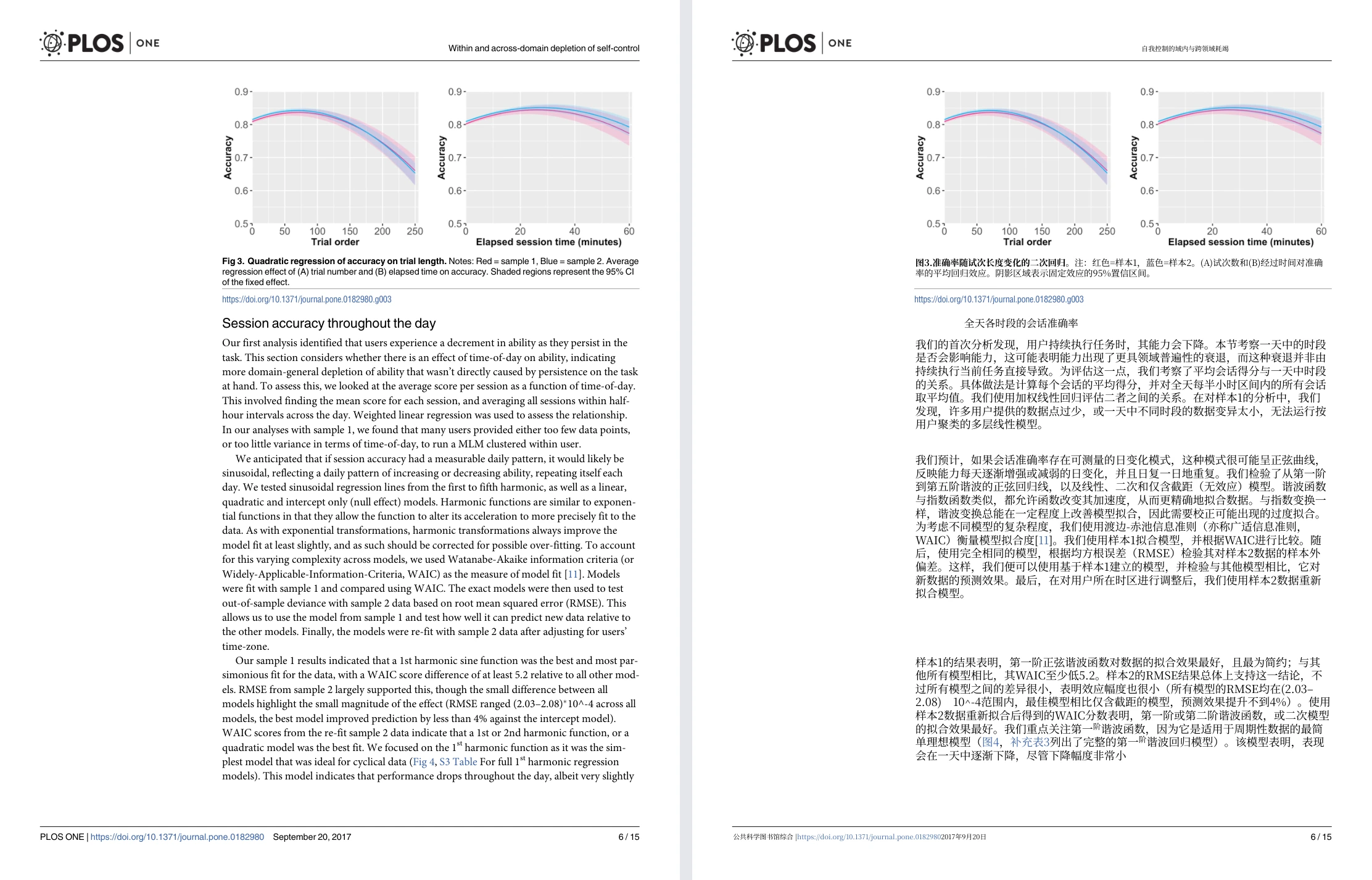
Equalang document translation: actual English-to-Chinese academic paper sample showing original English page (left) and translated Chinese page (right) with charts at top.
2. In-Browser Reading and Streaming Video Subtitles
Through our browser extension (with installation guides for major desktop browsers), translation integrates directly into daily web activity:
- Under-Paragraph Web Reading: Translated paragraphs appear directly beneath the source text as you scroll, without replacing the original layout or leaving the current tab.
- Dual Video Subtitles: Supporting platforms like YouTube, Netflix, TikTok, and Bilibili, the extension renders dual-language captions for videos with existing subtitle tracks. For videos without native subtitles, the extension can attempt real-time audio capture to generate live bilingual subtitles (limited to non-DRM streams, subject to browser environment and audio conditions).
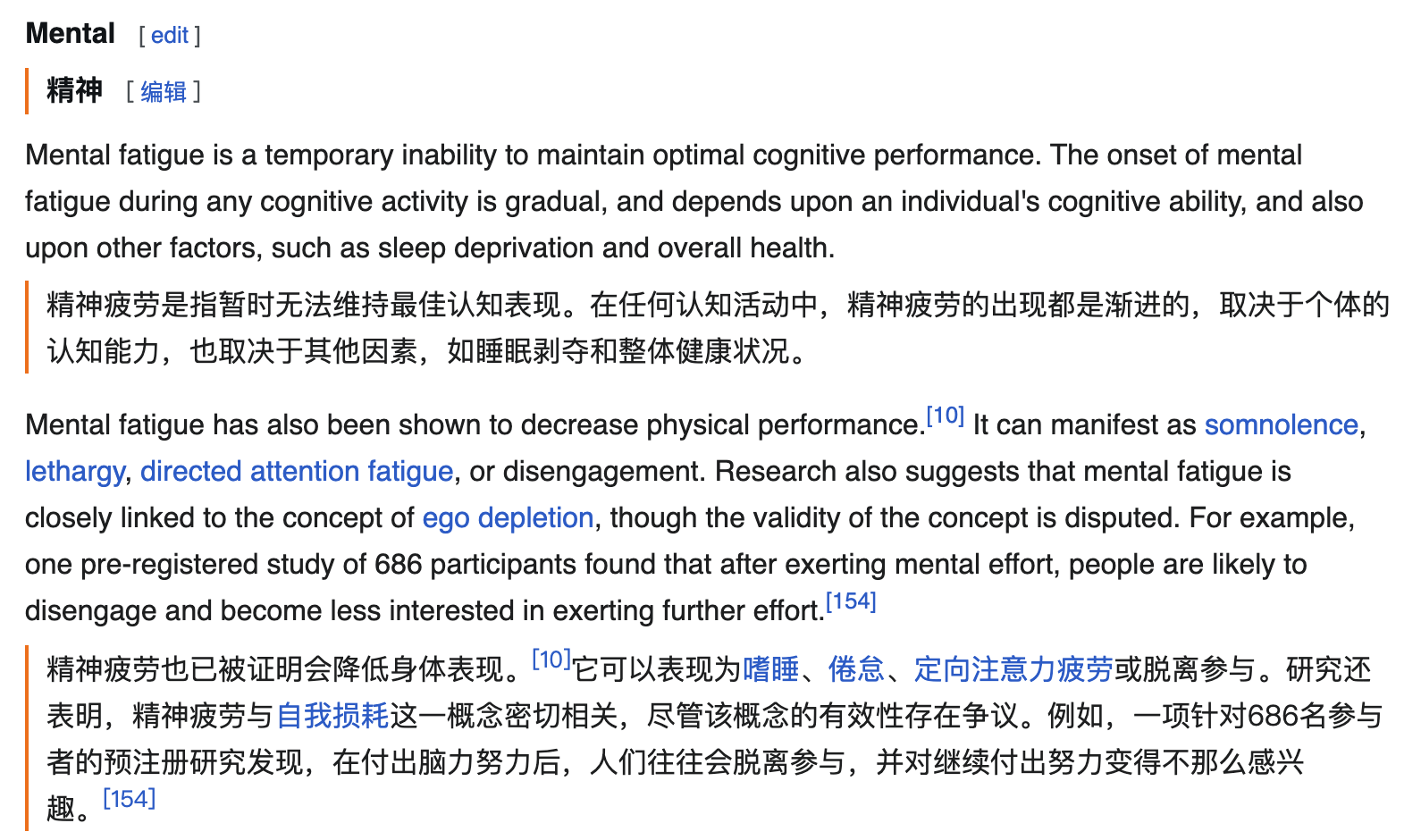
Equalang browser extension: actual English→Chinese web reading example showing paragraph-by-paragraph bilingual text.
3. Zero-Installation Remote Voice Calls
Requiring overseas collaborators or clients to download, install, and register specialized desktop or mobile apps introduces unnecessary friction. Equalang delivers spoken communication directly in the browser:
- Live Listening: Open the web page on desktop or mobile to receive live bilingual subtitles via the device's physical microphone during on-site lectures or in-person meetings, with transcript export upon completion.
- Translated Call: The host signs in on the web and generates an invite link. The guest opens the link in their mobile or desktop browser without registering an account or installing any software. After entering a display name and requesting admission, the host admits the guest, and both parties begin a two-way call speaking in their native tongue, hearing translated audio, and viewing real-time dual-language subtitles.
5. Scenario Comparison and Selection Guide
To help align your choice with specific project requirements, consider the following task matrix:
Different tools address distinct segments of modern multilingual work. If your regular routine centers on Windows-based desktop meeting subtitles or everyday web browsing, LingoCloud offers a focused and practical solution. If your work involves reading complex academic PDFs, watching uncaptioned online streaming videos, or conducting international web calls without asking foreign partners to install software, Equalang provides comprehensive workflow capabilities.
参考资料 / Sources
- LingoCloud Official Website (ColorfulClouds)
- LingoCloud Document Translation Documentation
- LingoCloud Web Translation FAQ & Guidelines
- LingoCloud Desktop Interpretation Official Page
- Equalang Official Website
- Equalang Document Translation
- Equalang Browser Extension Installation Guide
- Equalang Official API and LLM Capabilities Reference