Tencent TranSmart Review: Interactive MT and Equalang
 Equalang
In brief
Explore Tencent TranSmart's interactive MT, autocompletion, and memory fusion, and see how its workflows compare with Equalang for document translation.
Keywords: Tencent TranSmart, TranSmart, interactive machine translation, translation memory, document translation, Equalang
When translating technical documentation, business correspondence, or specialized publications, bilingual professionals frequently need to adapt translations to specific organizational terminology and stylistic standards. In these workflows, direct human editing remains essential.
However, editing within a conventional machine translation text box often introduces friction. When you manually adjust an opening phrase, subsequent automated text does not dynamically update to match your phrasing, requiring you to retype downstream clauses manually. Furthermore, when the same proprietary terms appear repeatedly across a project, standard interfaces lack active session memory, forcing you to repeat identical manual corrections.
To support workflows that require close human oversight, Tencent AI Lab developed Tencent TranSmart. Rather than treating machine translation as a static one-click generator, TranSmart incorporates human-in-the-loop interaction so that automated suggestions respond dynamically to user revisions.
We are the Equalang team. In this article, we examine TranSmart’s core interactive capabilities, review its document handling options, and discuss how its sentence-level focus compares with Equalang’s document layout preservation and side-by-side reading workflows.
1. TranSmart’s Core Design: Interactive Human-in-the-Loop Translation
Distinct from consumer apps designed for quick lookups and travel chats (such as Tencent's standalone "Tencent Translator" app), TranSmart is built as an interactive workbench for writers, editors, and translators. According to official product descriptions and system reports, its workflow relies on three complementary features:
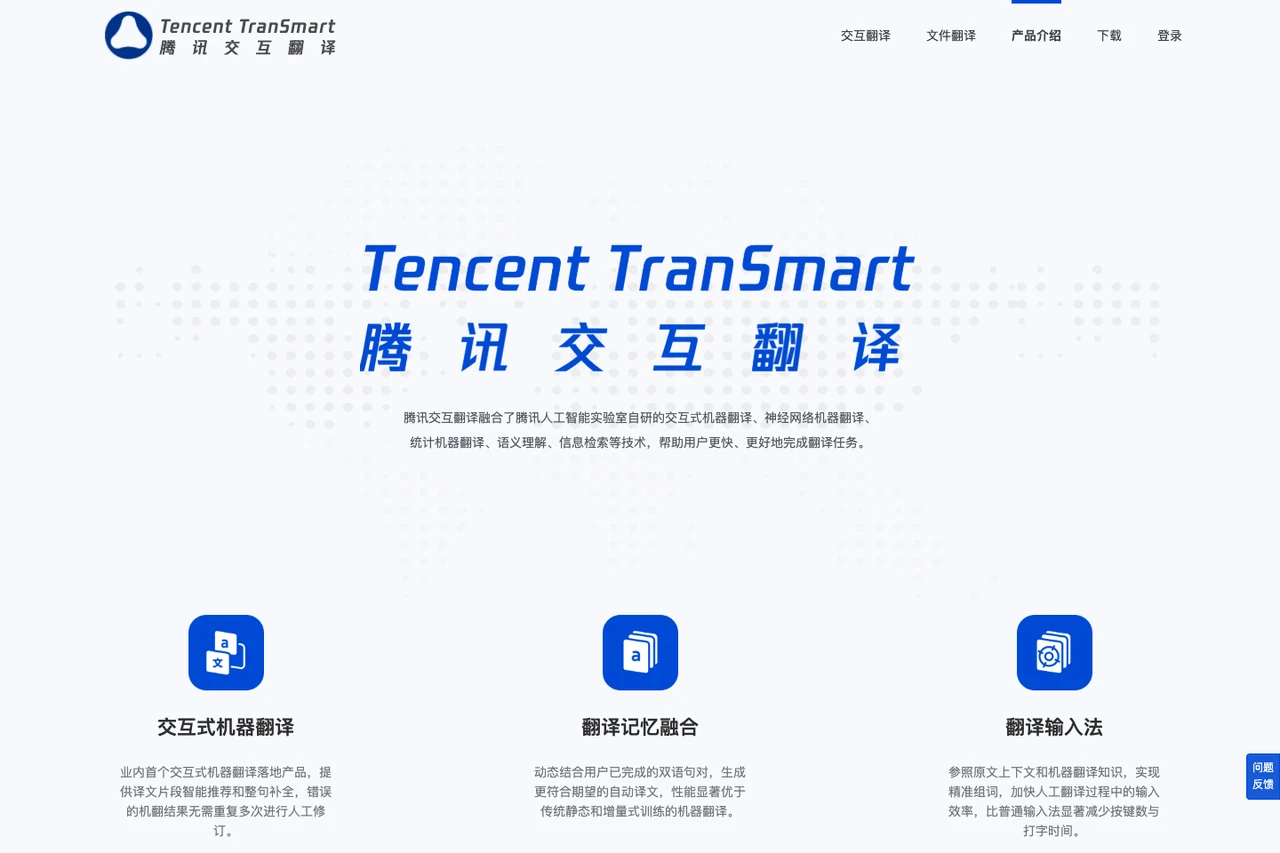
1. Interactive Machine Translation & Phrase Autocompletion
In traditional post-editing, human intervention occurs strictly after the translation engine completes its sentence. TranSmart allows users to position their cursor anywhere within the translated sentence to choose alternative phrases or type revisions.
The system recognizes user-selected segments, offering intelligent phrase recommendations and sentence-level autocompletion. When a user corrects a key term, the engine updates downstream suggestions accordingly, reducing the need to retype remaining clauses manually.
2. Context-Aware Translation Input Method
Switching between generic desktop input tools and a translation workspace can interrupt typing rhythm. TranSmart integrates a specialized translation input method directly into its editing view.
This input tool references the source sentence context and machine translation knowledge to predict vocabulary choices. As users type, the candidate list prioritizes terms that align with the source meaning, reducing keystrokes and assisting manual phrasing.
3. Dynamic Translation Memory fusion
Maintaining consistency across extended texts is critical. TranSmart features dynamic translation memory fusion that incorporates confirmed bilingual sentence pairs from the current working session.
Once you approve a specific translation for a sentence, subsequent automated suggestions for identical or similar source segments take your confirmed phrasing into account, helping keep terminology consistent and minimizing repetitive corrections.
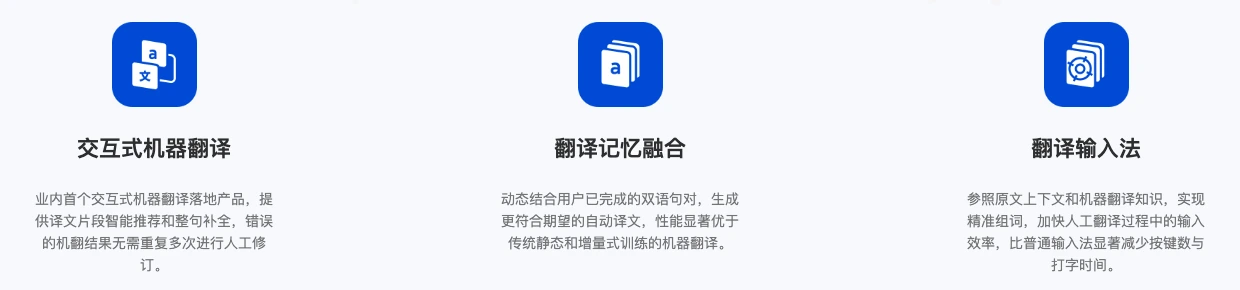
Figure: Tencent TranSmart official overview illustrating interactive translation, memory fusion, and input method features.
2. Platform Access and Target Audience
TranSmart provides multiple points of access to suit desktop work environments:
- Deployment Options: In addition to its primary web workbench, TranSmart offers downloadable desktop clients and browser extension installation for Chromium-based browsers.
- Dedicated Portals: The navigation bar separates interactive translation from file translation, alongside developer API access.
- Authentication: Supports login options including WeChat, QQ, and dedicated translation accounts.
Who Is TranSmart Best Suited For?
TranSmart is well-suited for bilingual professionals, editors, technical writers, and translators who want granular control over their phrasing and prefer actively polishing translations.
If your primary objective is refining the text itself—such as editing an executive summary, preparing bilingual marketing copy, or localizing software strings—TranSmart’s predictive suggestions, context-aware typing, and sentence memory make manual editing more fluid.
It is also worth noting that TranSmart provides a dedicated "File Translation" portal, allowing users to upload documents directly in addition to working within the interactive text view.
3. From Sentence Editing to Full Layouts: The Equalang Perspective
TranSmart focuses on fine-grained, sentence-level interaction. However, modern office and research workflows often involve complex document layouts, such as multi-column research PDFs, tightly formatted slide presentations, or technical web pages.
In these situations, users typically want to read foreign-language content while preserving the original visual layout, avoiding the need to manually reconstruct documents after translation.
We designed Equalang as a side-by-side AI translation solution focused on document layout preservation and seamless reading.
In relation to TranSmart's workflows, Equalang provides distinct support in the following areas:
1. Complex PDF Structure Preservation and Side-by-Side Reading
When working with academic papers, technical specifications, or industry reports, PDF files often contain complex layouts, formulas, and data charts.
Equalang parses multi-column layouts, headers, footers, and captions, reconnecting sentences split across page boundaries prior to translation. Tables and formulas maintain their relative placement, and internal links and cross-references retain their jump destinations. Users can view the translated file alongside the original document in a side-by-side layout, verifying terminology directly against source figures.
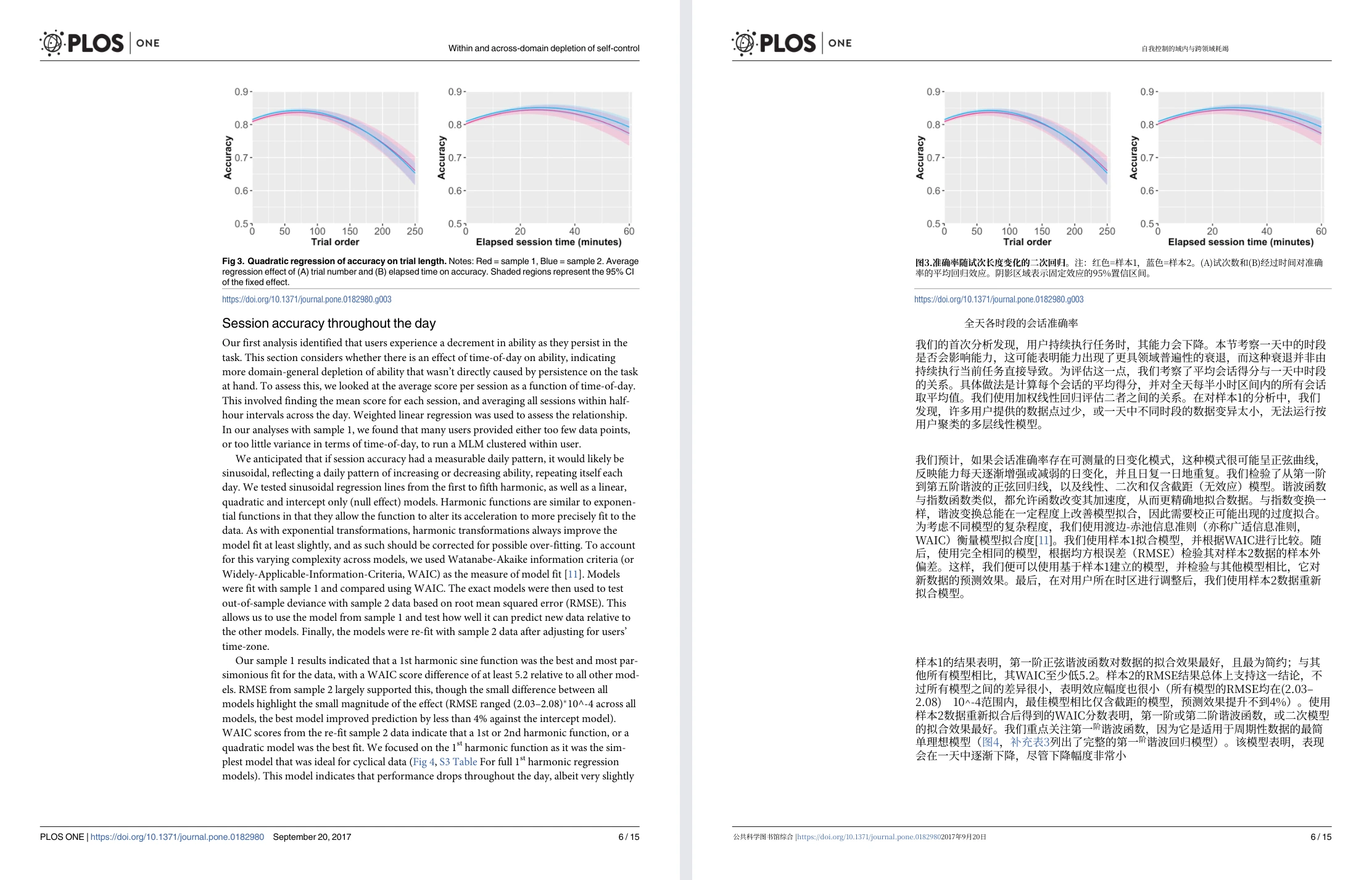
Figure: Equalang side-by-side whole-page PDF view (Randles 2017 PLOS ONE paper, with original English page on the left and translated Chinese page on the right).
2. Adaptive PowerPoint (PPTX) Formatting
In business presentations, slide text boxes operate under strict spatial constraints.
When translated text expands, Equalang automatically scales down font sizes within text boxes to prevent text from overflowing boundaries or overlapping graphics. Repeated slide titles maintain consistent phrasing throughout the presentation, inline formatting (such as bold, italic, and color styling) maps to corresponding translated words, and native editable tables are preserved for further editing in PowerPoint.
3. In-Browser Side-by-Side Web Reading
When reading foreign-language documentation or technical articles, Equalang's browser extension inserts translated paragraphs directly beneath their corresponding source text.
This layout allows users to read continuously as they scroll down the page, eliminating the need to copy text back and forth between a browser and a separate translation tool.
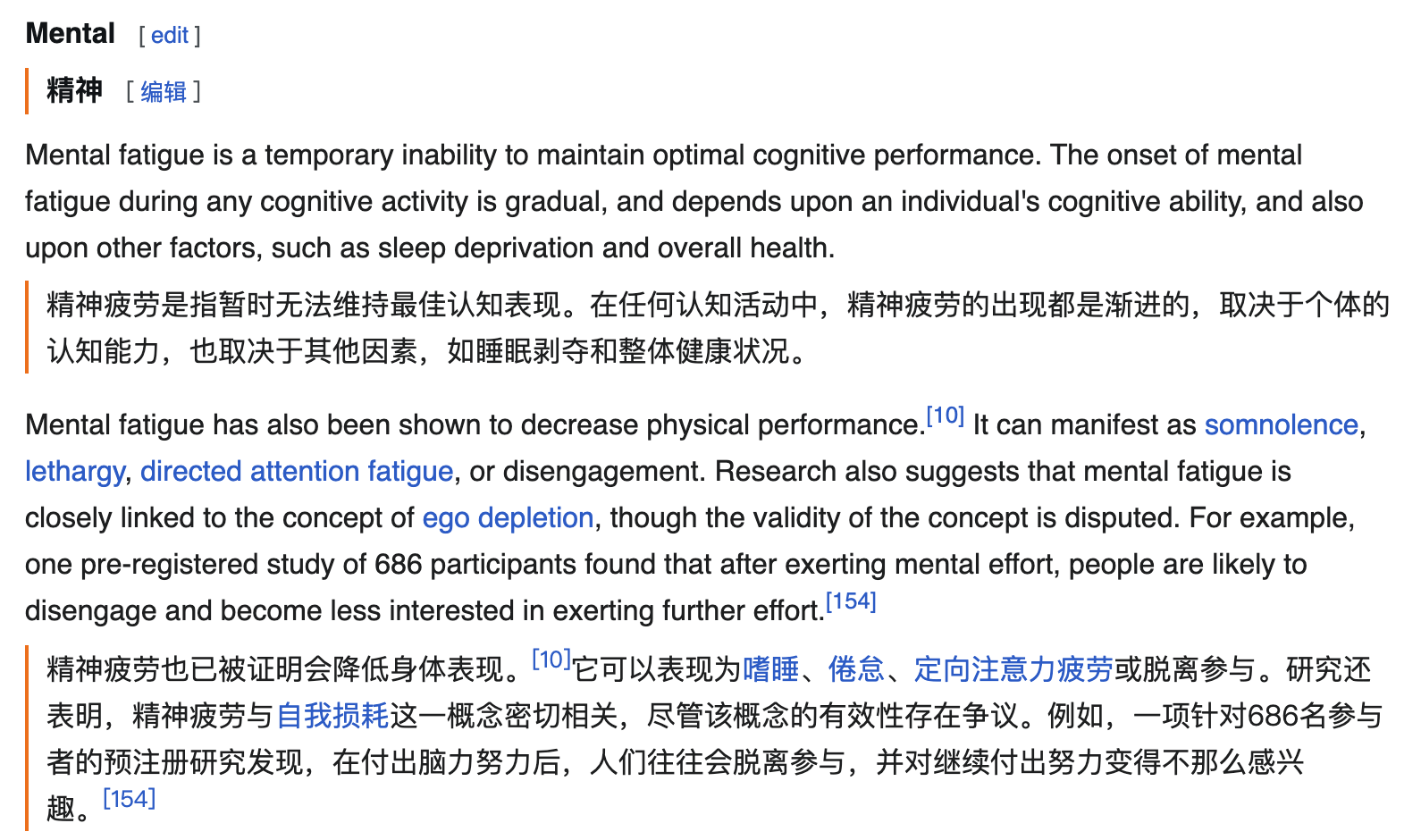
Figure: Equalang browser extension displaying Chinese translation directly beneath English web paragraphs.
4. Choosing the Right Tool for Your Task
Understanding how both tools are structured allows you to select the appropriate option based on project requirements:
- Choose TranSmart when: You are polishing key text where you want granular control over individual sentences, utilizing context-aware predictive typing and interactive autocompletion to speed up custom phrasing.
- Choose Equalang when: You need to process full academic PDFs with tables and formulas, handle slide presentations with adaptive font sizing to prevent text overflow, or read foreign web pages side by side directly within your browser.
Combining sentence-level interactive editing with automated whole-document layout preservation allows you to address different stages of multilingual work with speed and precision.