
Text translation
Paste text, read and reply across languages
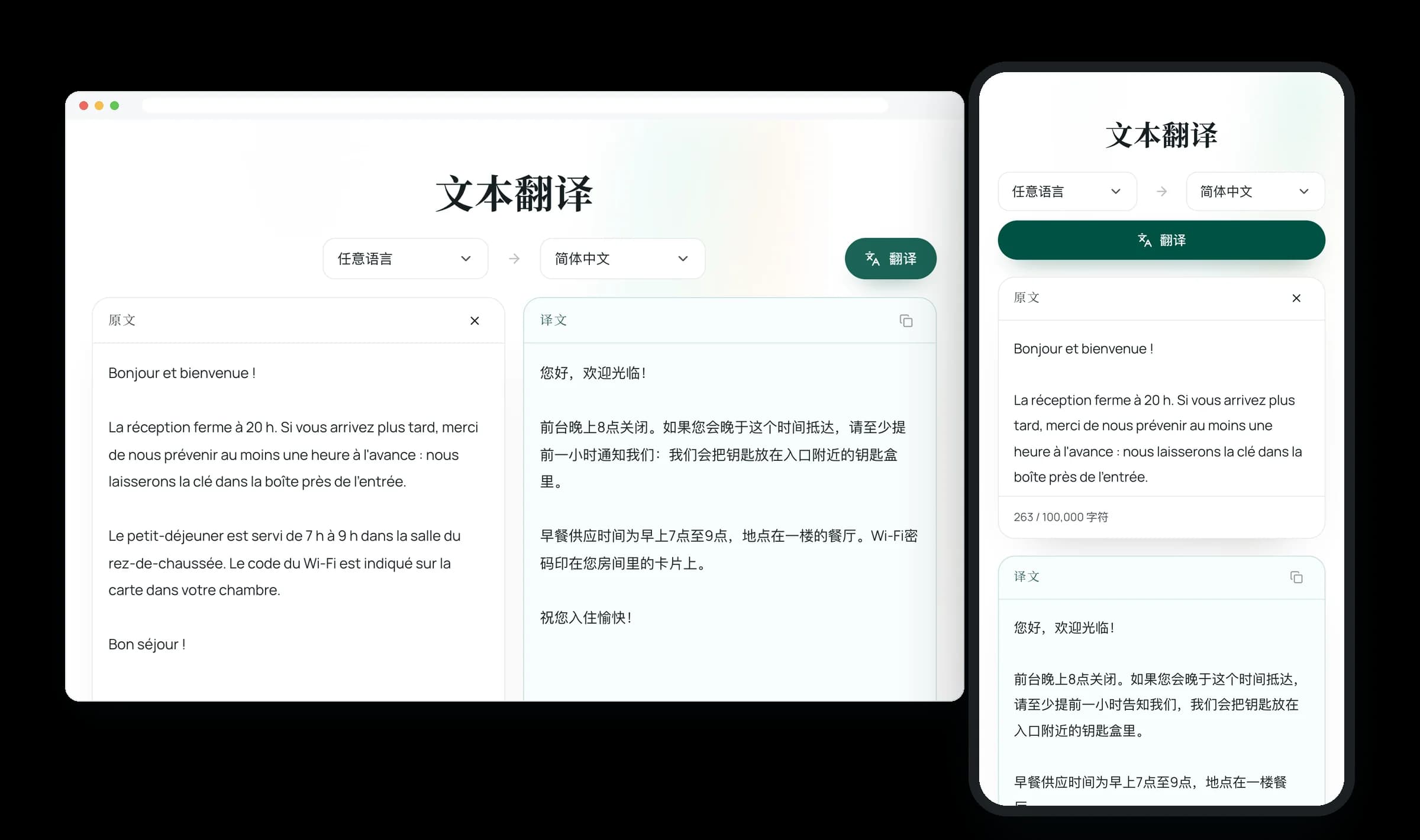
Side-by-side text translation for reading and replies
Paste or type text in your browser with automatic source language detection, translate up to 100,000 characters at a time, and swap languages to translate your reply.

Emails and message replies
Paste foreign emails or host notices to read key details, then swap the language direction to translate your reply before sending.

Articles and long passages
Paste multi-paragraph articles, product specs, or excerpts up to 100,000 characters and compare original and translation side by side.

Drafting in another language
Write a draft in your native language, translate it into the target language, and copy the result into your chat, form, or document.
Translate text in three steps
Paste text and pick languages
Paste or type up to 100,000 characters into the input box; leave the source on "Any language" or pick a specific language, then choose your target language.
Translate and copy result
Click Translate (signing in if prompted) to view the translated passage next to your original text and copy it with one click.
Swap direction to translate replies
Once both source and target languages are explicitly selected, click the swap button to reverse direction and translate your own reply.
What is the character limit and which languages are supported?
You can paste or type up to 100,000 characters per translation. The source language can be set to "Any language" for automatic detection, and translation currently covers 152 languages including Chinese, English, Japanese, Korean, Spanish, French, German, Arabic, Vietnamese, Thai, Indonesian, Turkish, Dutch, and Swedish.
How long is submitted text kept, and is it used to train AI models?
Submitted text and translations are kept for 14 days and then can no longer be accessed, and you can request deletion of your submitted content and account data at any time. Equalang does not sell personal data or use your submitted or translated text to train AI models.
How accurate is the translation, and when can I swap language direction?
Text translation reliably handles everyday messages, travel bookings, and workplace communication while keeping key times, numbers, and details clear. Automatic detection may still misidentify very short fragments or dialects, and machine translation should be reviewed before sending formal, legal, medical, or financial text; to use the swap-direction button, select specific source and target languages rather than "Any language".
What devices are supported, and do I need to sign in first?
You can open the page directly in a browser on a laptop, desktop, tablet, or phone with no software installation needed. The input box is visible before signing in, and clicking "Translate" prompts you to sign in; to select and translate text directly on web pages, you can also use the Equalang browser extension with the same account balance.
How is text translation billed, and can I try it out first?
New accounts receive 200 credits to try it out, and purchased credits never expire and are shared across the website and extensions (the smallest pack is $10 for 10,000 credits). Text translation is billed by length at 10 credits per 1,000 tokens, where 1,000 tokens is roughly 750 English words or 1,000 Chinese, Japanese, Korean, Thai, or Hindi characters.
Paste your text in the browser to read and reply across languages
Sign up to get 200 credits to try it out.